 FREE
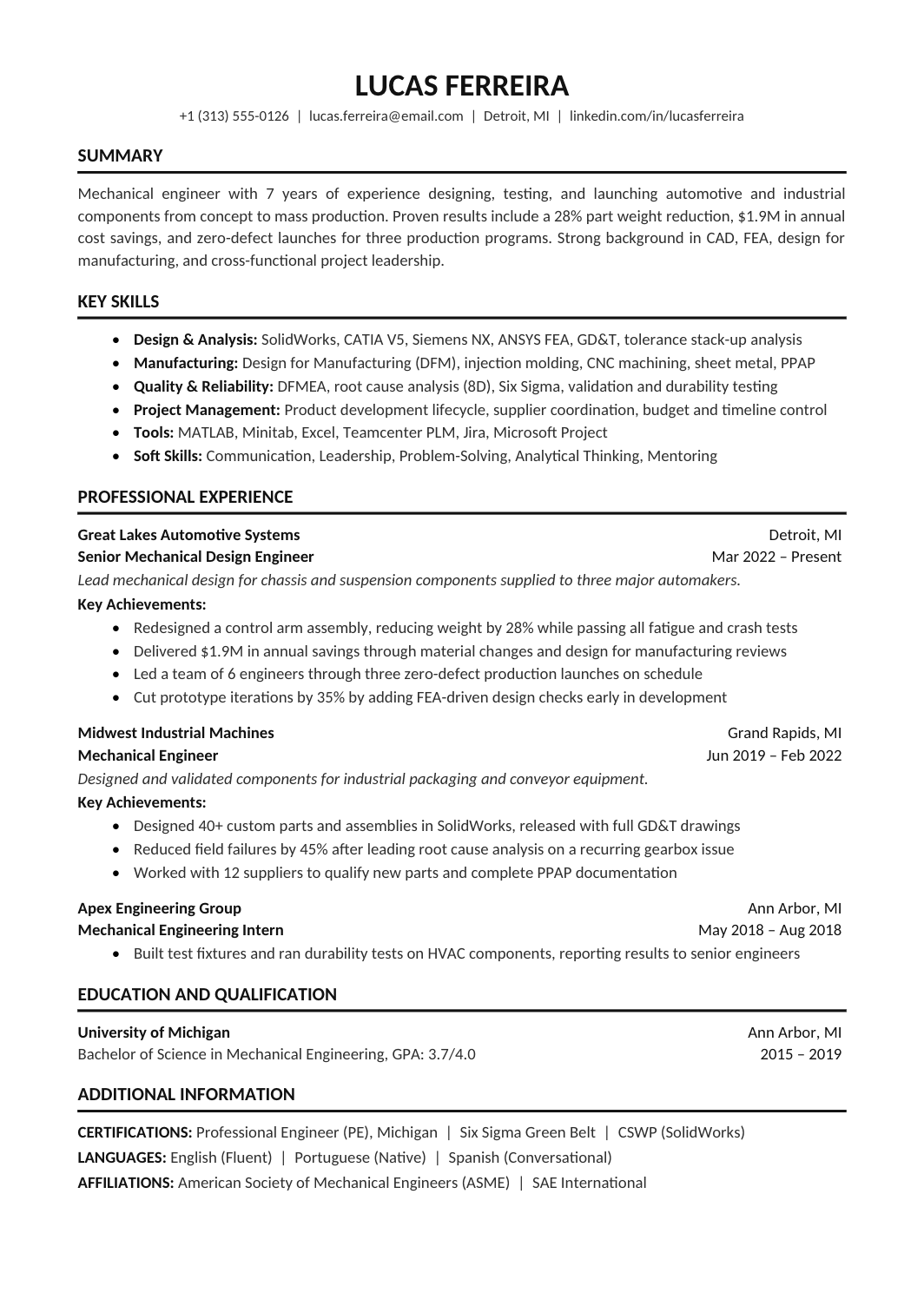
FREEClassic Resume
A one-column Calibri resume with bold ruled headings, a grouped skills block and room for detailed experience bullets and credentials.

 FREE
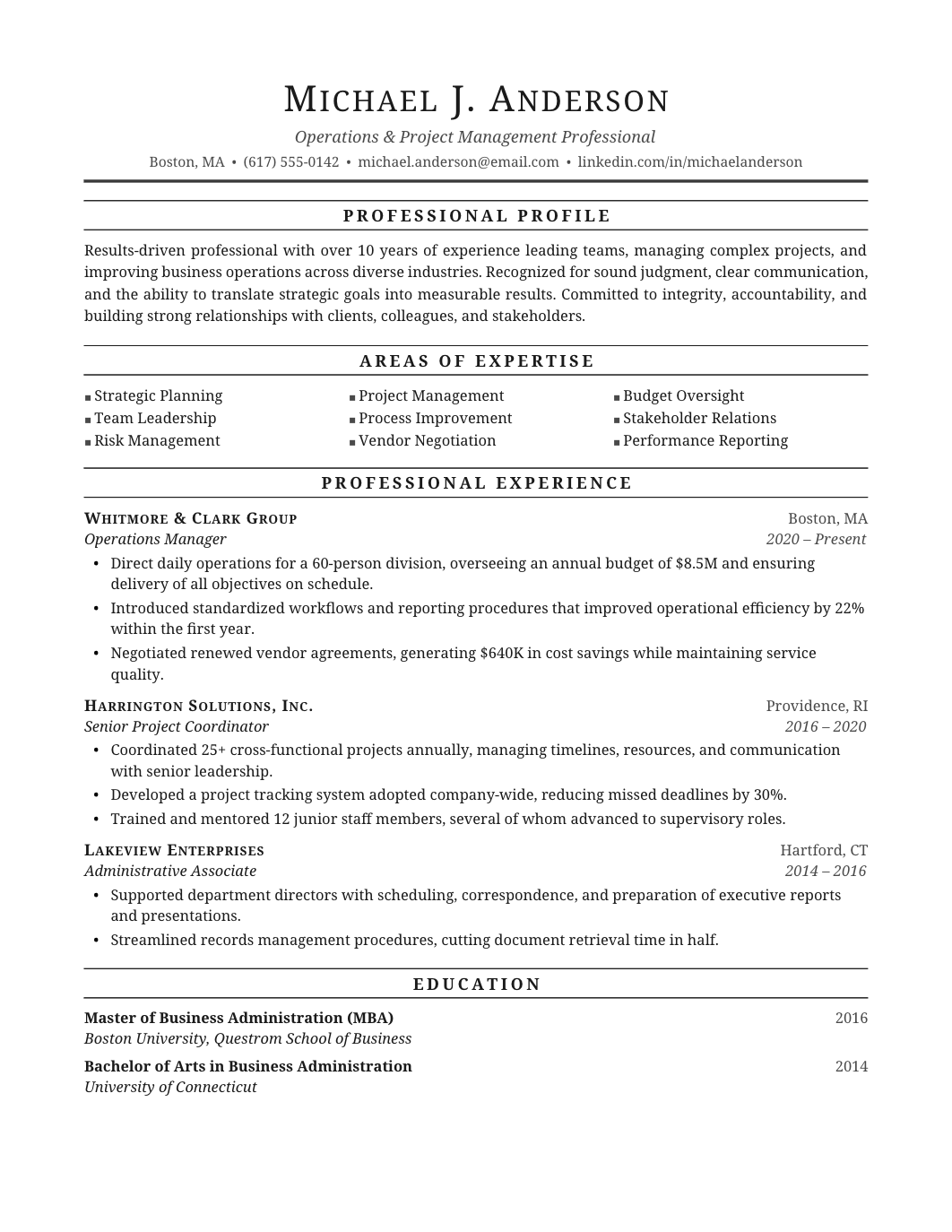
FREEA traditional single-column format with understated type and a clear chronological structure, for applicants who want a resume that looks like it has always looked.
The sample is an operations and project management professional. Replace it with your own experience.
No accent color, modest headings, clean chronology. The Classic Resume is the bolder sibling; the Professional Chronological Resume stretches the same structure over two pages, and the Professional Serif Resume swaps to Georgia. It's also one of the ATS resume templates.
HR, administration and public-sector roles; the HR Manager Resume and Executive Assistant Resume are examples. More under professional resume templates.
FREEA one-column Calibri resume with bold ruled headings, a grouped skills block and room for detailed experience bullets and credentials.
 FREE
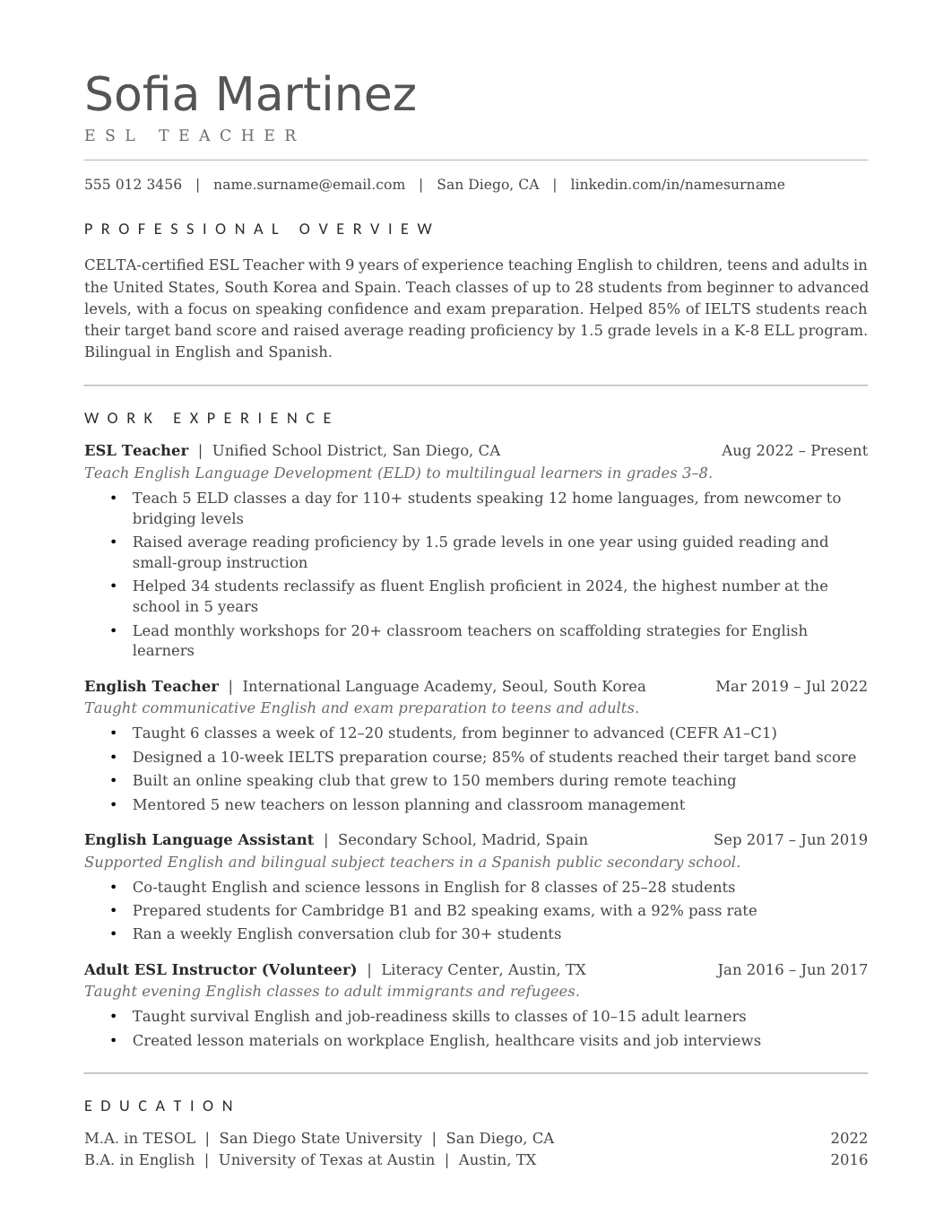
FREEA two-page layout that gives each role room: title, employer, dates and four or five bullets, in strict reverse-chronological order.
 FREE
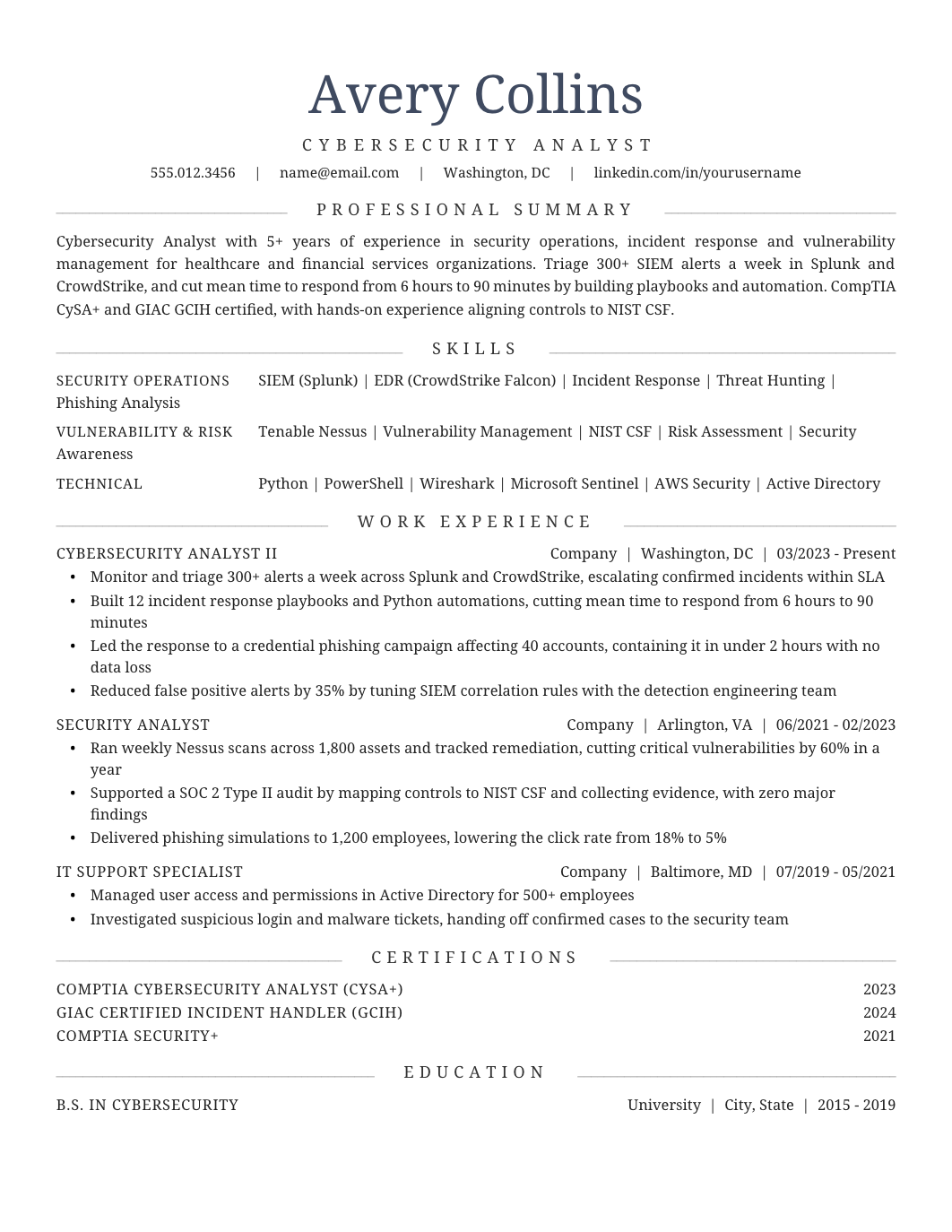
FREEA one-page Georgia layout with centered headings, thin rules and the standard professional sections, for formal fields.
 FREE
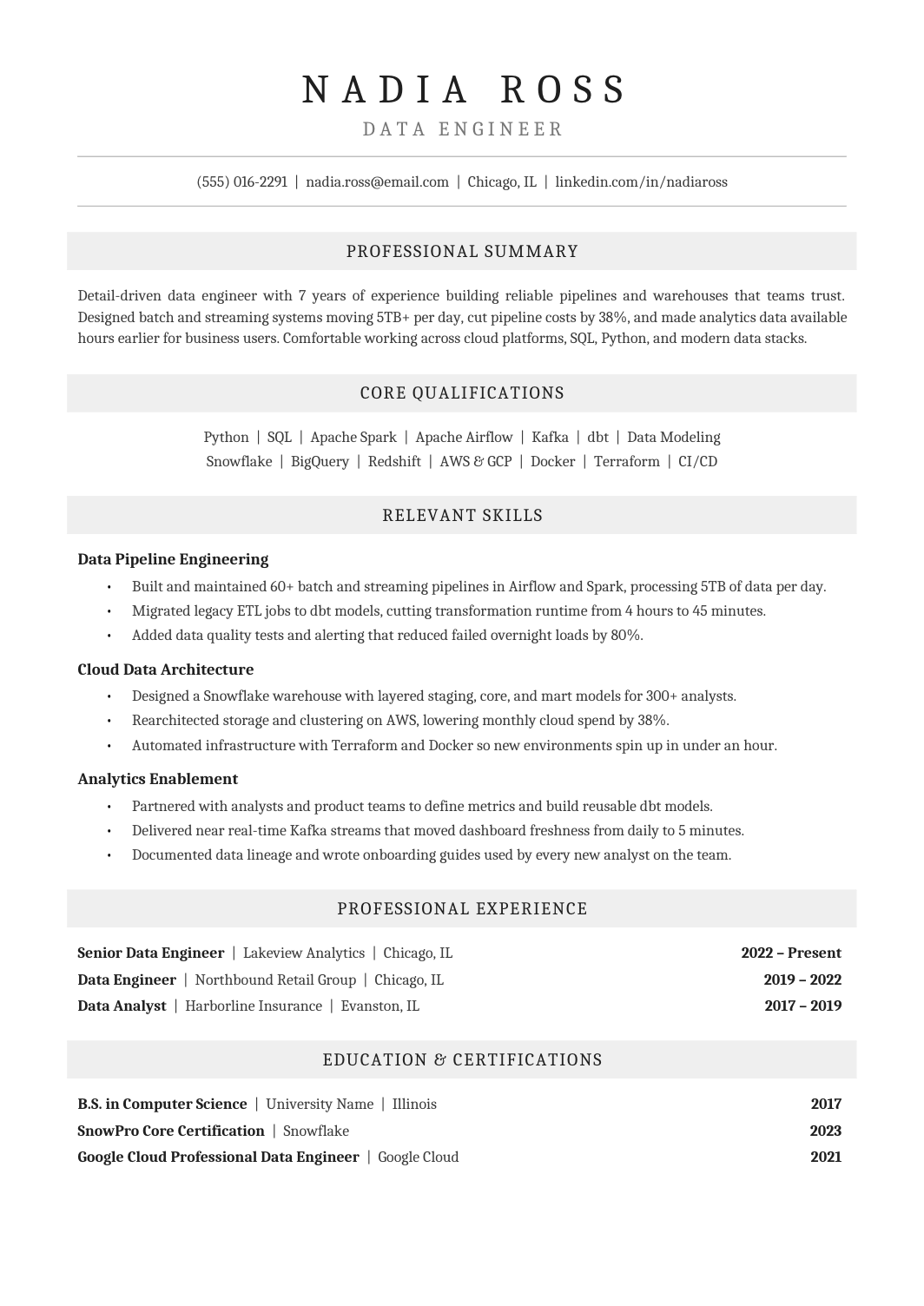
FREEA Cambria one-column resume with centered headings on pale gray bands, grouped skills and a tidy employment record, for conservative industries.