 FREE
FREEMinimalist ATS Resume
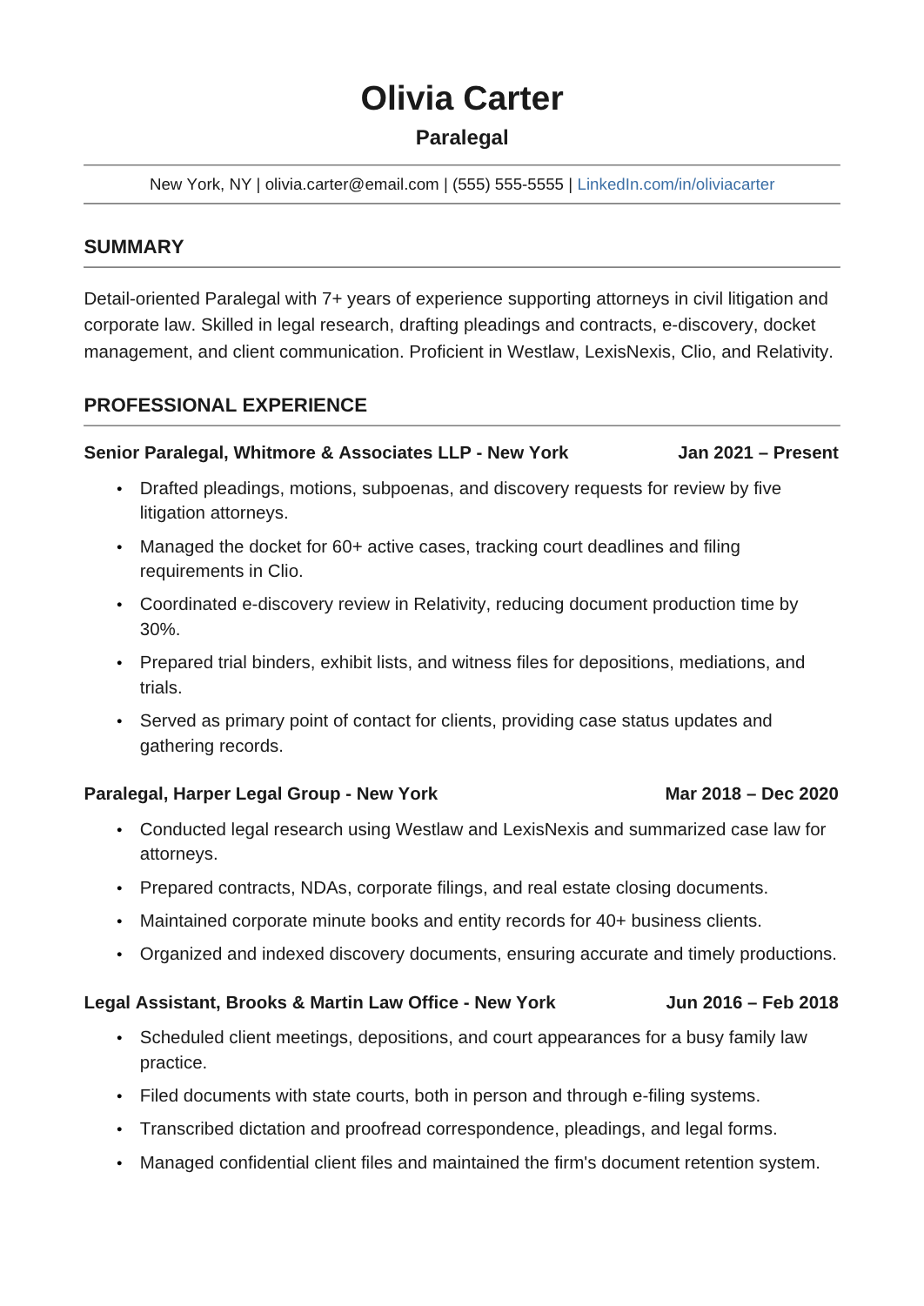
A plain two-page layout in Arial with one column, standard headings and thin rules.

Pick a resume template, open it in Google Docs or download the Word file, and replace the sample text with your own experience. Every layout here is free, editable, and available in both formats. Filter by style, layout, career stage, or job to find the one that fits the application in front of you.
FREEA plain two-page layout in Arial with one column, standard headings and thin rules.
 FREE
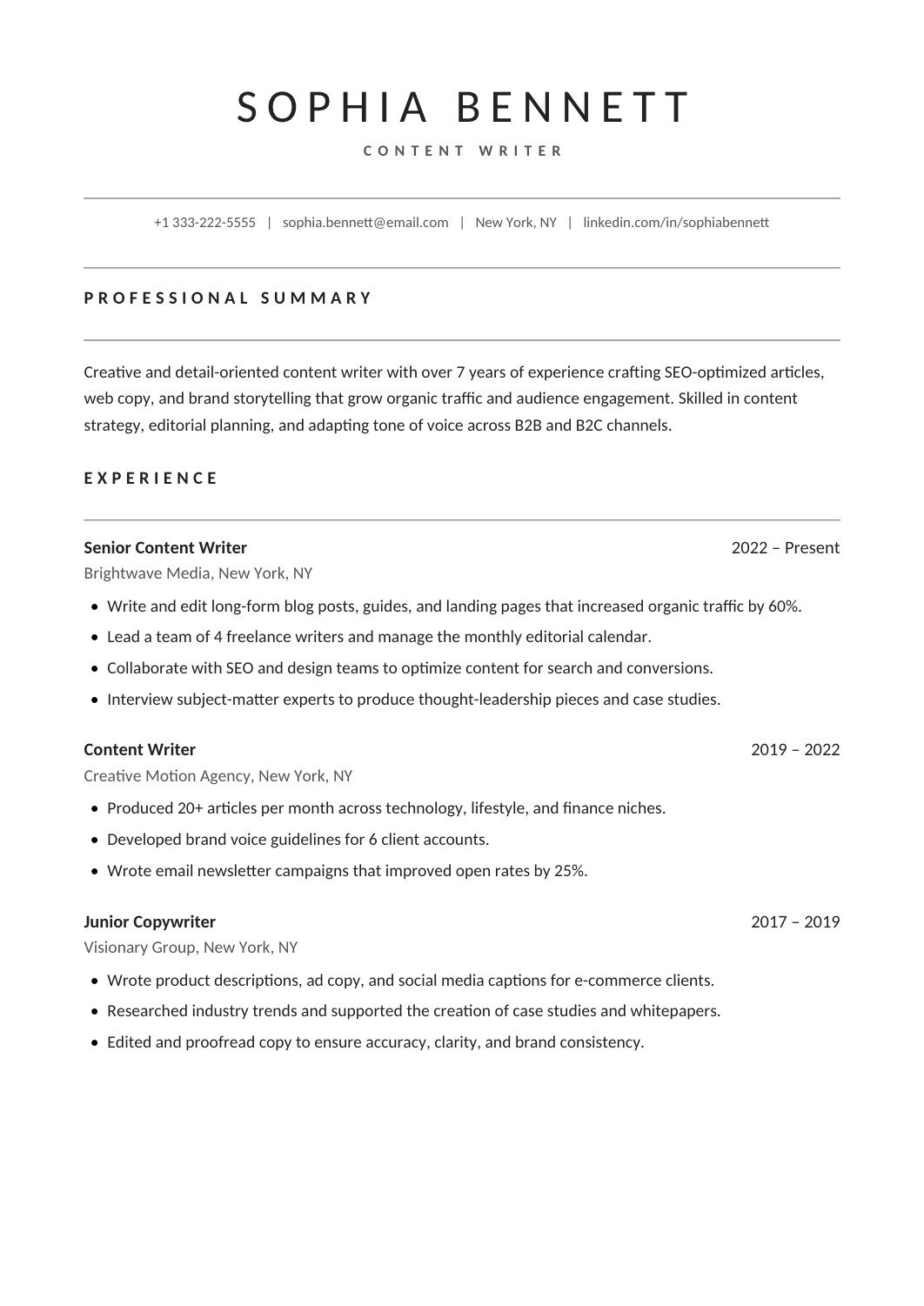
FREEA clean two-page Calibri layout with a centered header and ruled headings, with room for experience, skills, awards and publications.
 FREE
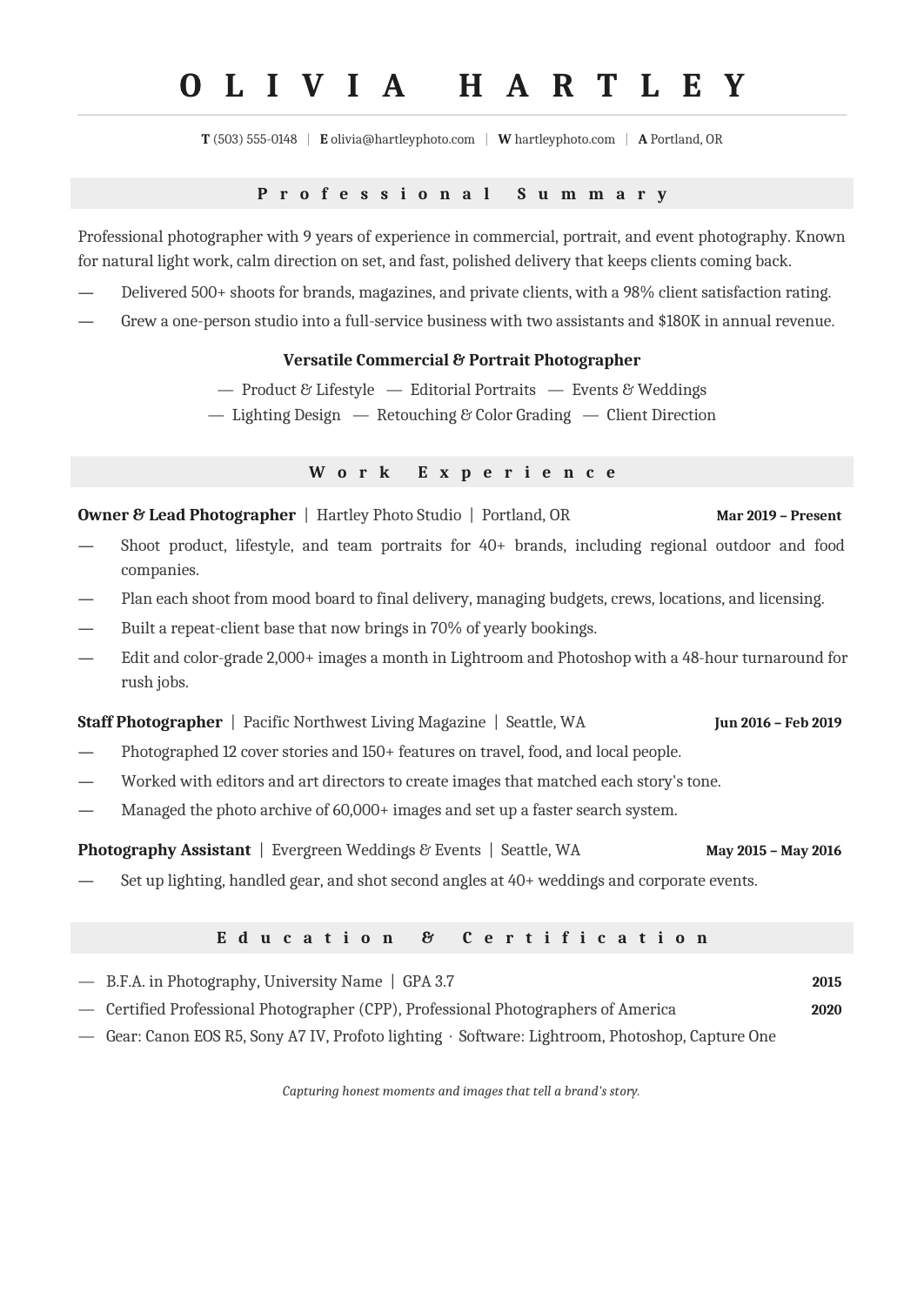
FREEA Cambria one-column resume with centered headings, pale gray section bands and a compact credentials block.
 FREE
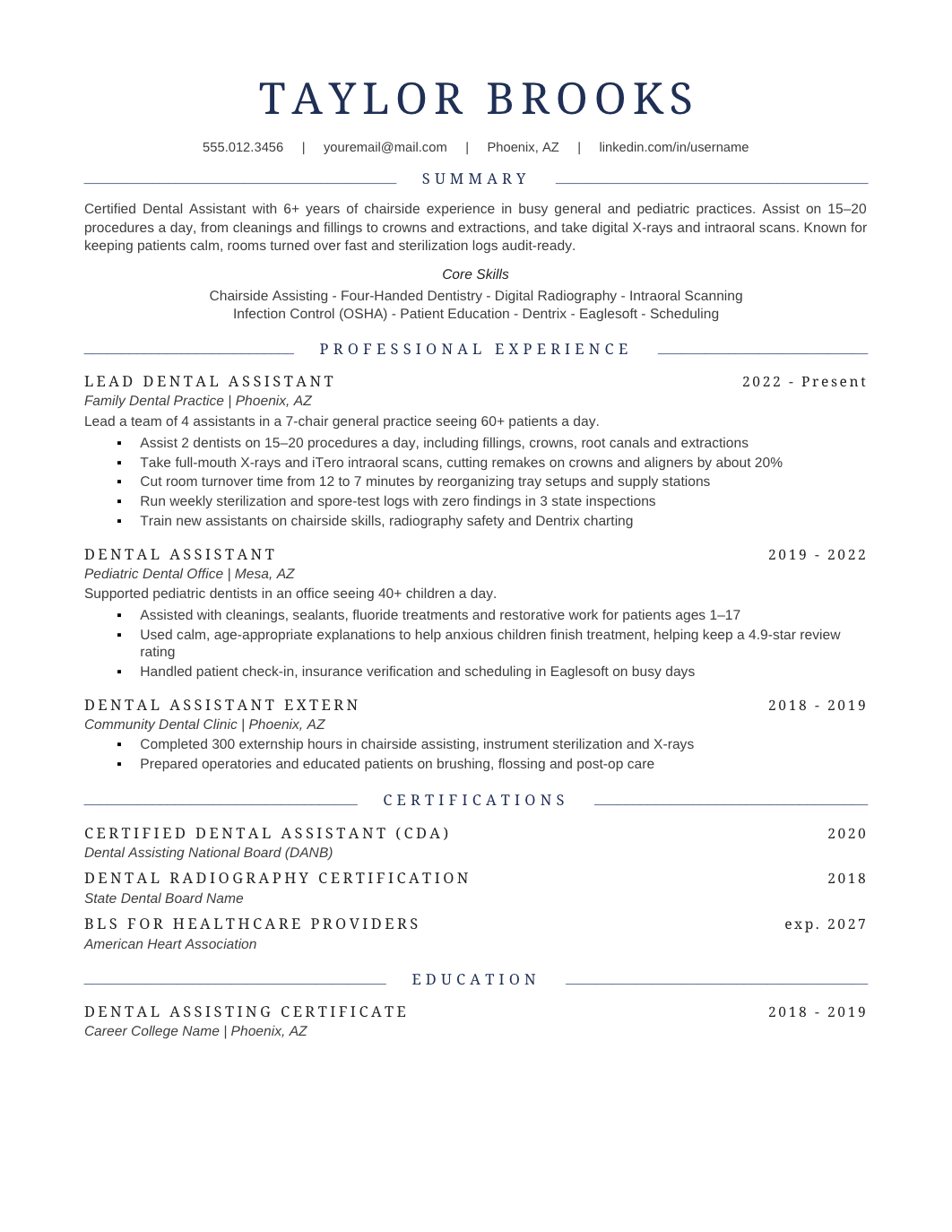
FREEA one-page US Letter layout with navy accents, Georgia headings and Arial body, for a professional resume with a little color.
 FREE
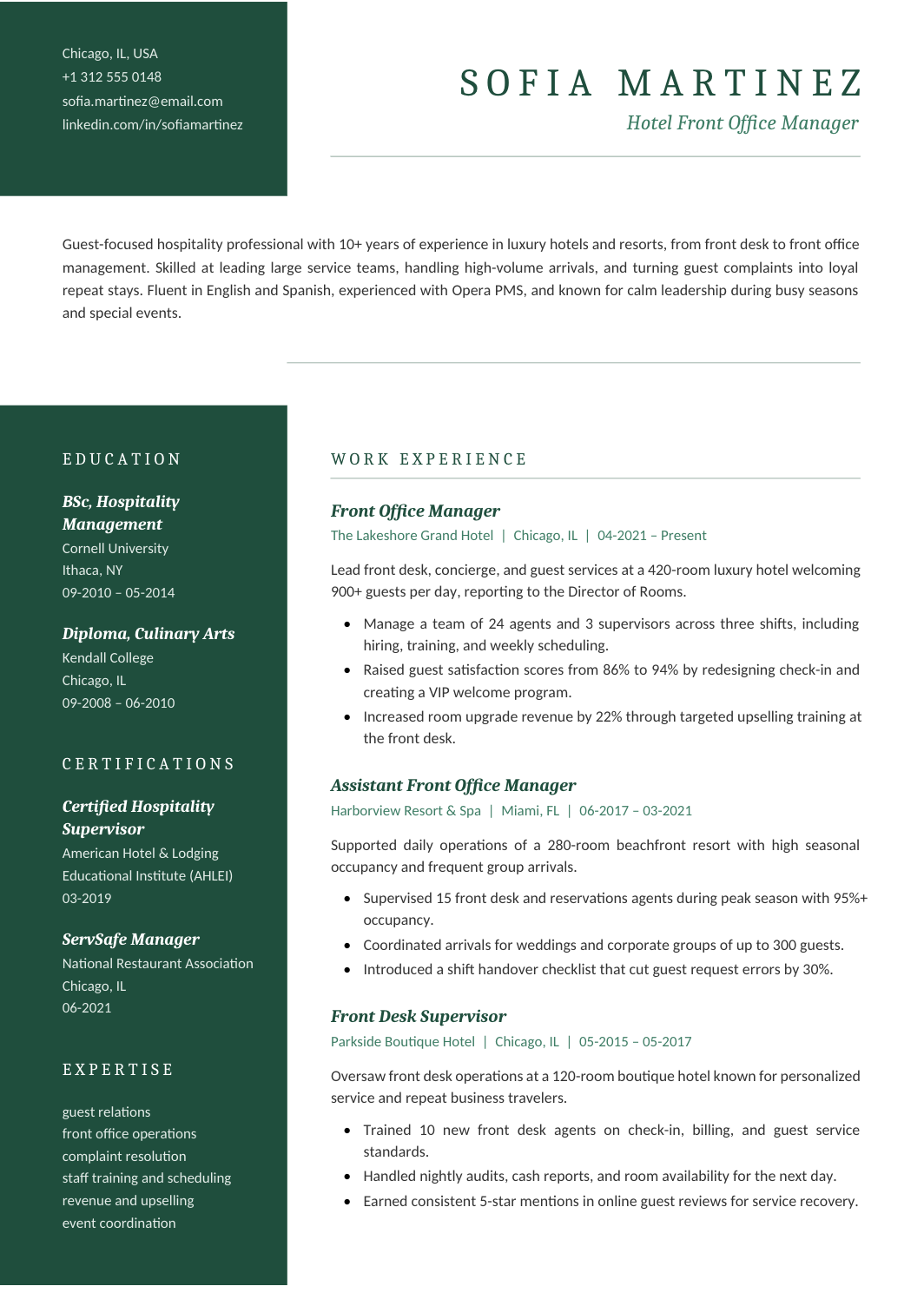
FREEA two-page A4 resume with a green sidebar, Cambria headings and Calibri body, for applicants who want color inside a professional structure.
 FREE
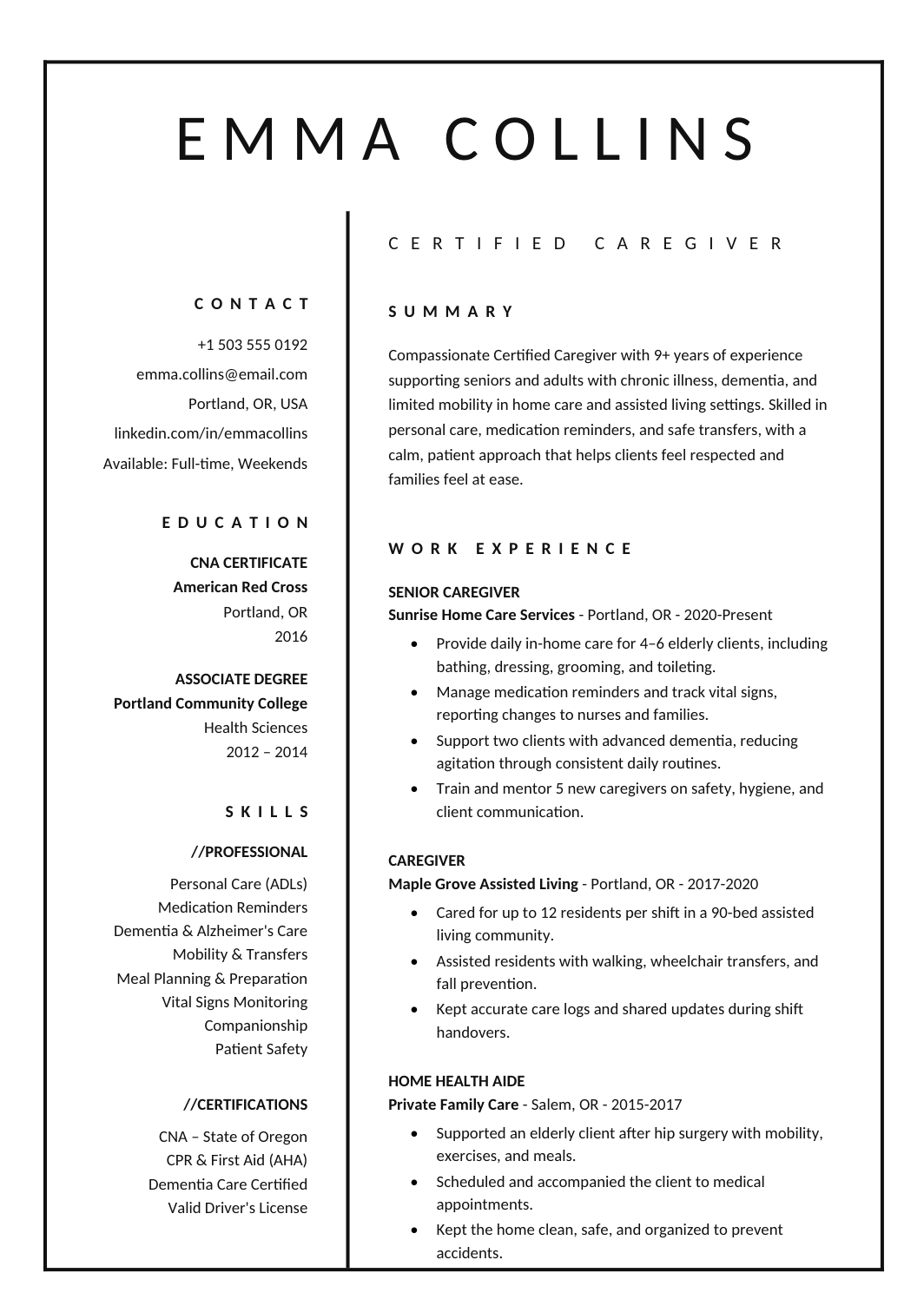
FREEA one-page A4 resume with a thin black border, two columns and Calibri throughout, for a minimalist look with a little more presence.
 FREE
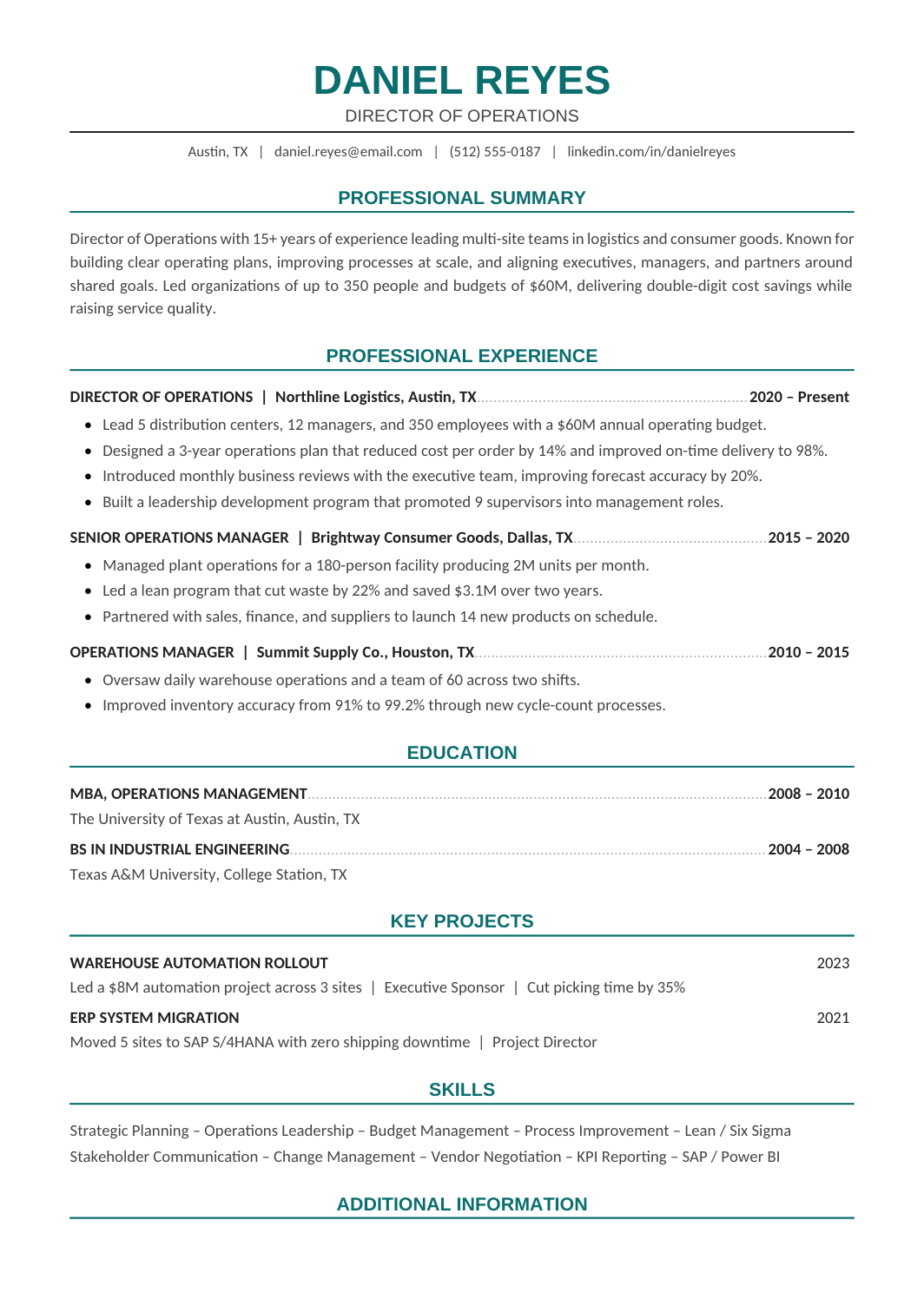
FREEA one-page A4 resume with teal headings and a one-column structure, written for leaders who need parser-safe formatting without looking like a junior applicant.
 FREE
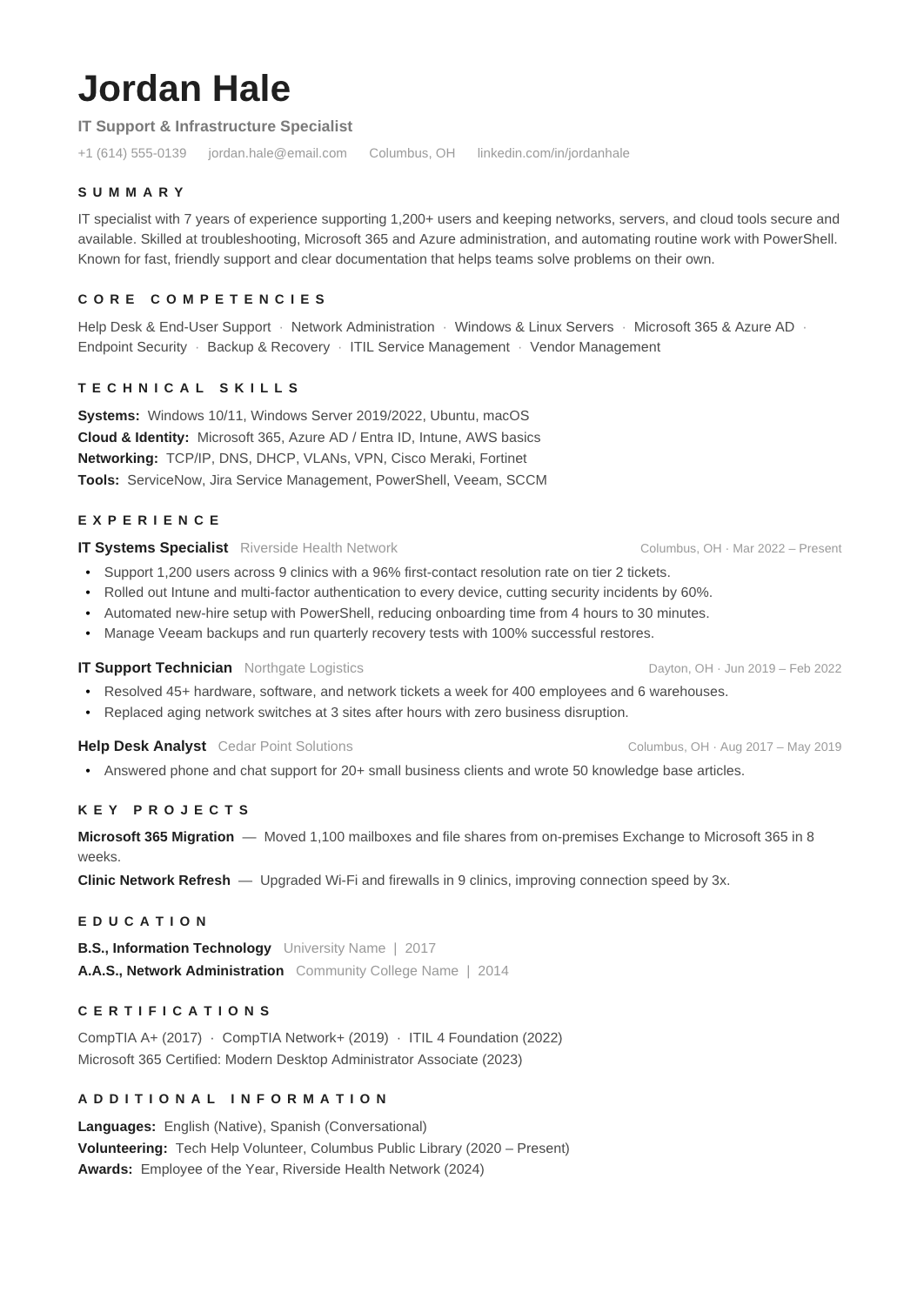
FREEA restrained one-page design with a compact competencies block, chronological experience, a short projects section and credentials, for mid-career applicants who want polish without design.
 FREE
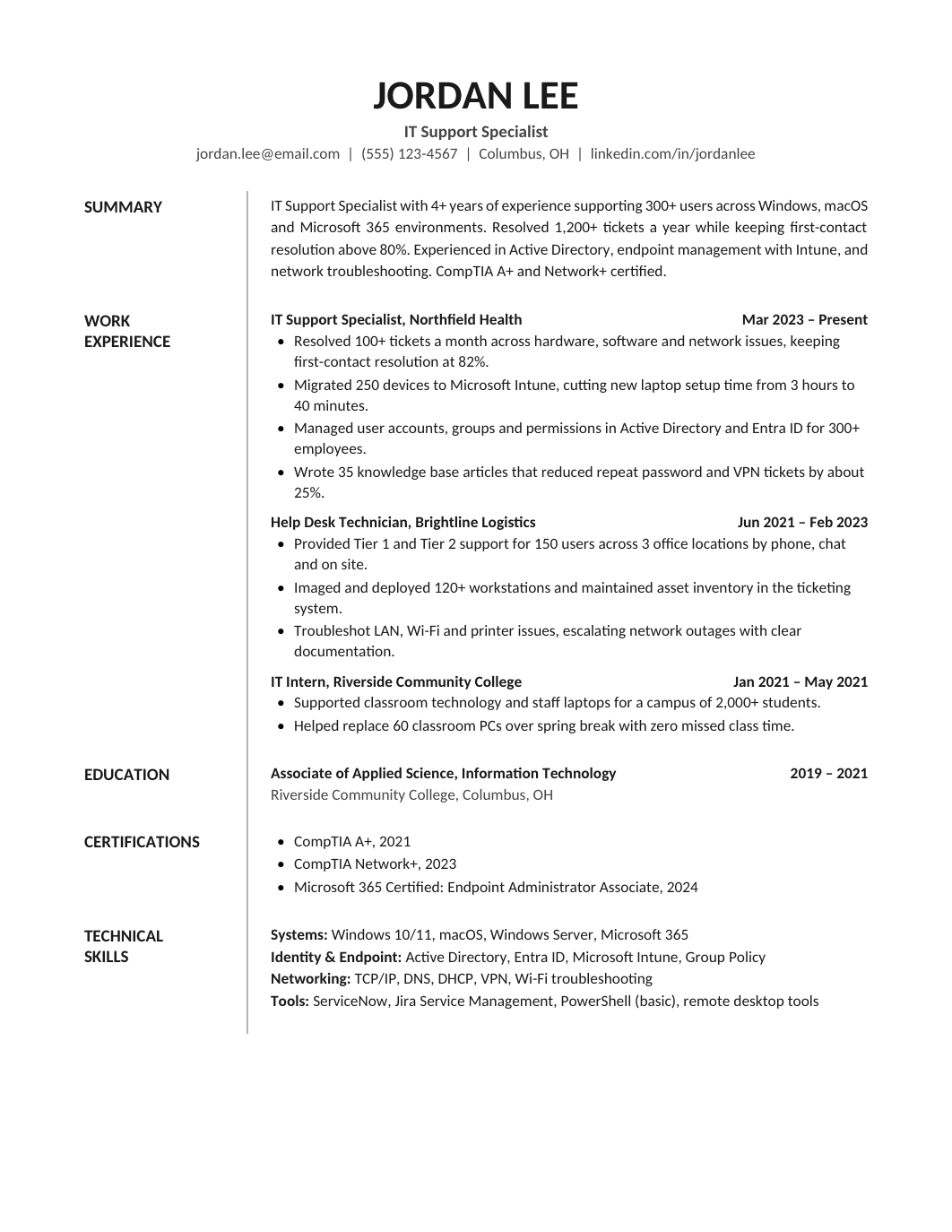
FREEA structured one-page layout where section names sit in a narrow rail on the left and all content runs in one wide column beside them.
 FREE
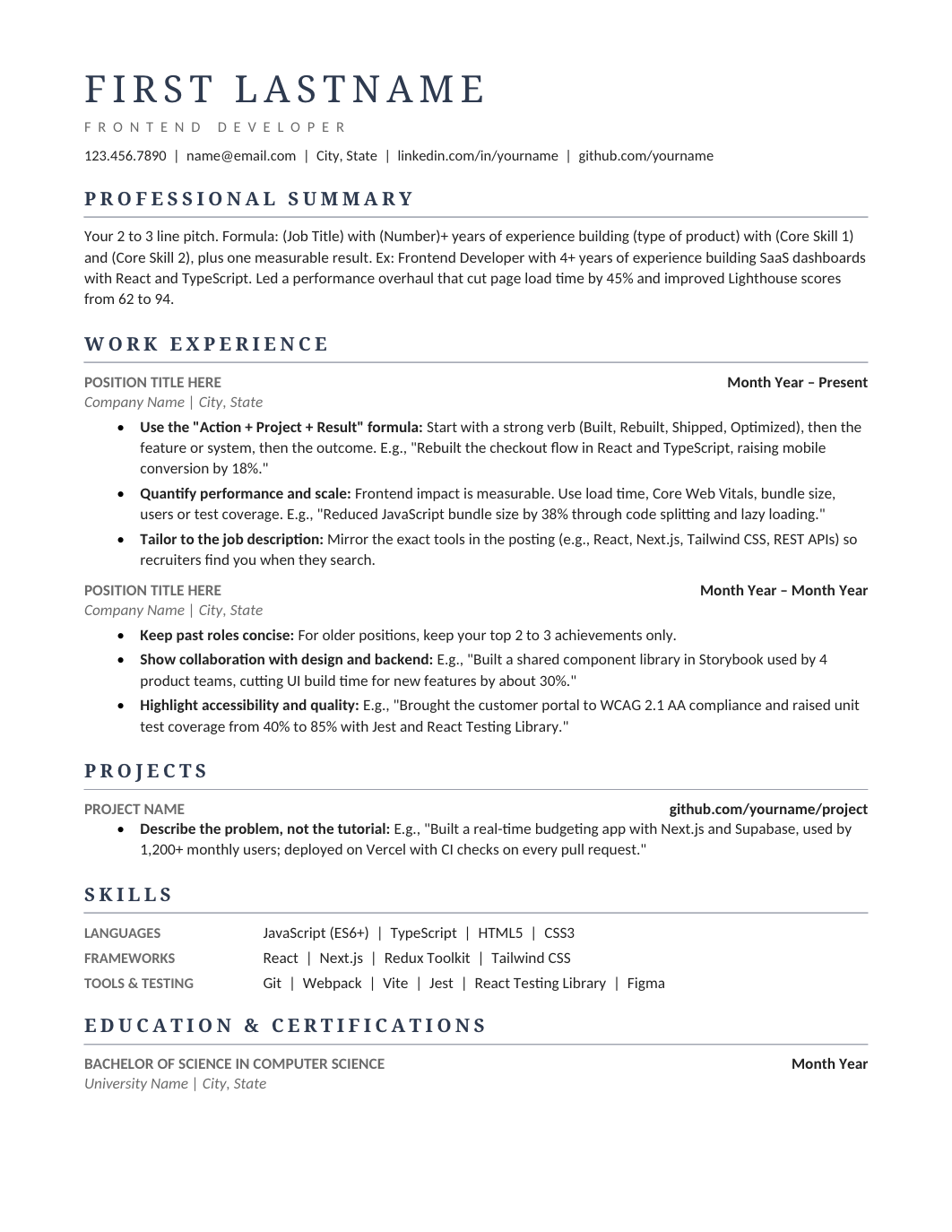
FREEA typography-led one-column design with navy serif headings, thin rules and clear hierarchy, sitting between the plain professional layouts and the modern ones.
 FREE
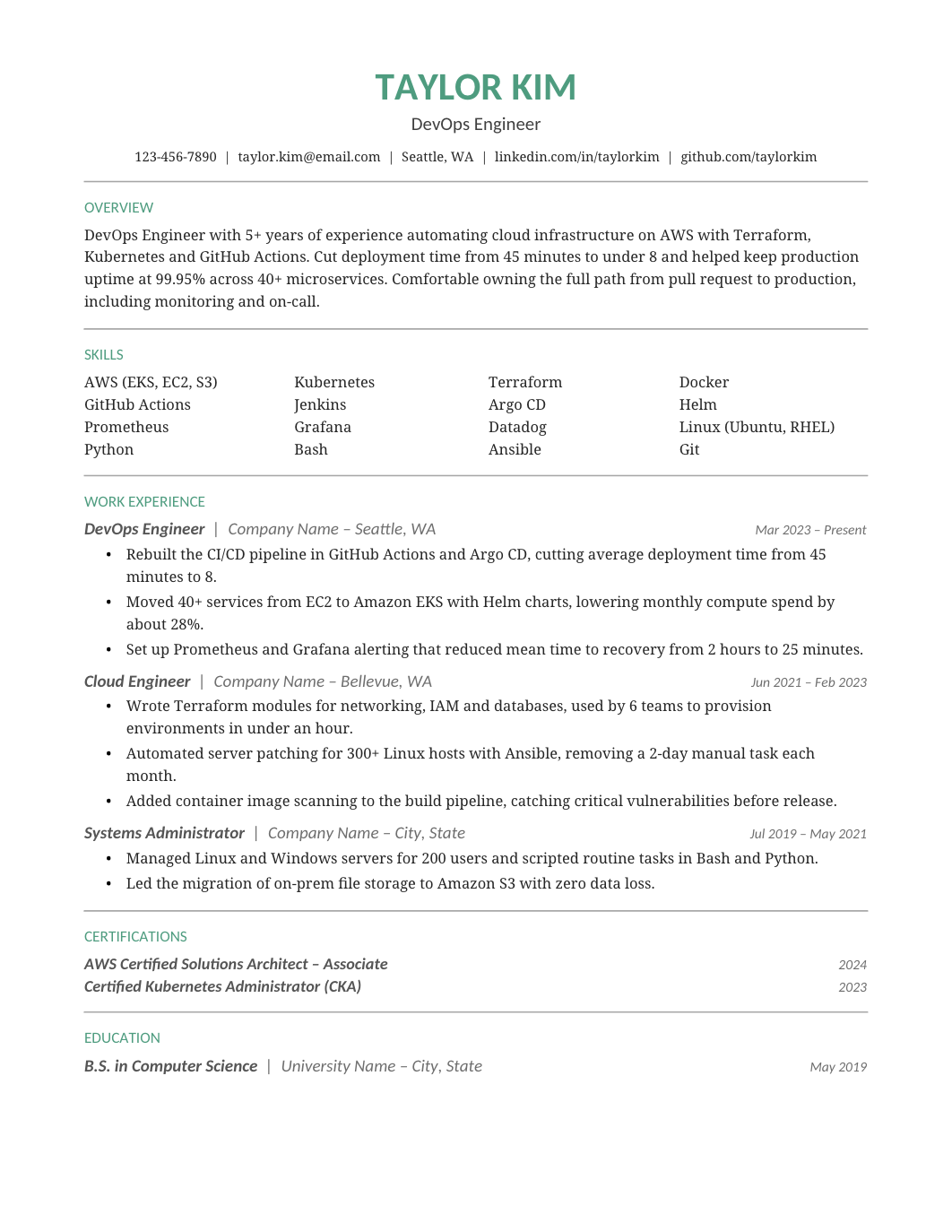
FREEA green-accented one-column design with a compact skills grid and a clear chronology, for professionals who want one touch of color.
 FREE
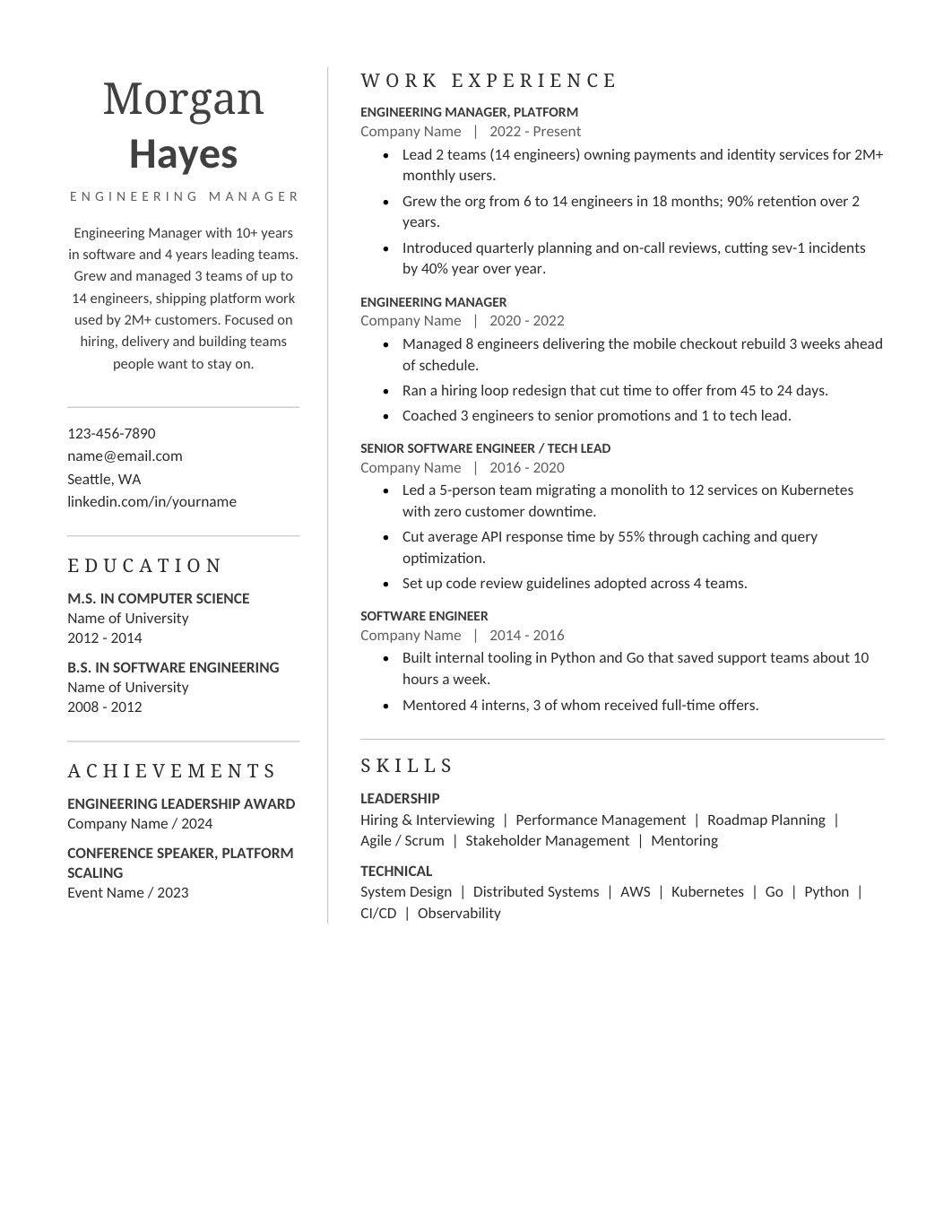
FREEA restrained sidebar layout: a narrow profile column for contact, expertise and credentials, and a broad experience column, in a corporate register.
 FREE
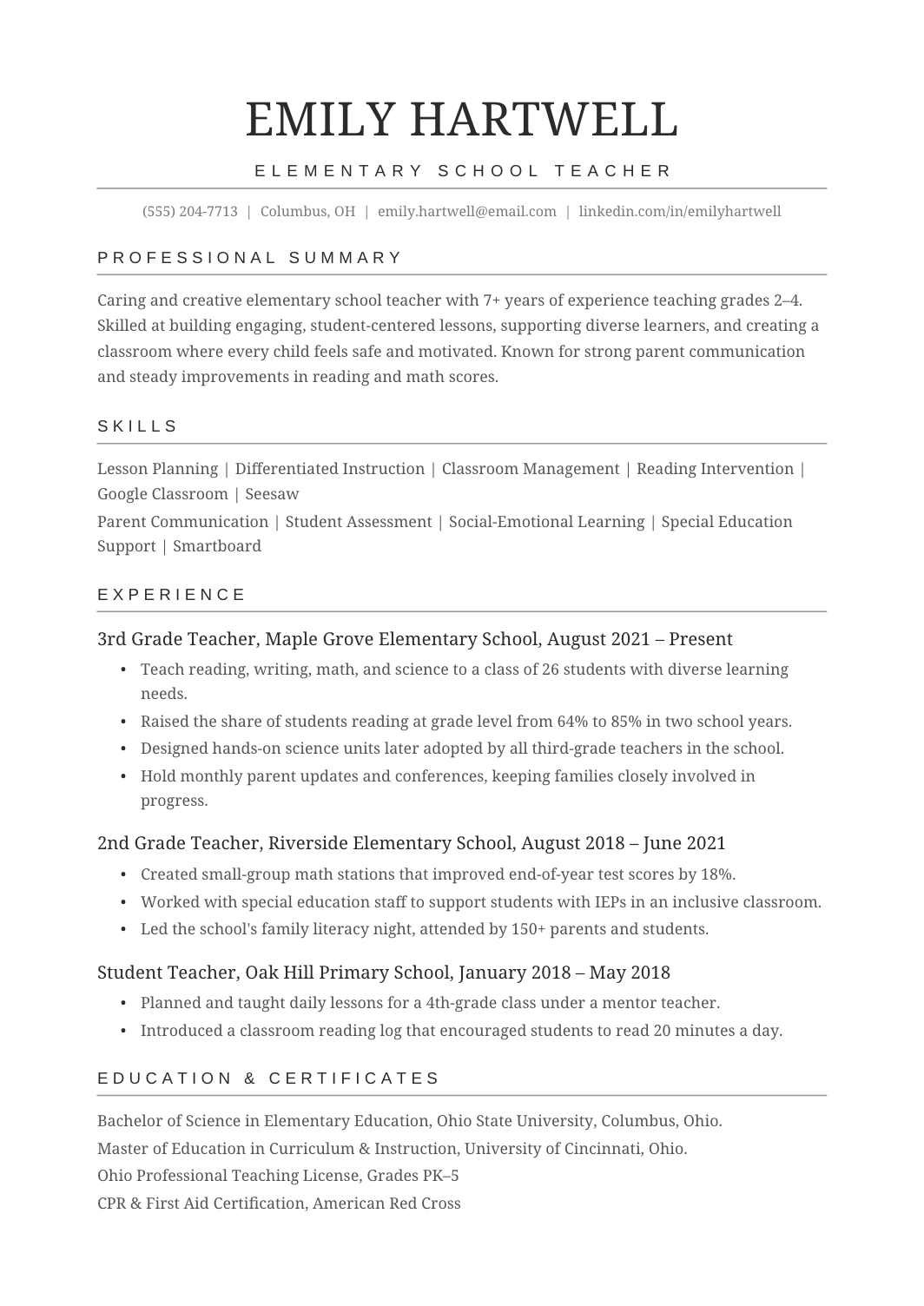
FREEA straightforward one-column resume with the five sections almost every application needs and no styling decisions to make.
 FREE
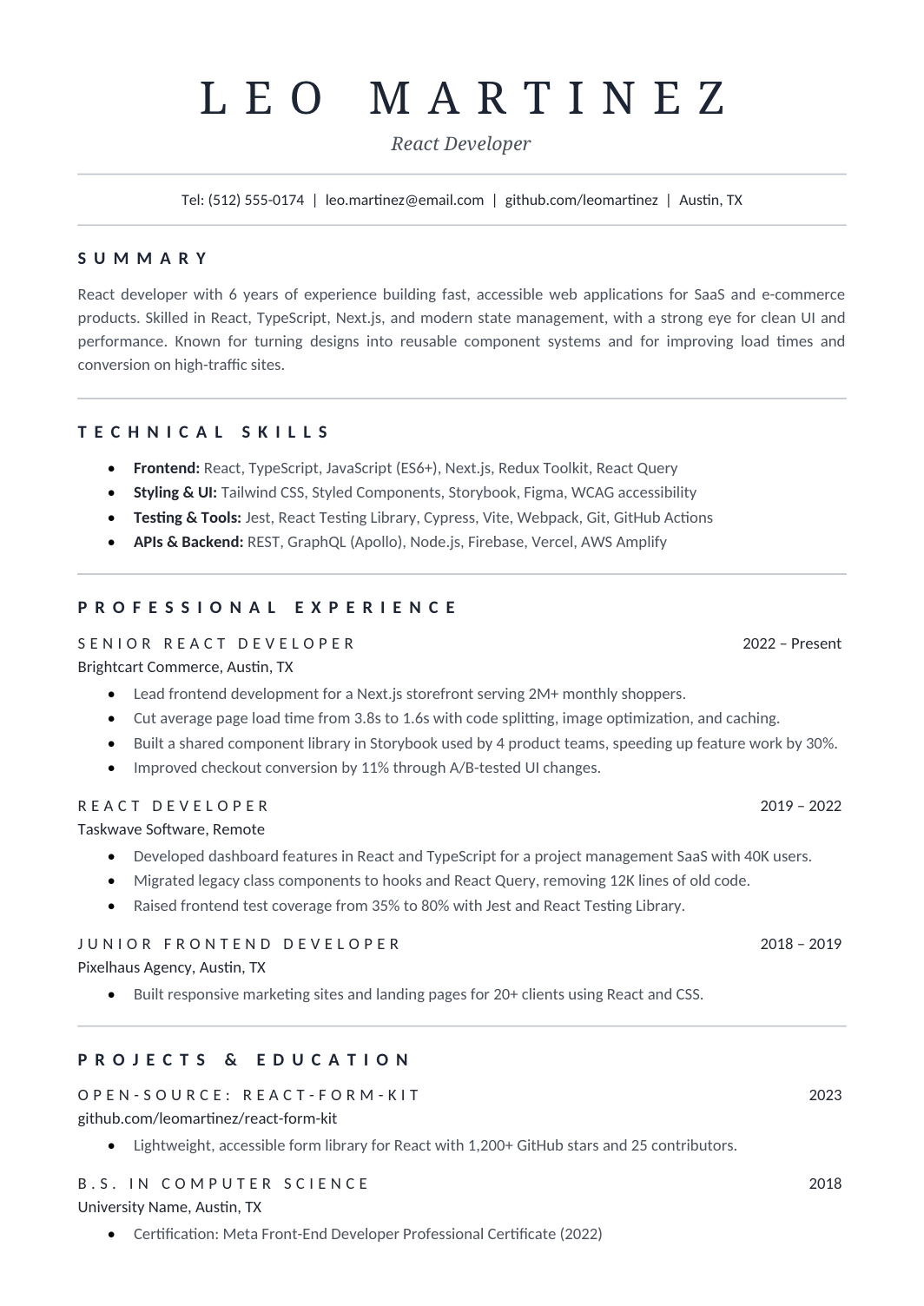
FREEA refined one-column resume with a large serif name, thin gray rules and letter-spaced headings, for applicants who want typographic elegance without color.
 FREE
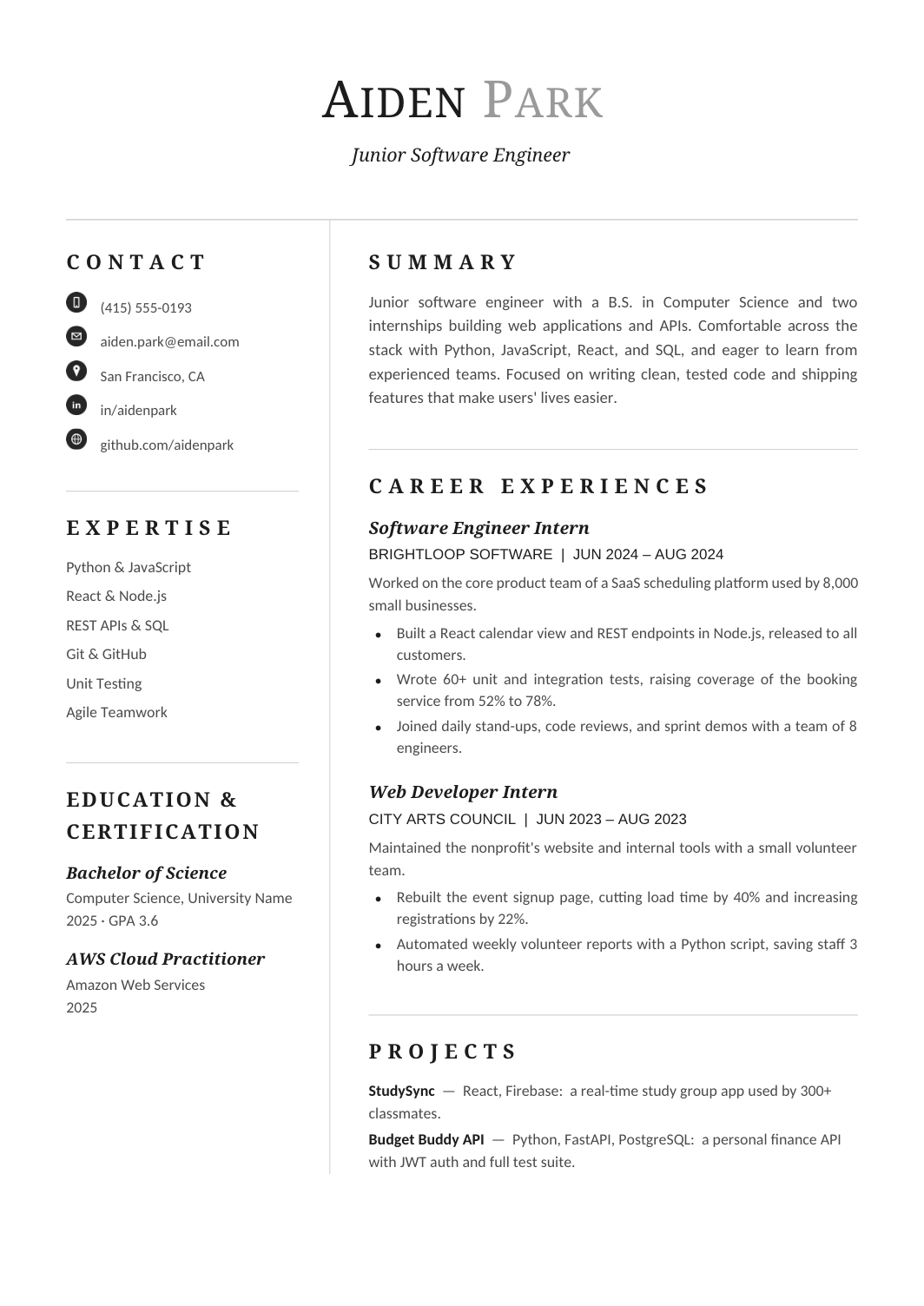
FREEA two-column resume for recent graduates, with education, skills and certifications in a sidebar and internships and projects filling the wider column.
 FREE
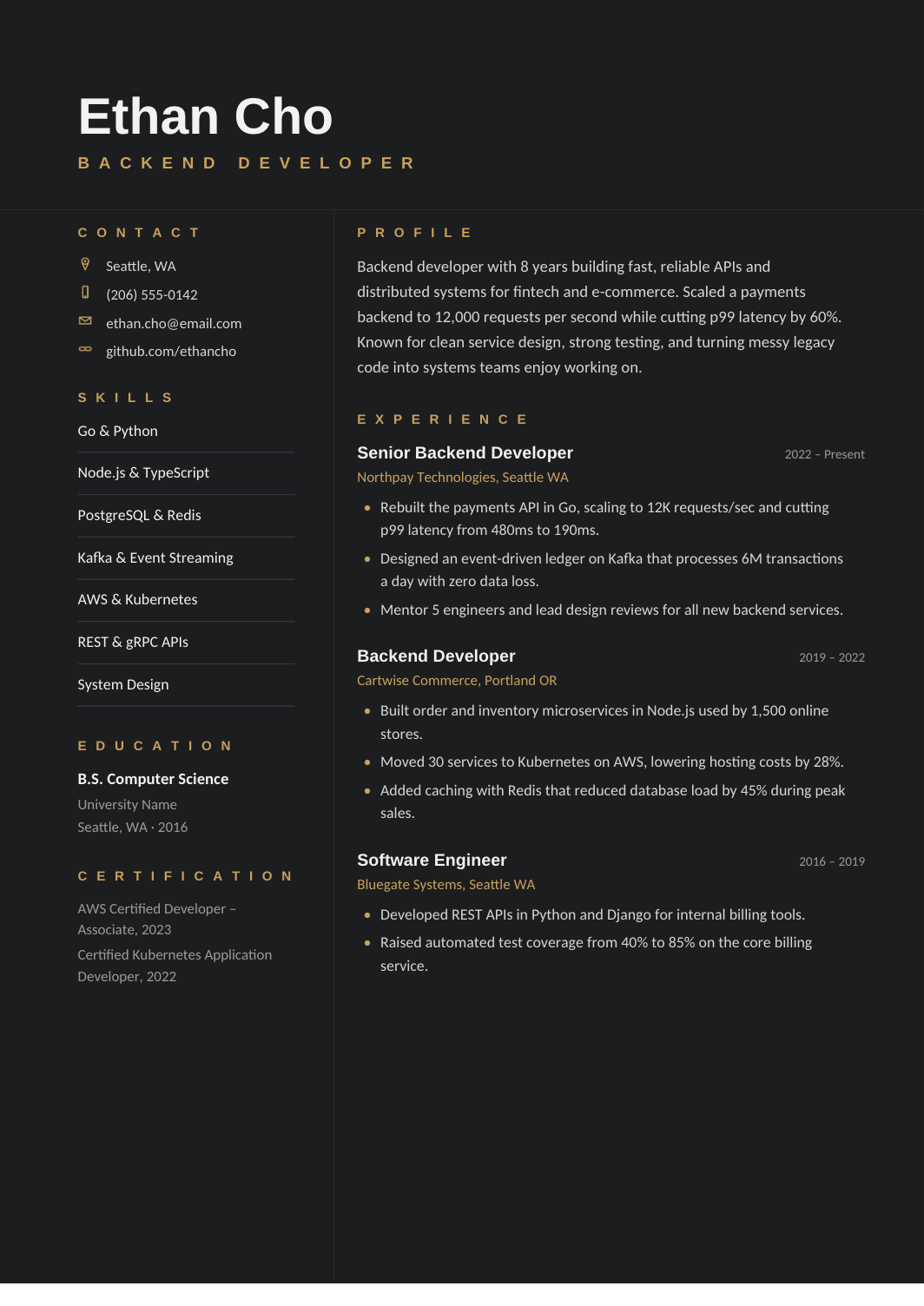
FREEA charcoal two-column resume with gold accents, a compact credentials sidebar and a wide experience area, for applications sent directly to people rather than portals.
 FREE
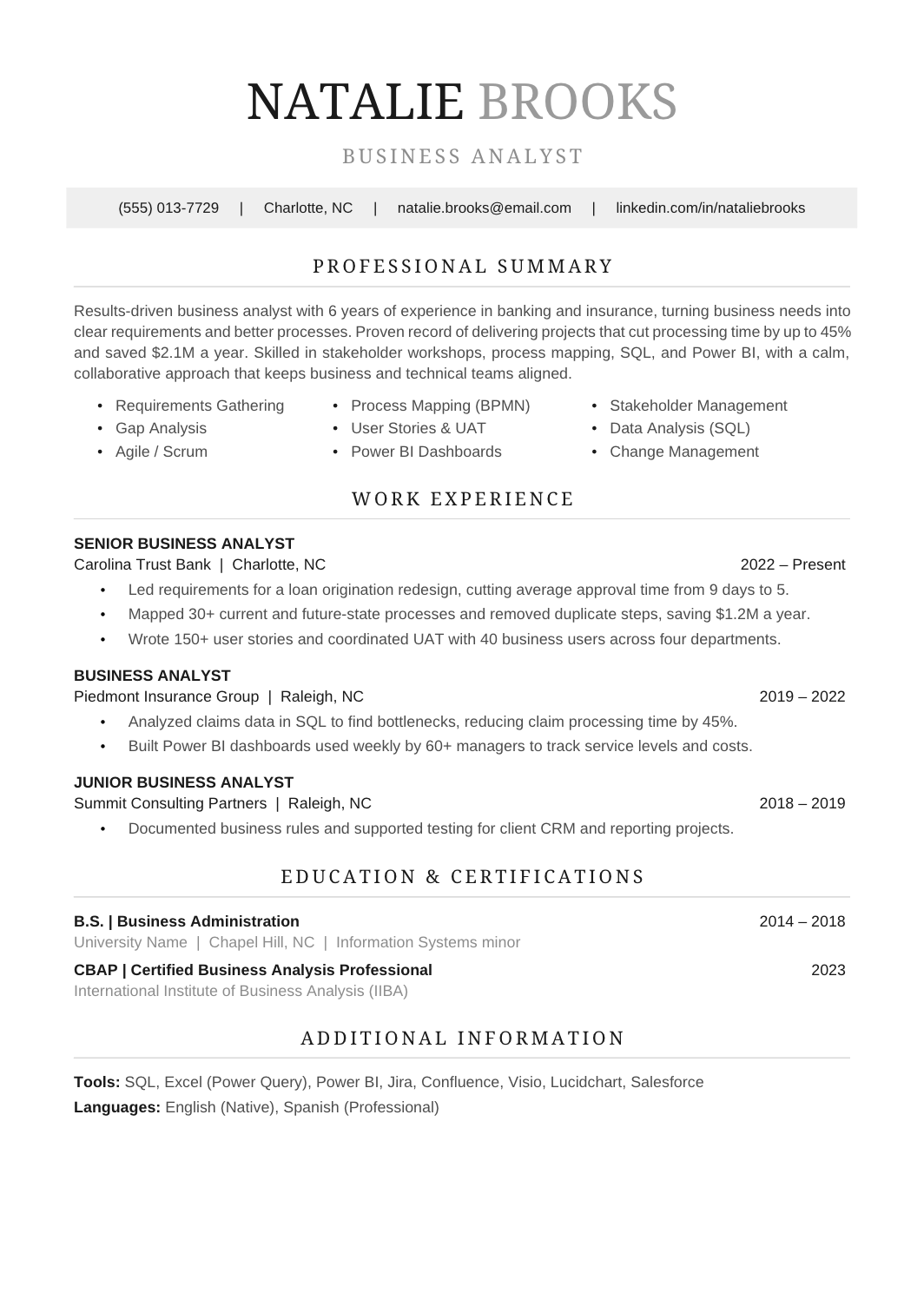
FREEA polished one-column format with a two-tone name, a gray contact band, centered serif headings and grouped skills above a chronological history.
 FREE
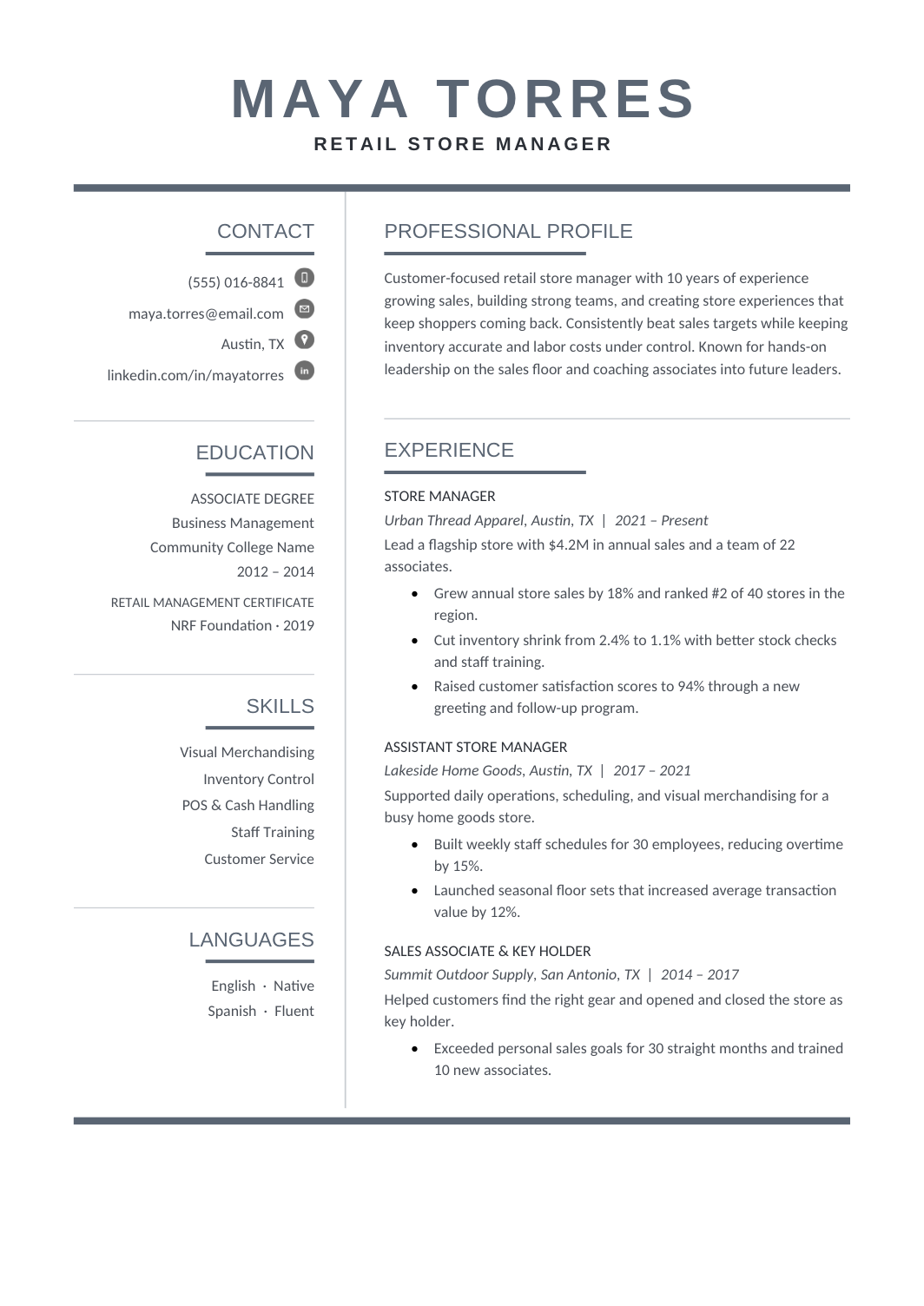
FREEA slate-gray two-column layout with a compact sidebar and a wide chronological column, for a modern look that stays muted.
 FREE
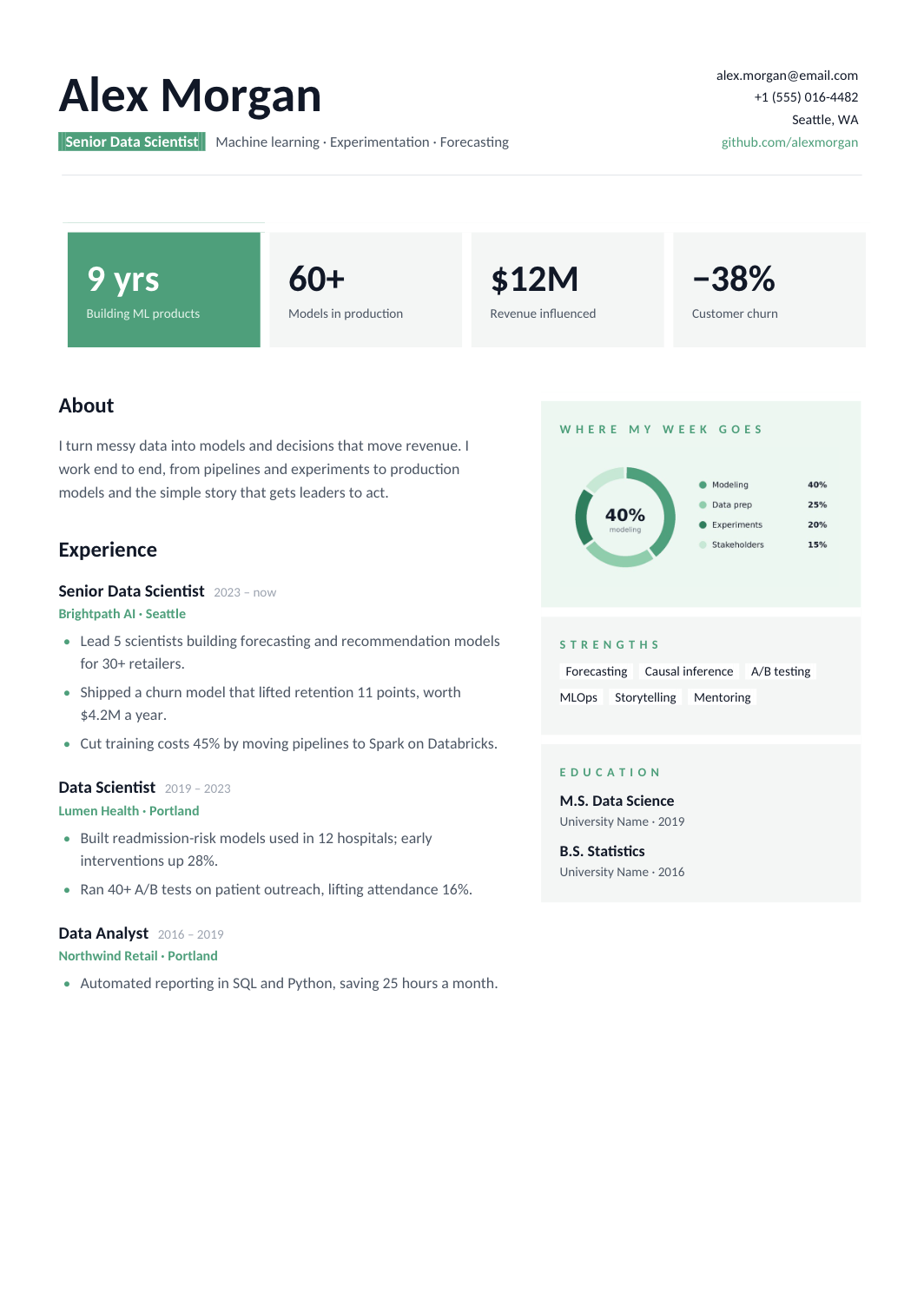
FREEA visual two-page format with KPI cards, a labelled chart and a separate column for strengths and education, built entirely with native shapes and tables.
 FREE
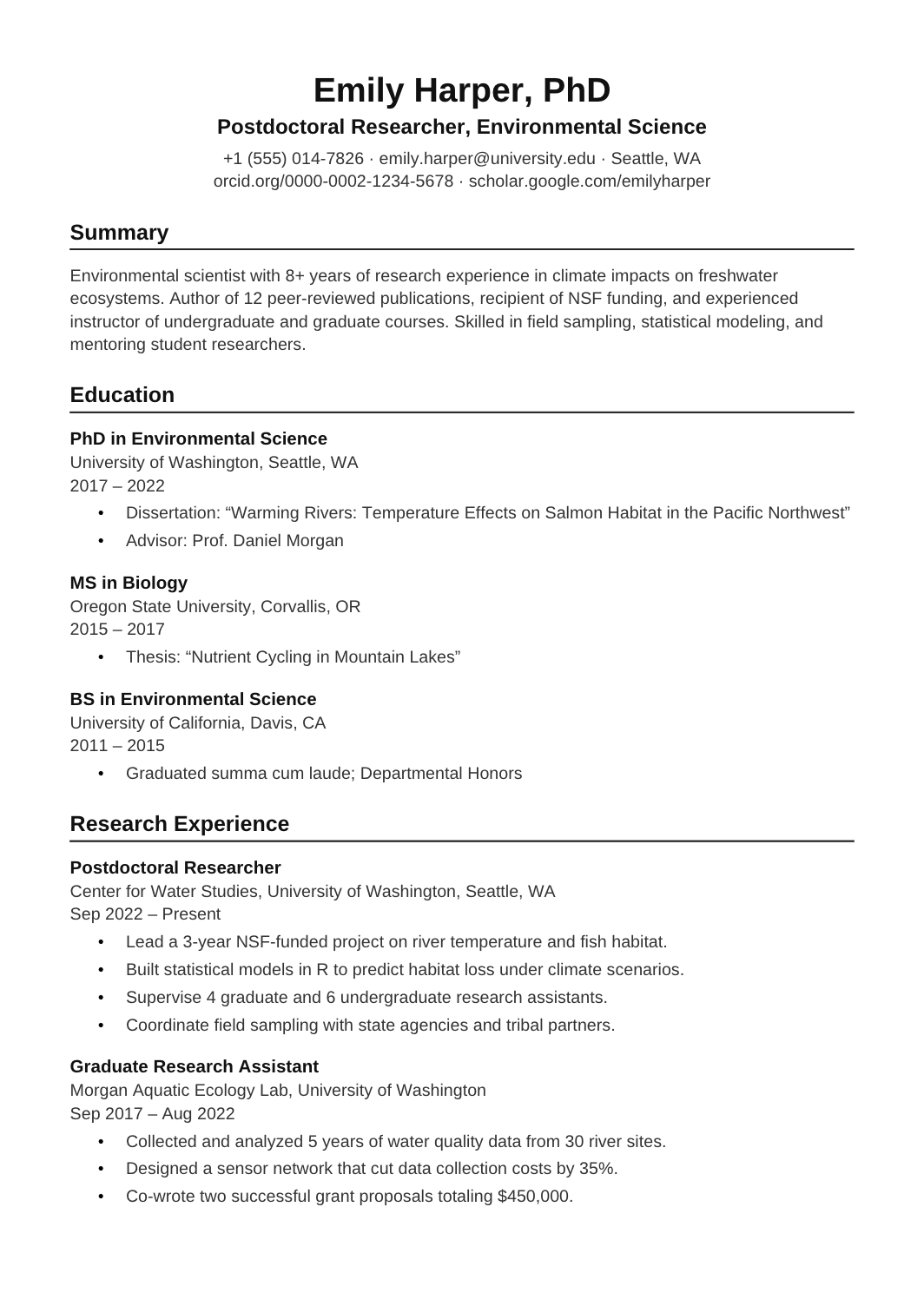
FREEA long-form CV for faculty, postdoc and research applications, with no page limit and sections for education, positions, publications, presentations, grants, teaching, service and references.
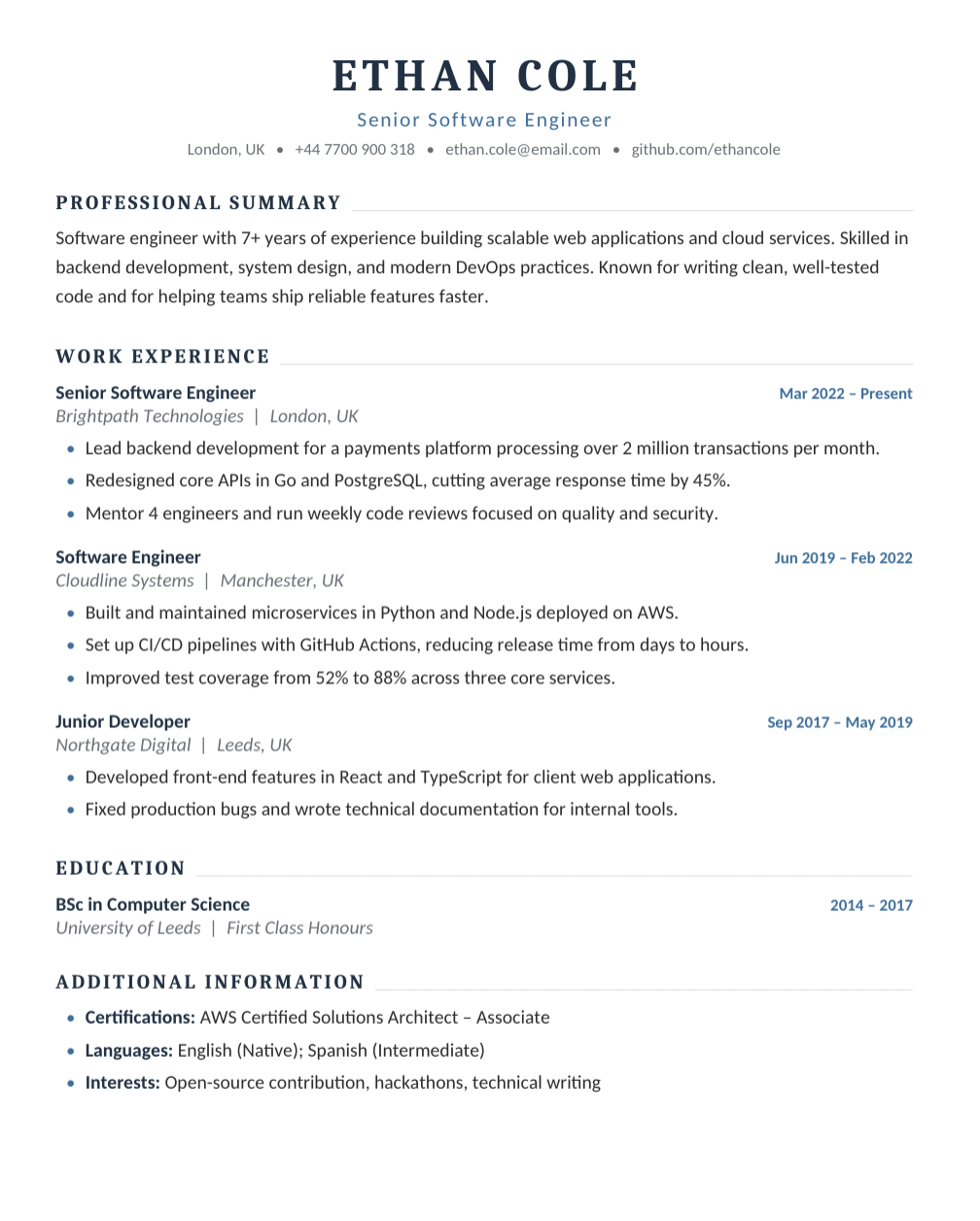 FREE
FREEA one-column engineering resume with room for work experience, projects and technical skills across two A4 pages.
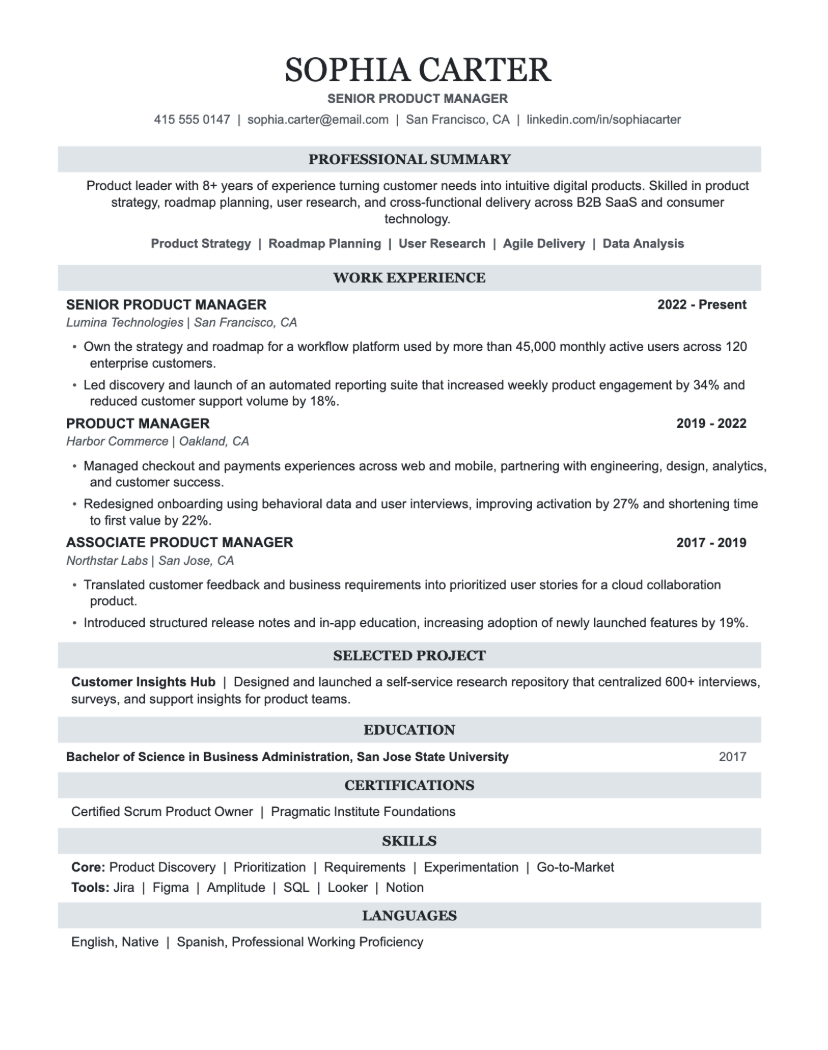 FREE
FREEA professional one-column resume for PMs, with each role written around the product owned, the launches shipped and the metrics they moved.
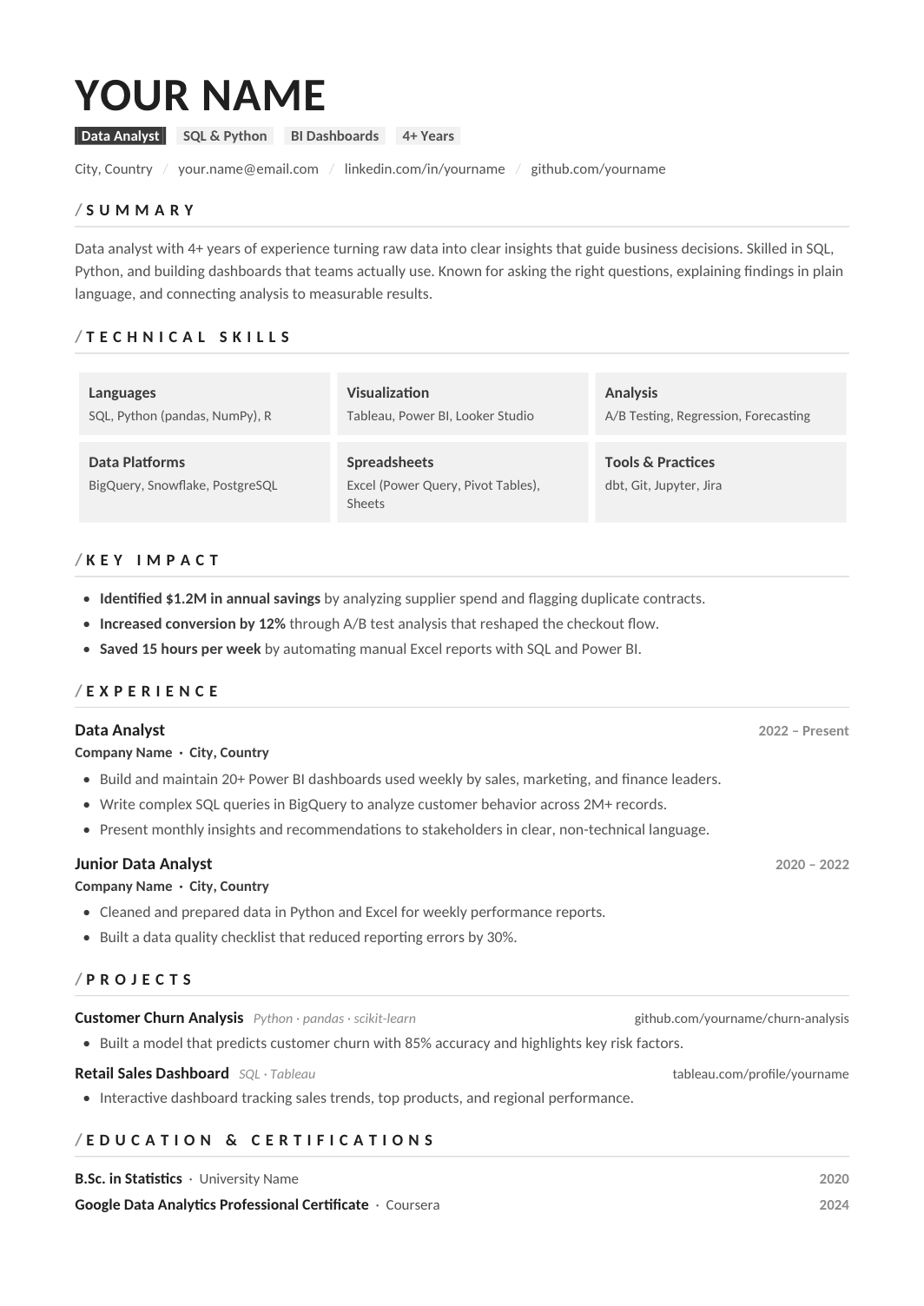 FREE
FREEA one-column resume for analysts, with a compact tools line (SQL, Python or R, BI platform, spreadsheets) and experience bullets that connect each analysis to the decision it informed.
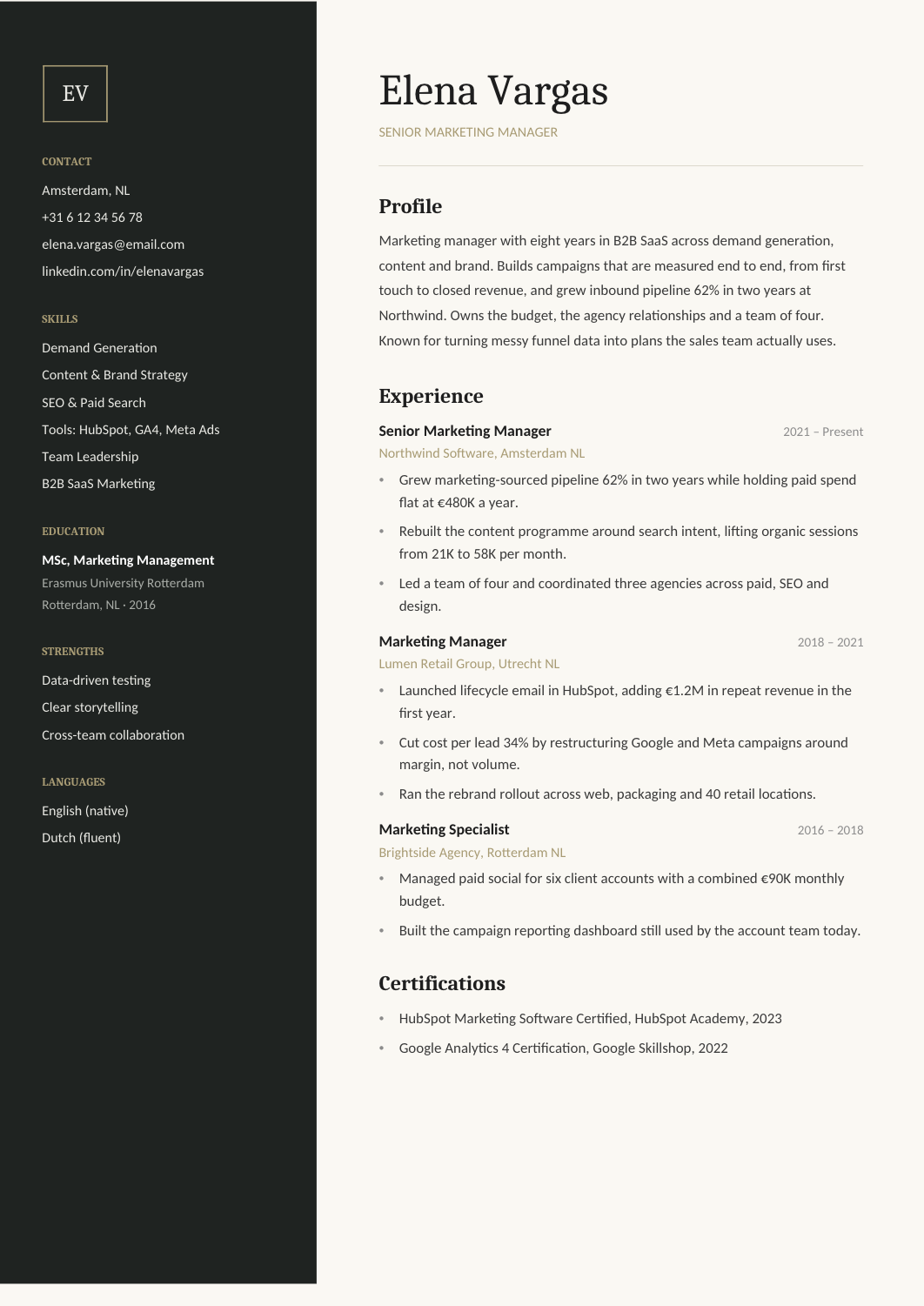 FREE
FREEA modern two-column resume for generalist marketers, with channels and tools in the sidebar and campaign results in the main column.
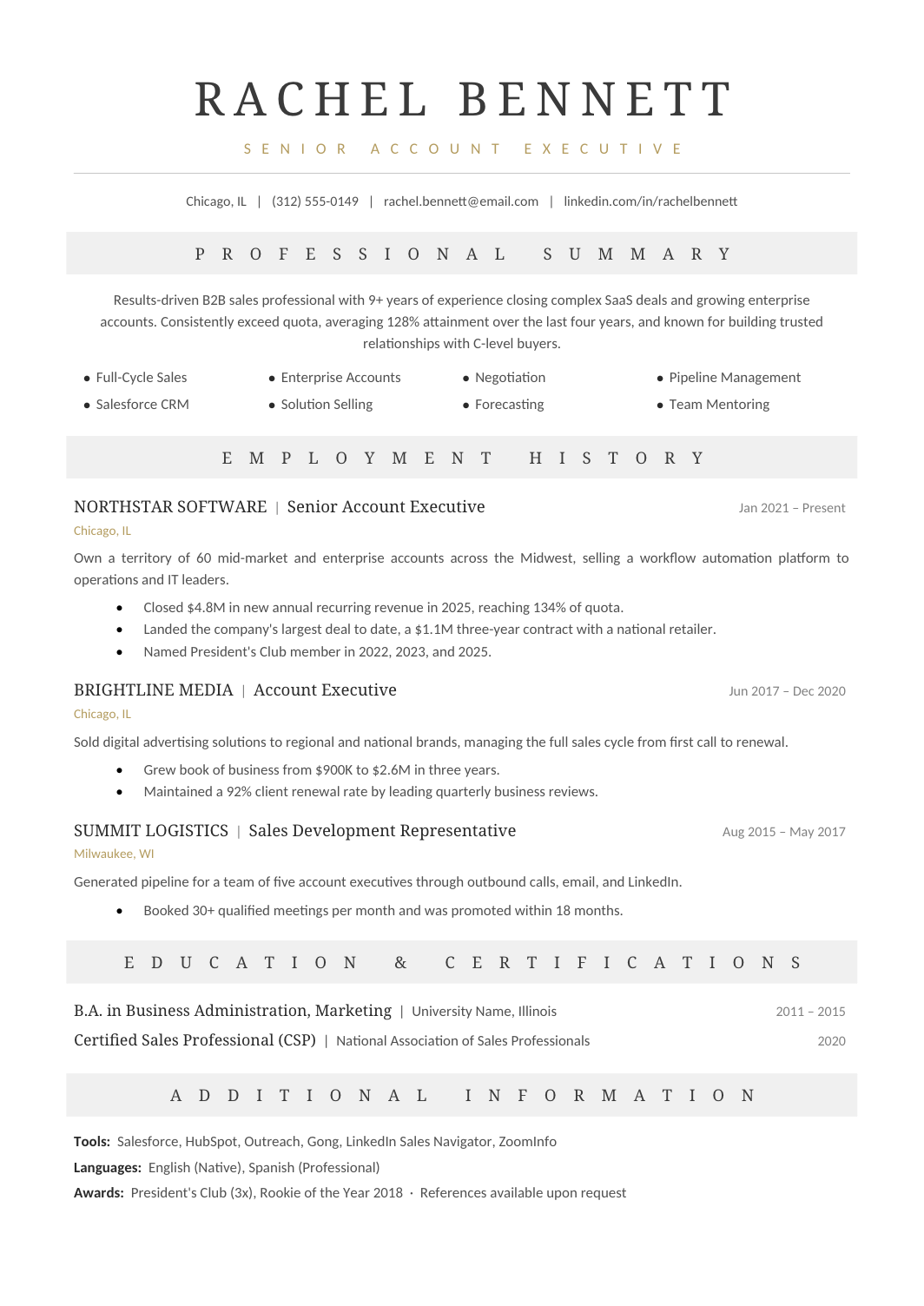 FREE
FREEA one-column resume for sales professionals where the first bullet of every role is a number: quota attainment, revenue closed, rank on the team.
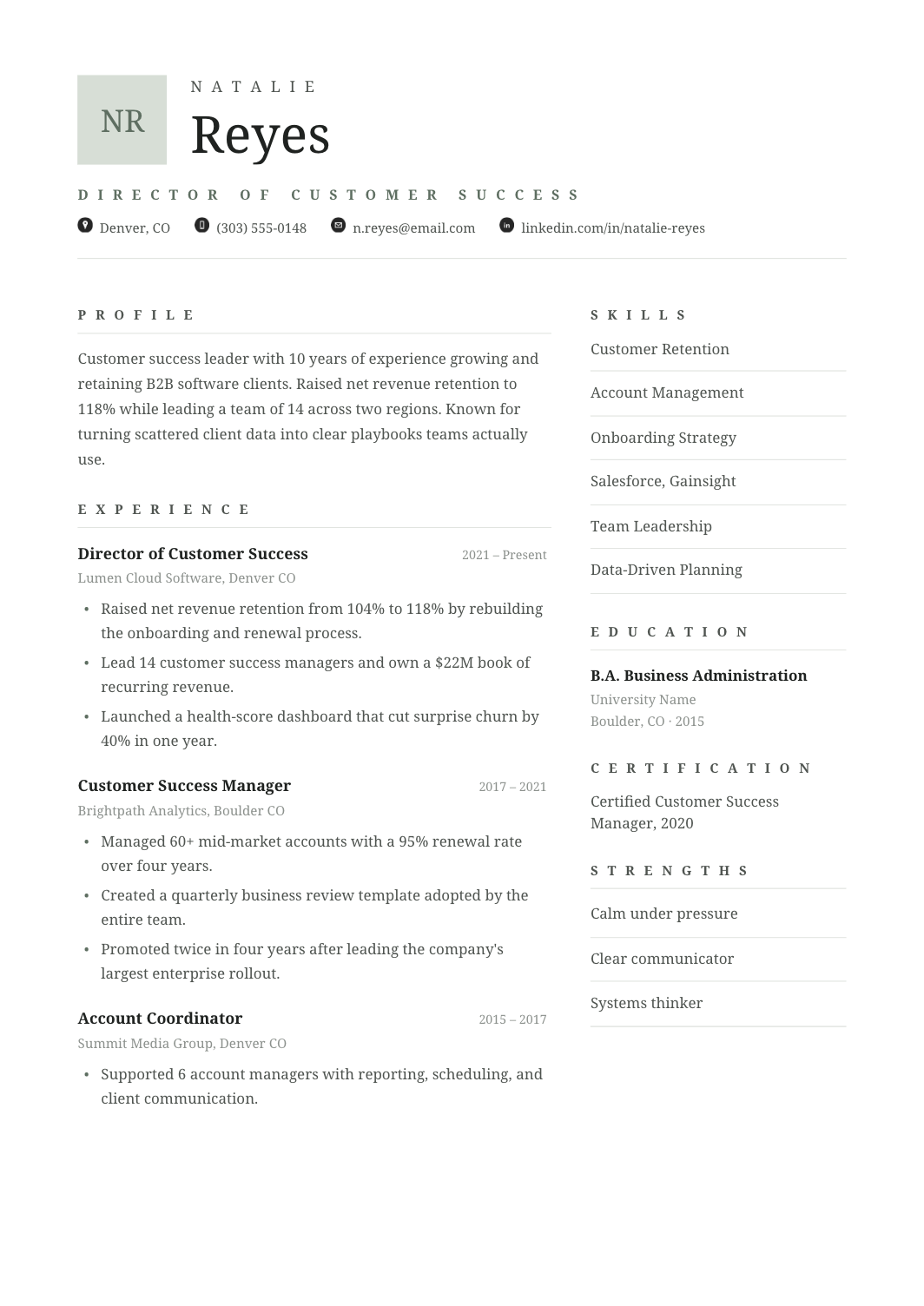 FREE
FREEA resume for CSMs and customer success leaders in software companies, with book size and retention in each role's first line, then onboarding, adoption, expansion and escalation work.
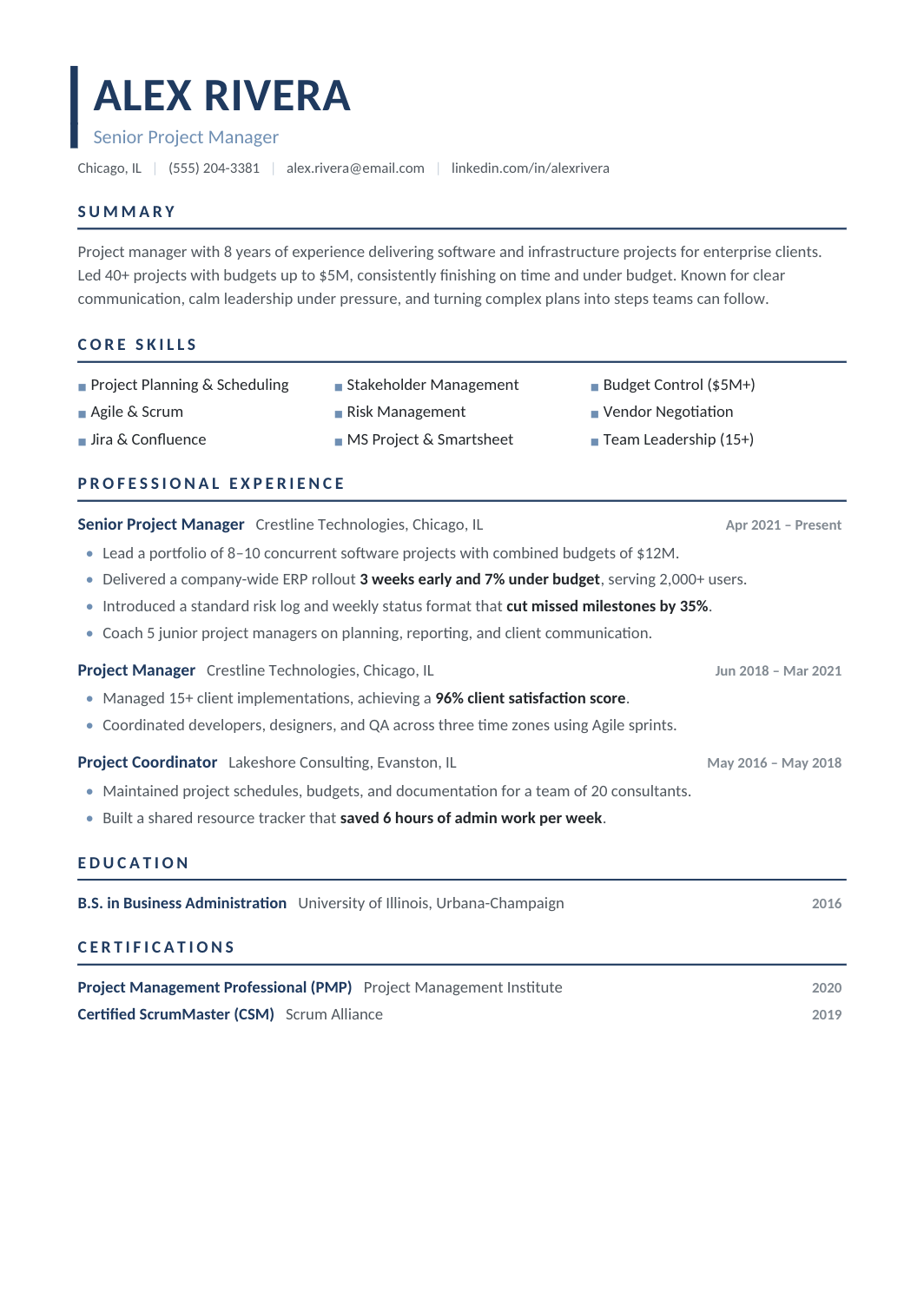 FREE
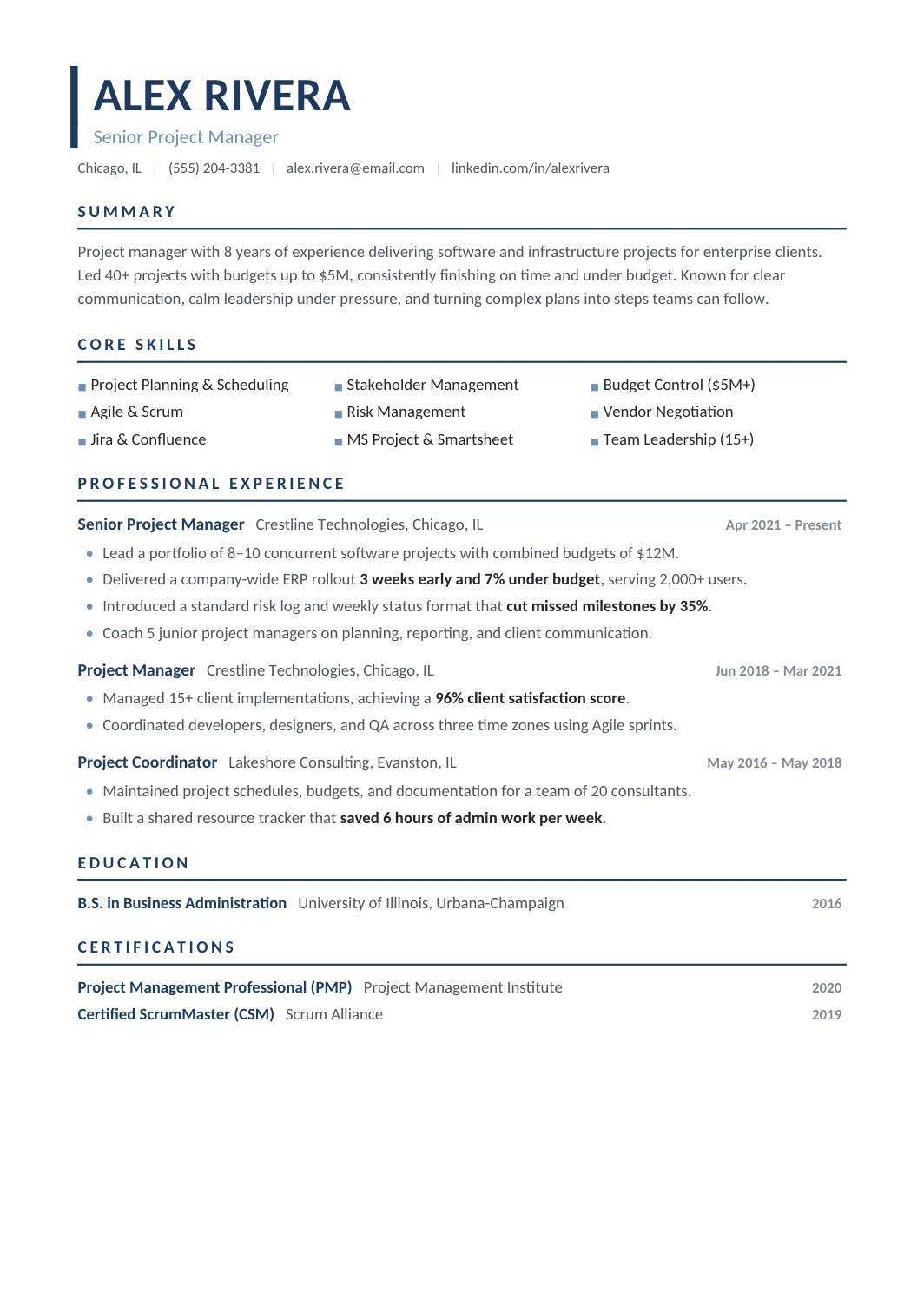
FREEA modern one-column resume for project managers, with methodologies, tools and certifications in a compact block and each role written as a short portfolio of projects with budget, timeline and result.
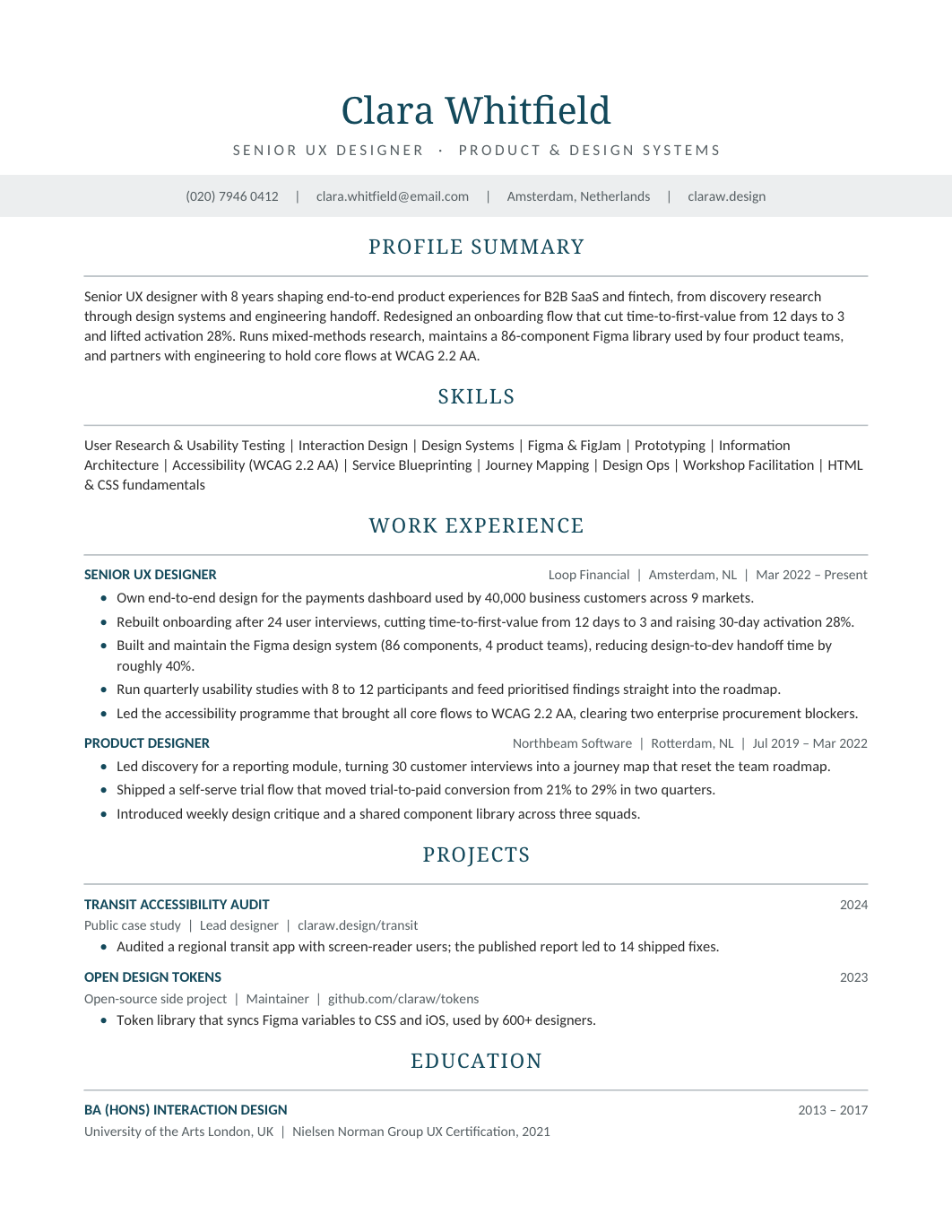 FREE
FREEA clean resume for UX designers and researchers, with tools and methods in a skills block, a portfolio link in the header, and experience bullets that connect design work to product outcomes.
 FREE
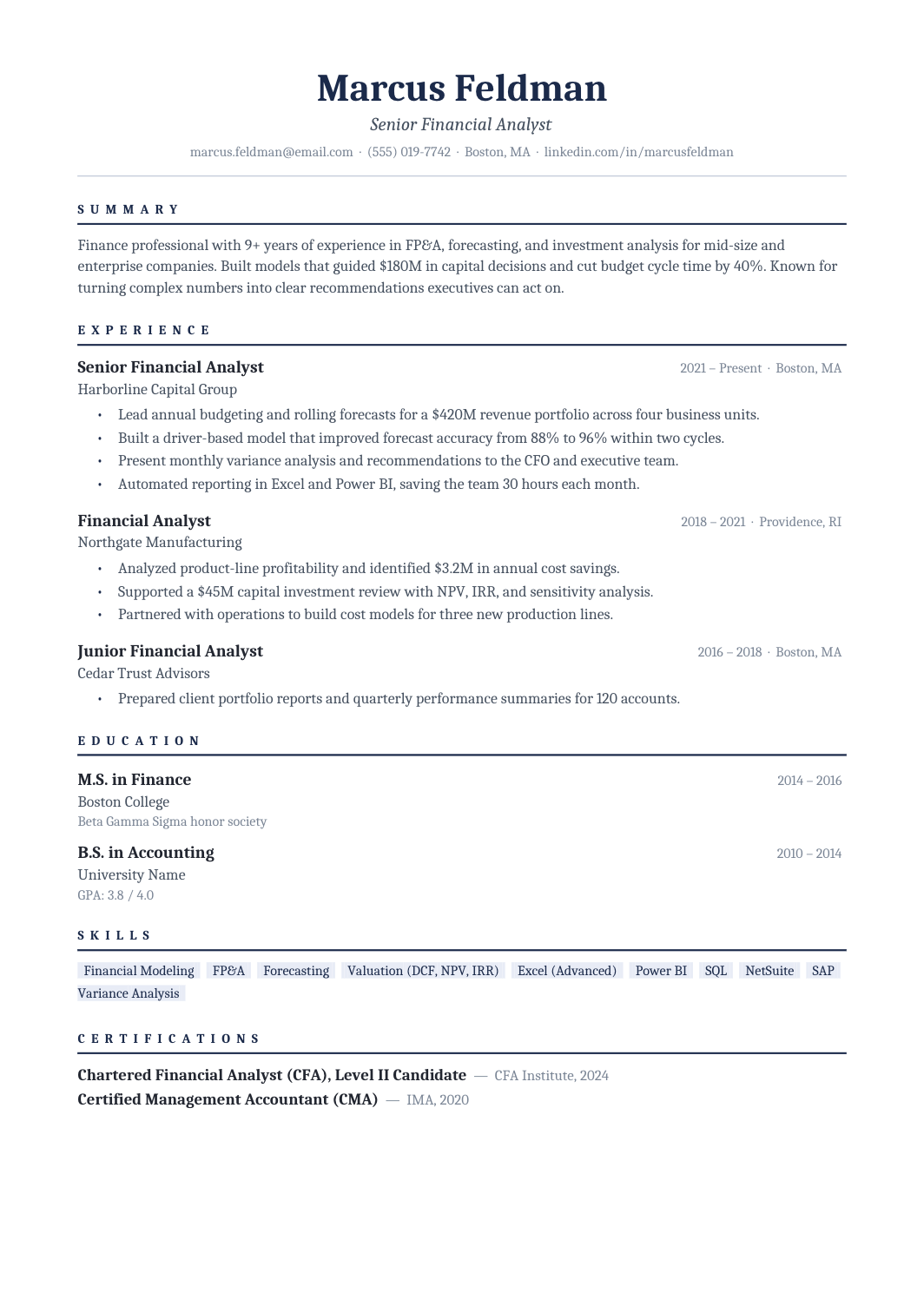
FREEA Cambria one-column resume with navy rules and a clear career timeline, built for corporate finance, treasury and controllership roles where the reader expects polish and numbers.
 FREE
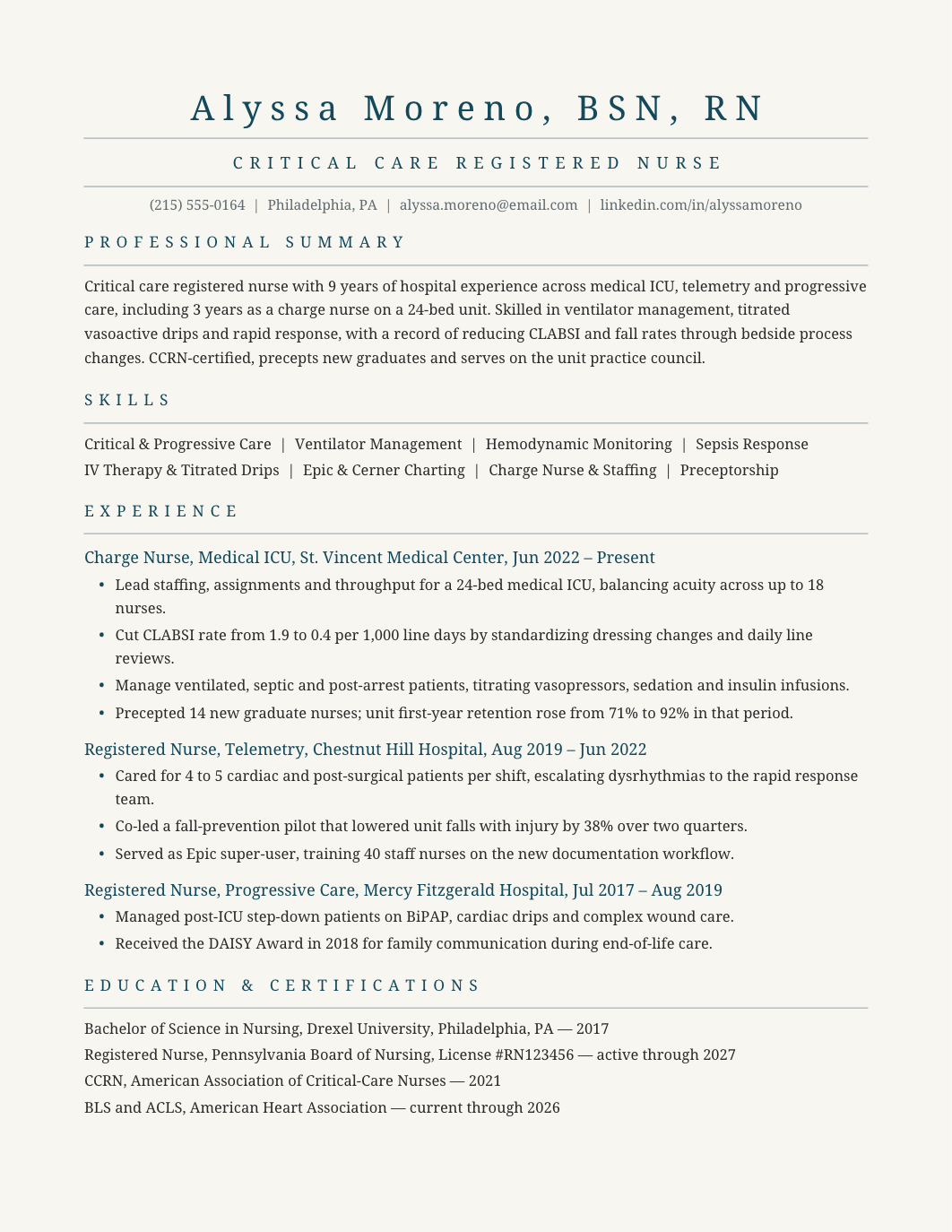
FREEA one-column clinical resume with sections for experience, skills, education and certifications.
 FREE
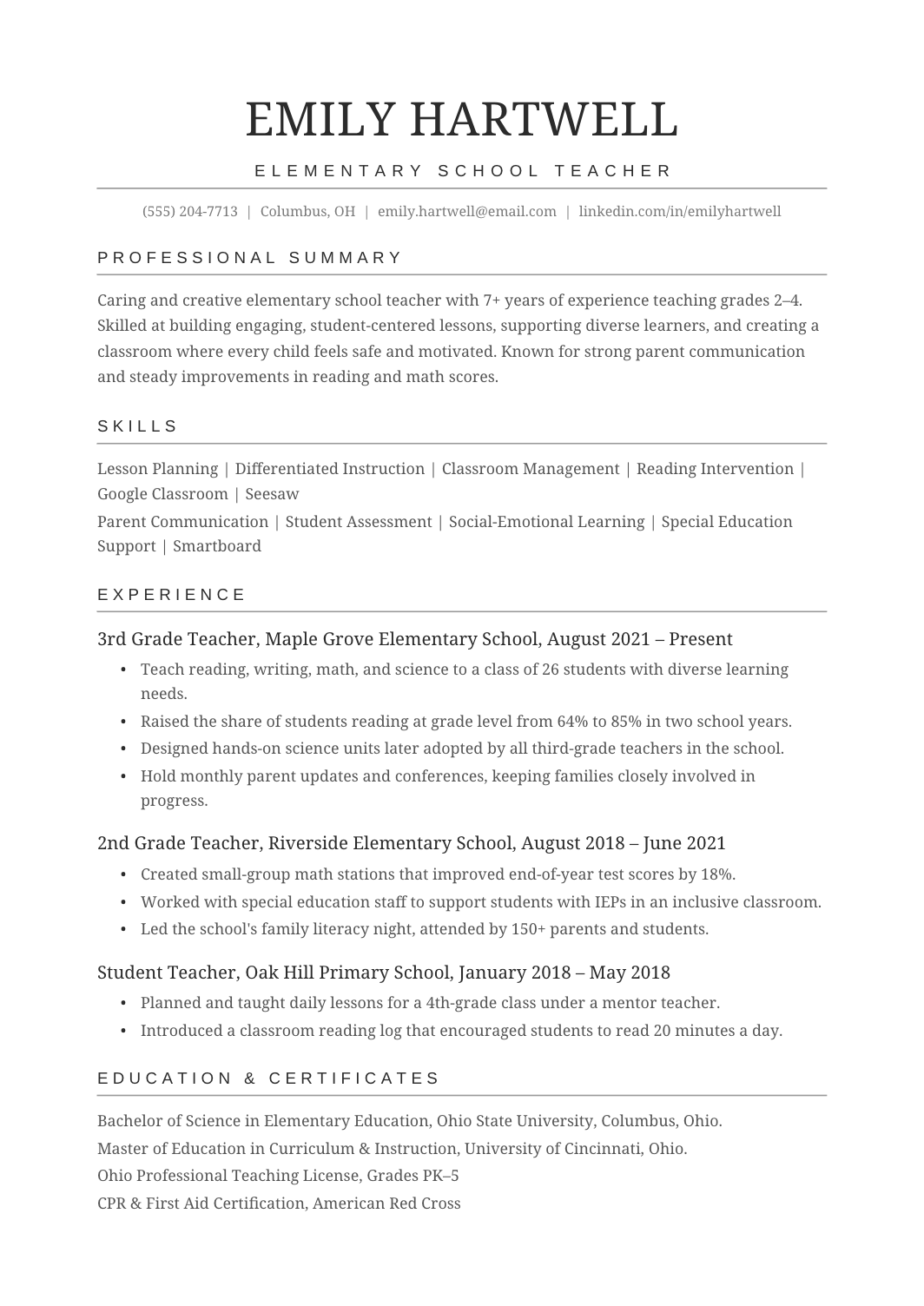
FREEA straightforward education resume with a certification block, then teaching experience described by grade, subject, class size and student outcomes.
 FREE
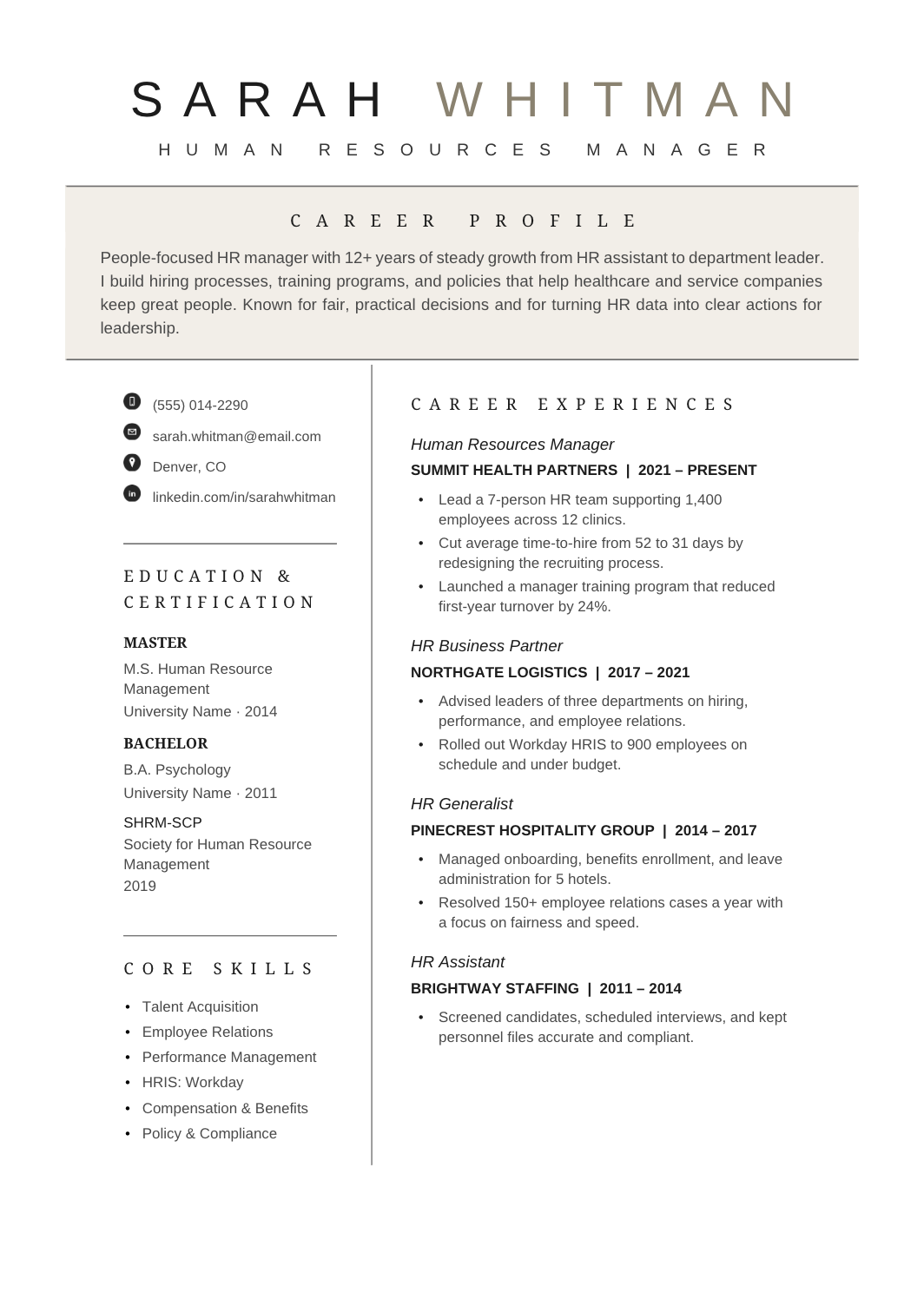
FREEA two-column resume for HR generalists and business partners, with systems and certifications in the sidebar and bullets about headcount supported, programs run and outcomes in the main column.
 FREE
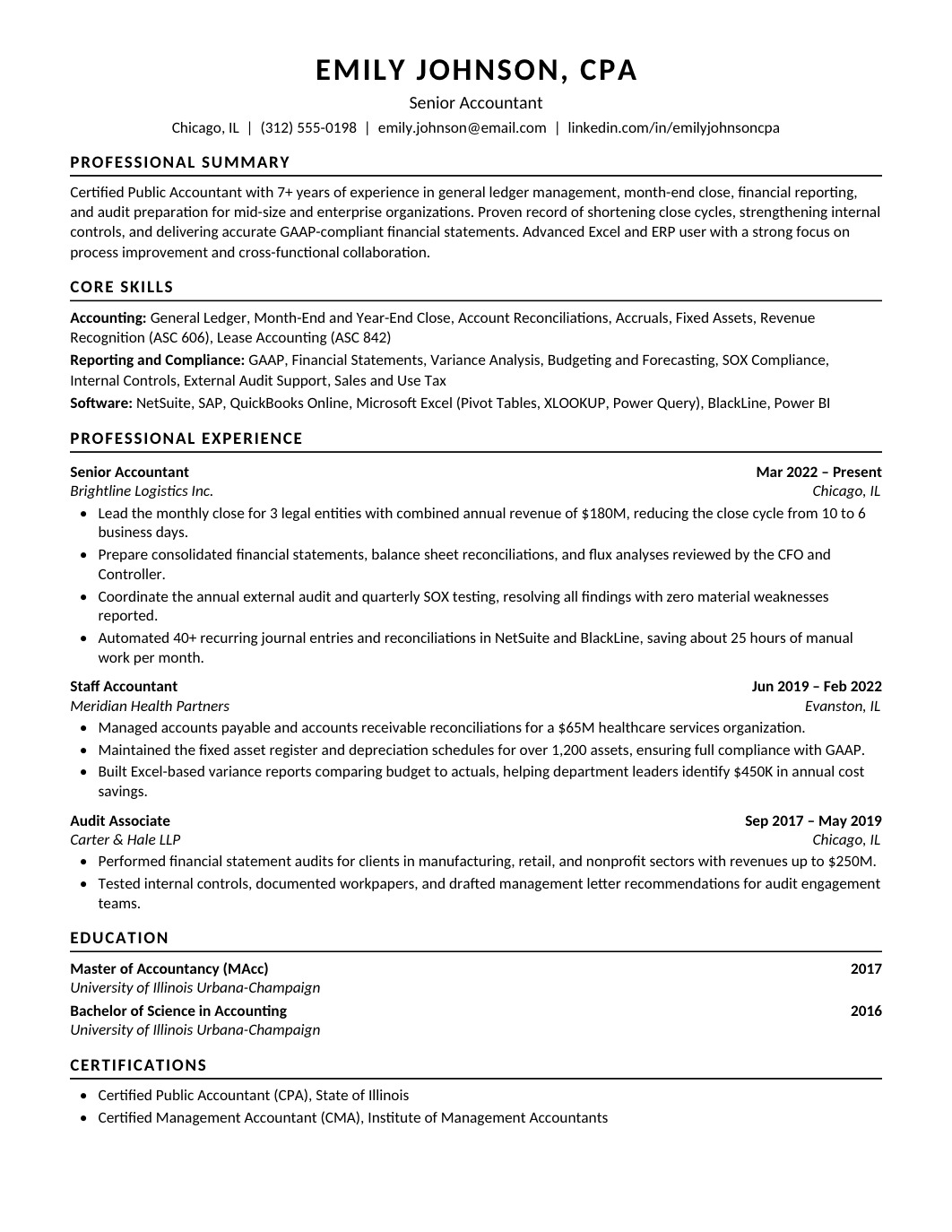
FREEA single-column resume for staff and senior accountants, with CPA status near the top and bullets about month-end close, reconciliations, reporting and the systems you run them in.
 FREE
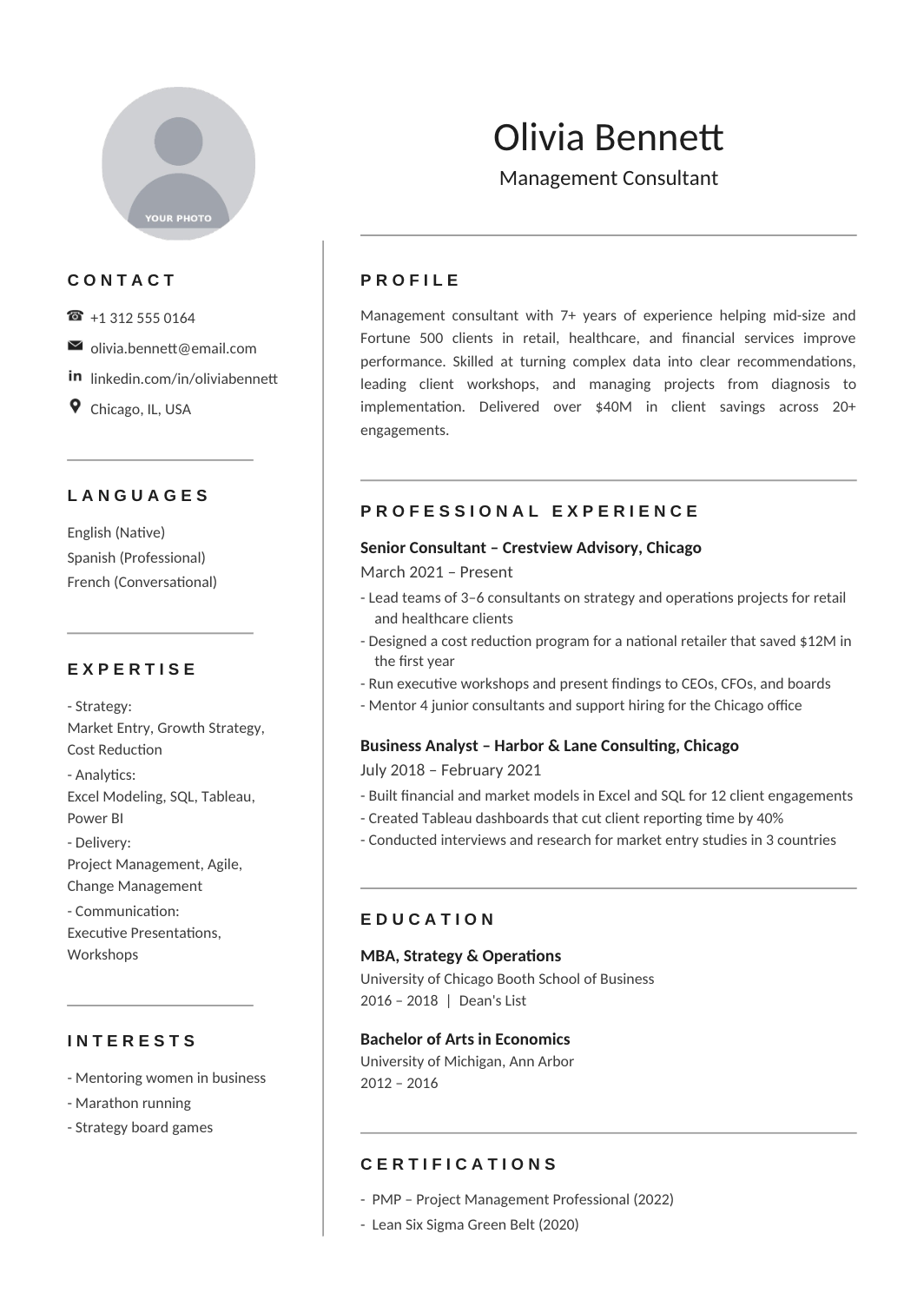
FREEA concise resume for management, strategy and functional consultants, with engagements listed under each firm and written as problem, work done, result.
 FREE
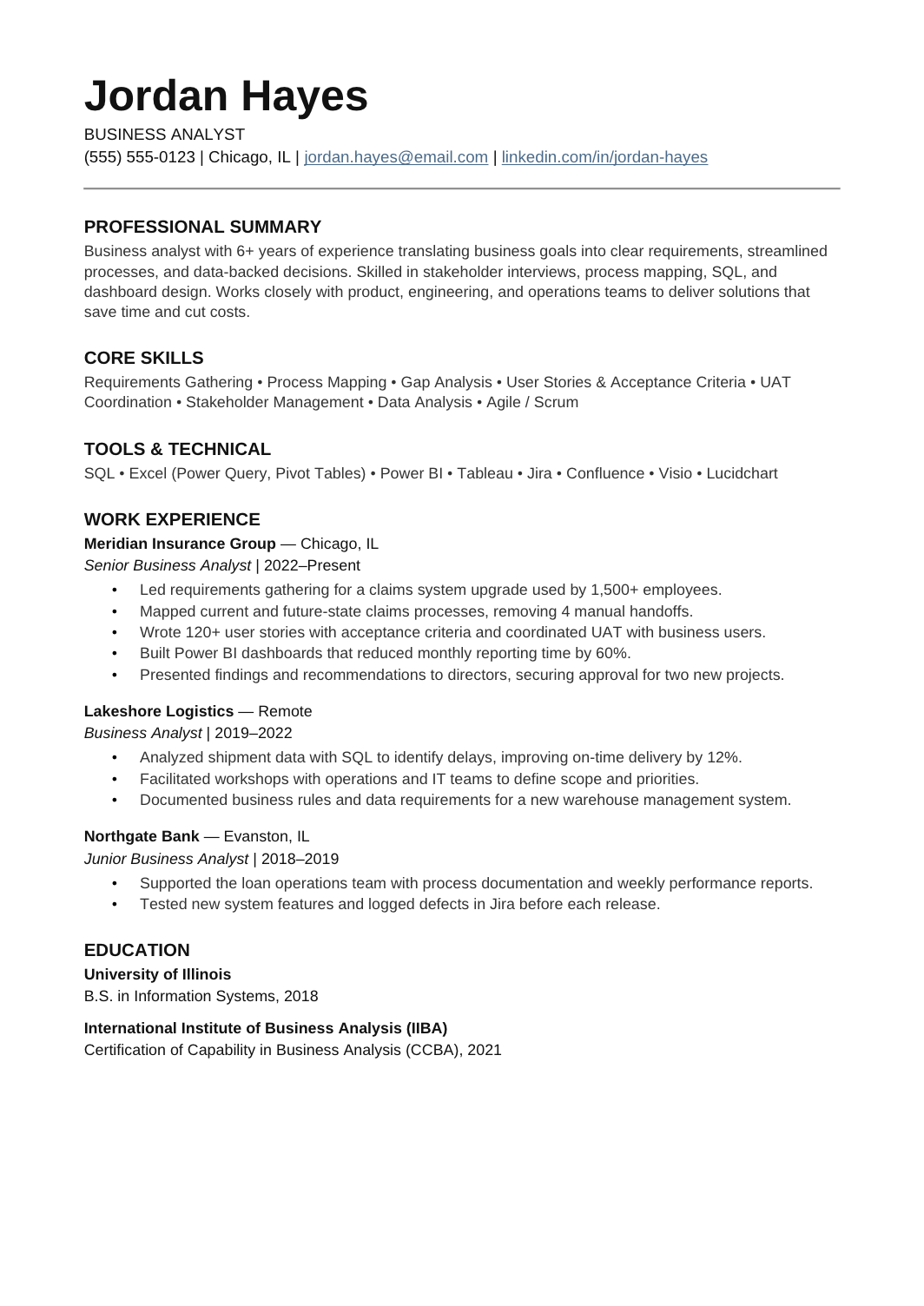
FREEA clean one-column resume for analysts who translate between business teams and delivery teams: requirements, process mapping, stakeholder management and the systems that came out of it.
 FREE
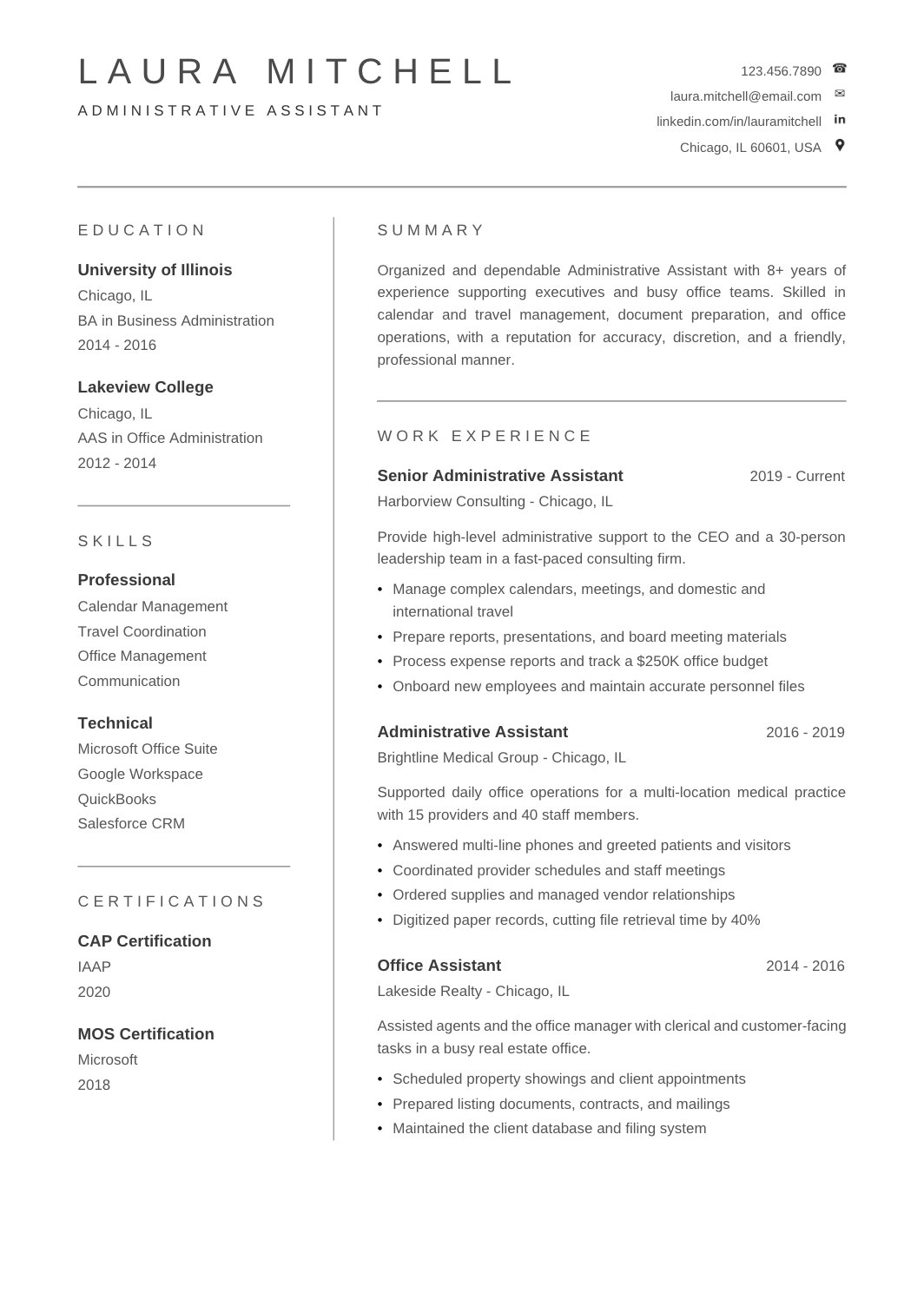
FREEA simple one-page resume for administrative and office roles, with software and systems in a skills block and bullets about the people supported, the processes you ran and the improvements you made.
 FREE
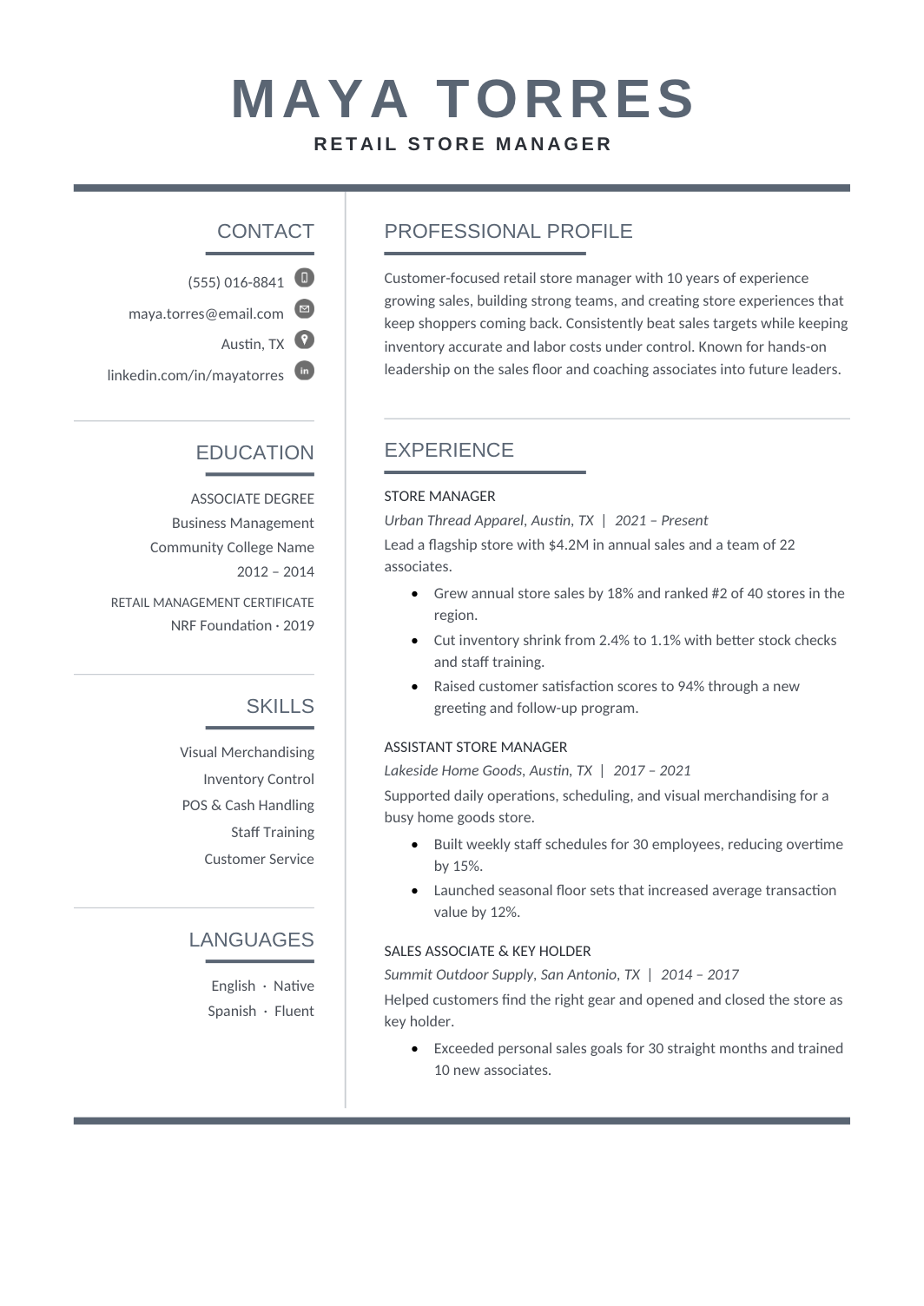
FREEA one-page resume for store roles, with a skills block for POS systems, merchandising and stock, and bullets that show sales, service and reliability.
 FREE
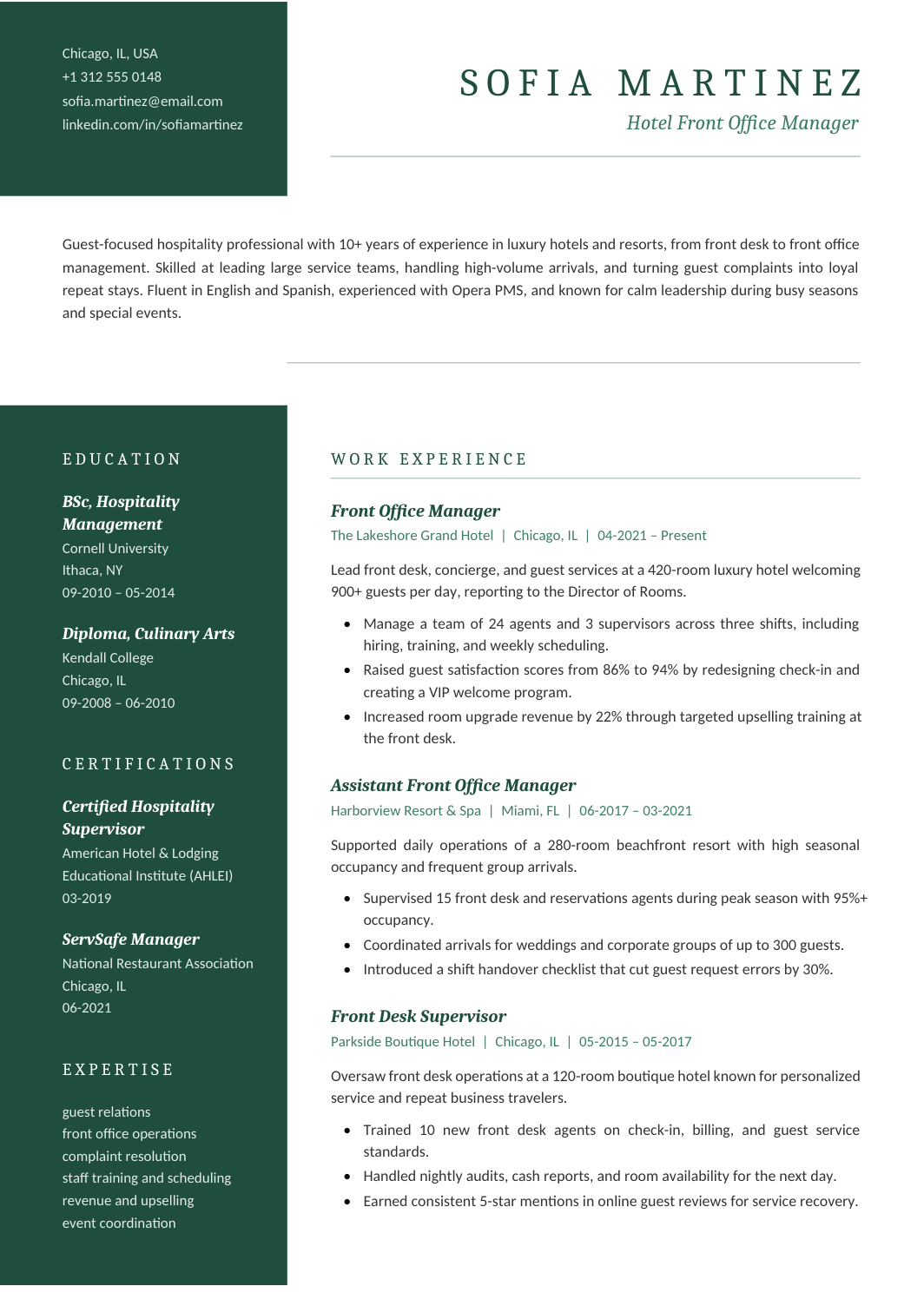
FREEA two-column resume for restaurant, hotel and events staff, with certifications (food safety, alcohol service, first aid) and languages in the sidebar and experience bullets about volume, service standards and responsibility.
 FREE
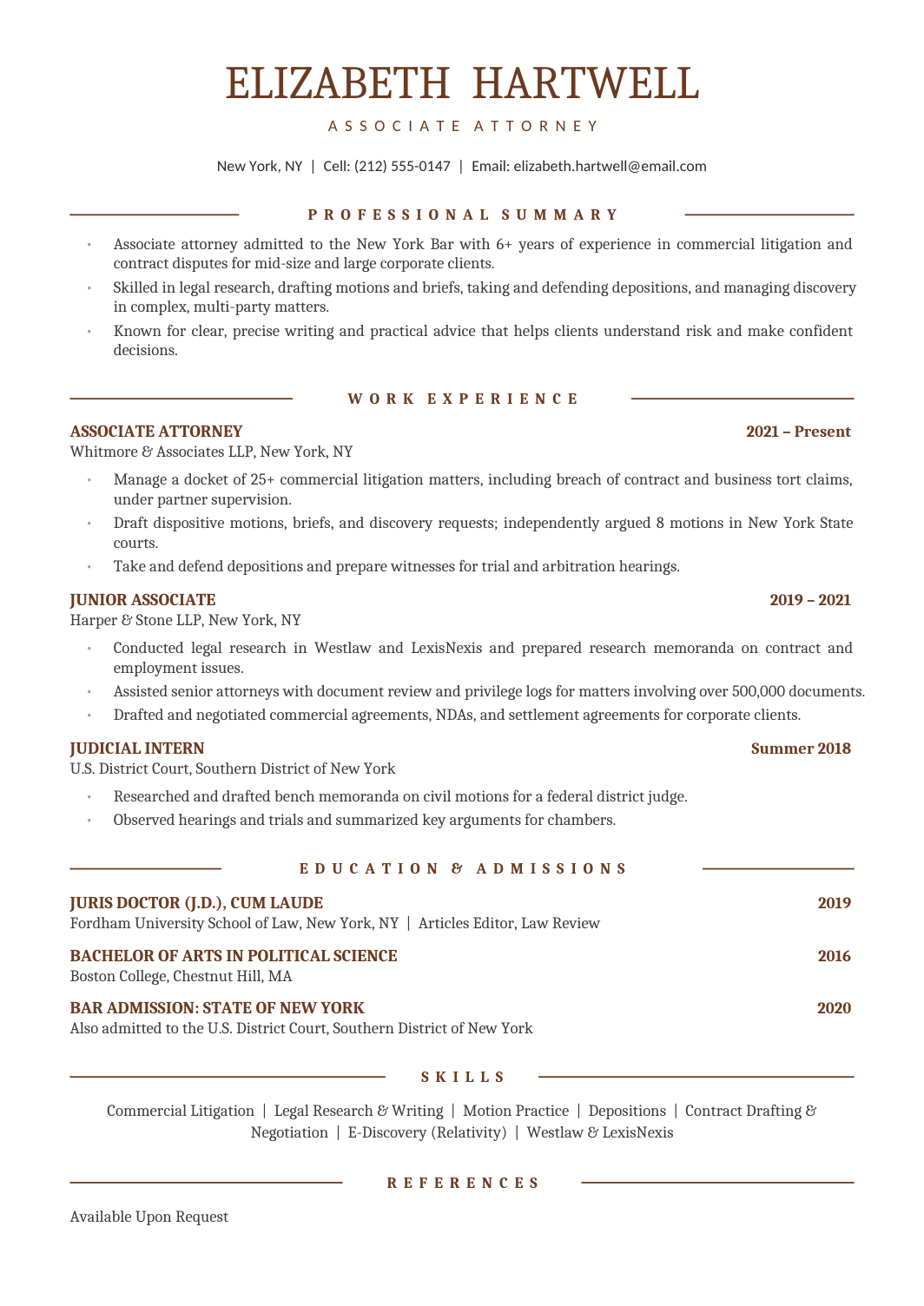
FREEA formal one-column resume for legal professionals outside the traditional firm track: in-house counsel, compliance, contracts, legal operations and support.
 FREE
FREEA general-purpose resume for technical roles that don't fit a single job title: field engineers, technicians, implementation specialists, support engineers and people whose work spans several systems.
 FREE
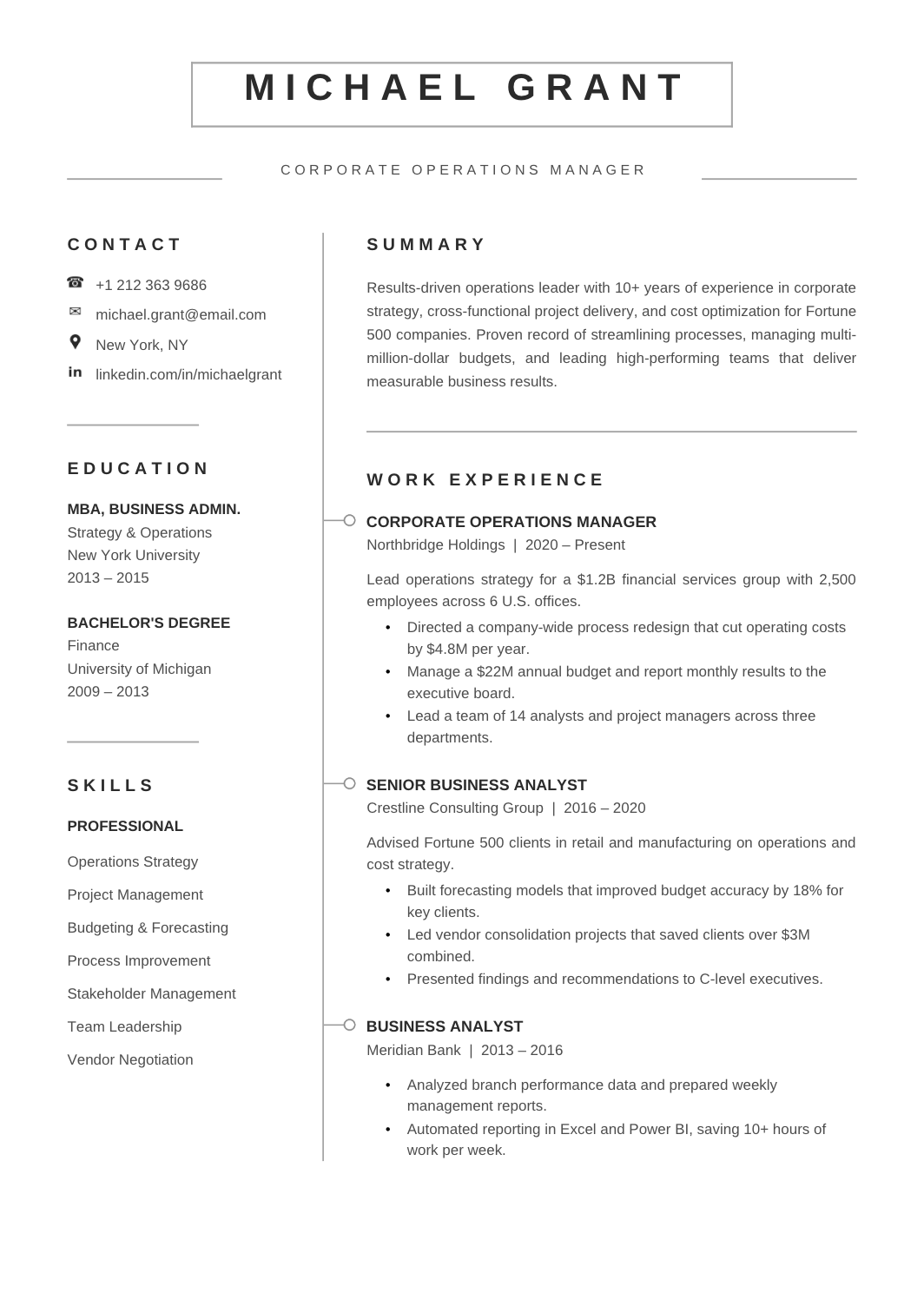
FREEA formal two-column resume for mid-to-senior professionals at large organisations, with credentials, expertise and languages in the sidebar and a broad experience column for leadership and business achievements.
 FREE
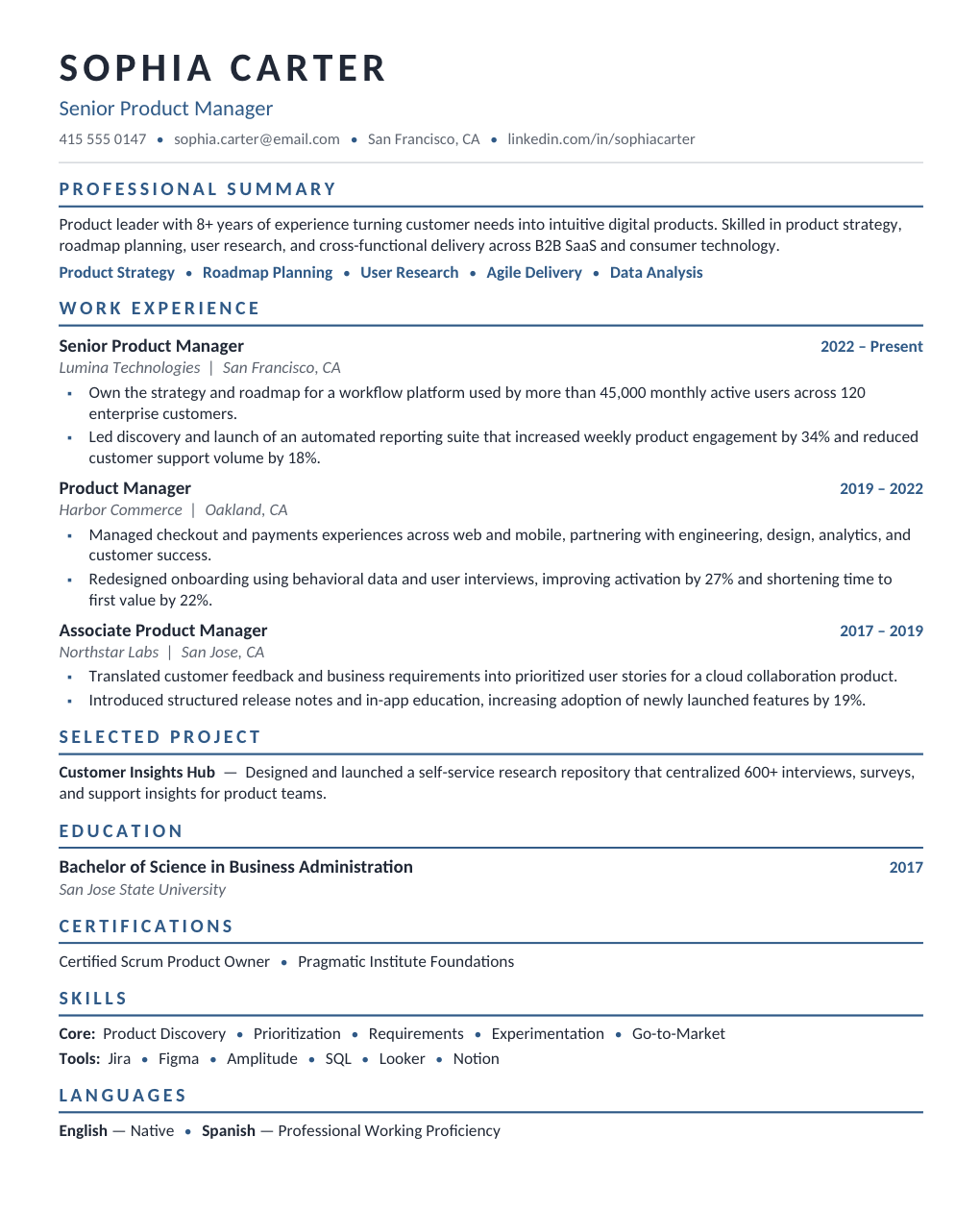
FREEA restrained one-column design with Calibri text, blue section headings and thin divider lines.
 FREE
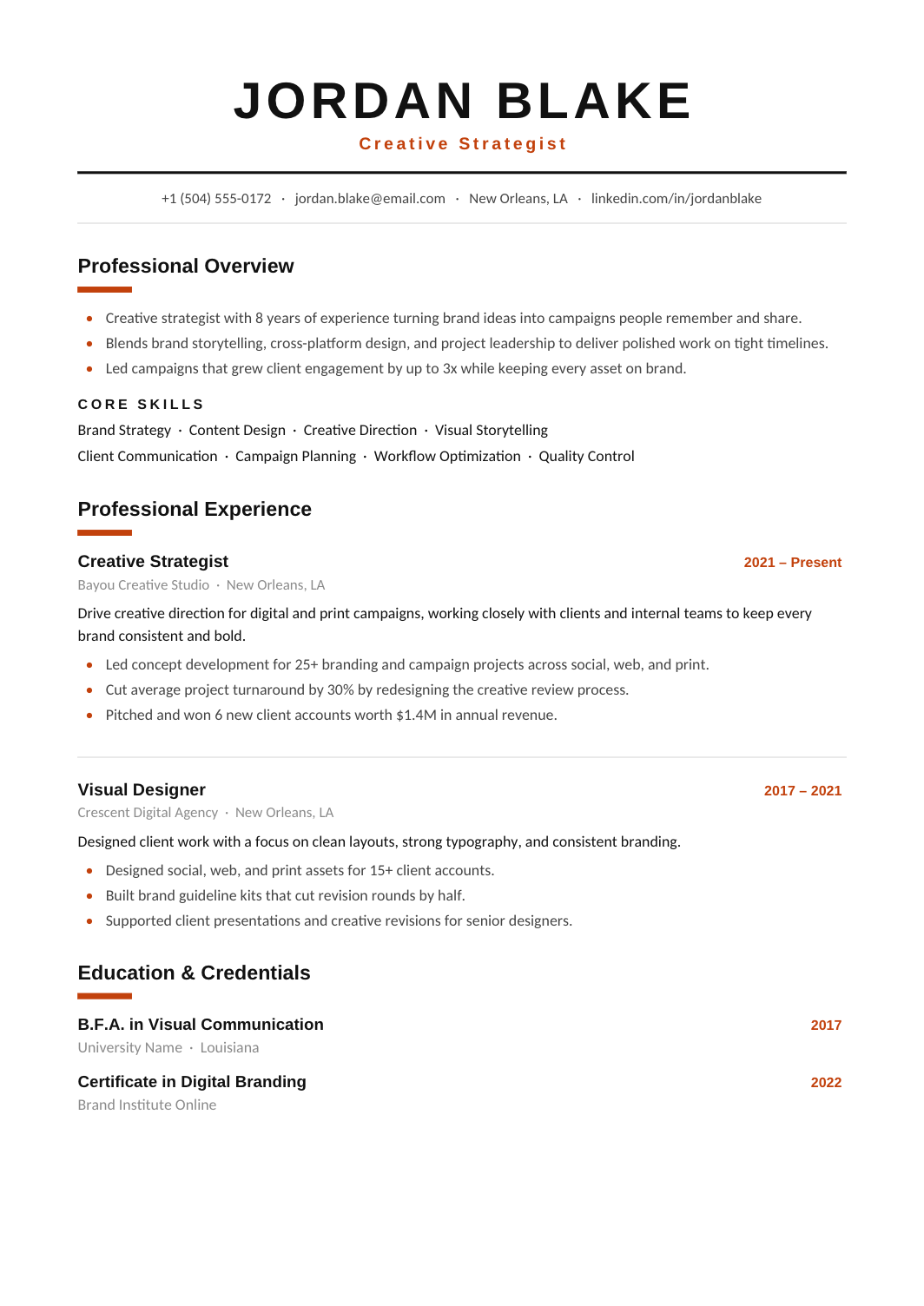
FREEA one-column layout with a centered name, orange accents and stronger heading contrast than the other modern designs, for people who want the page to have some energy.
 FREE
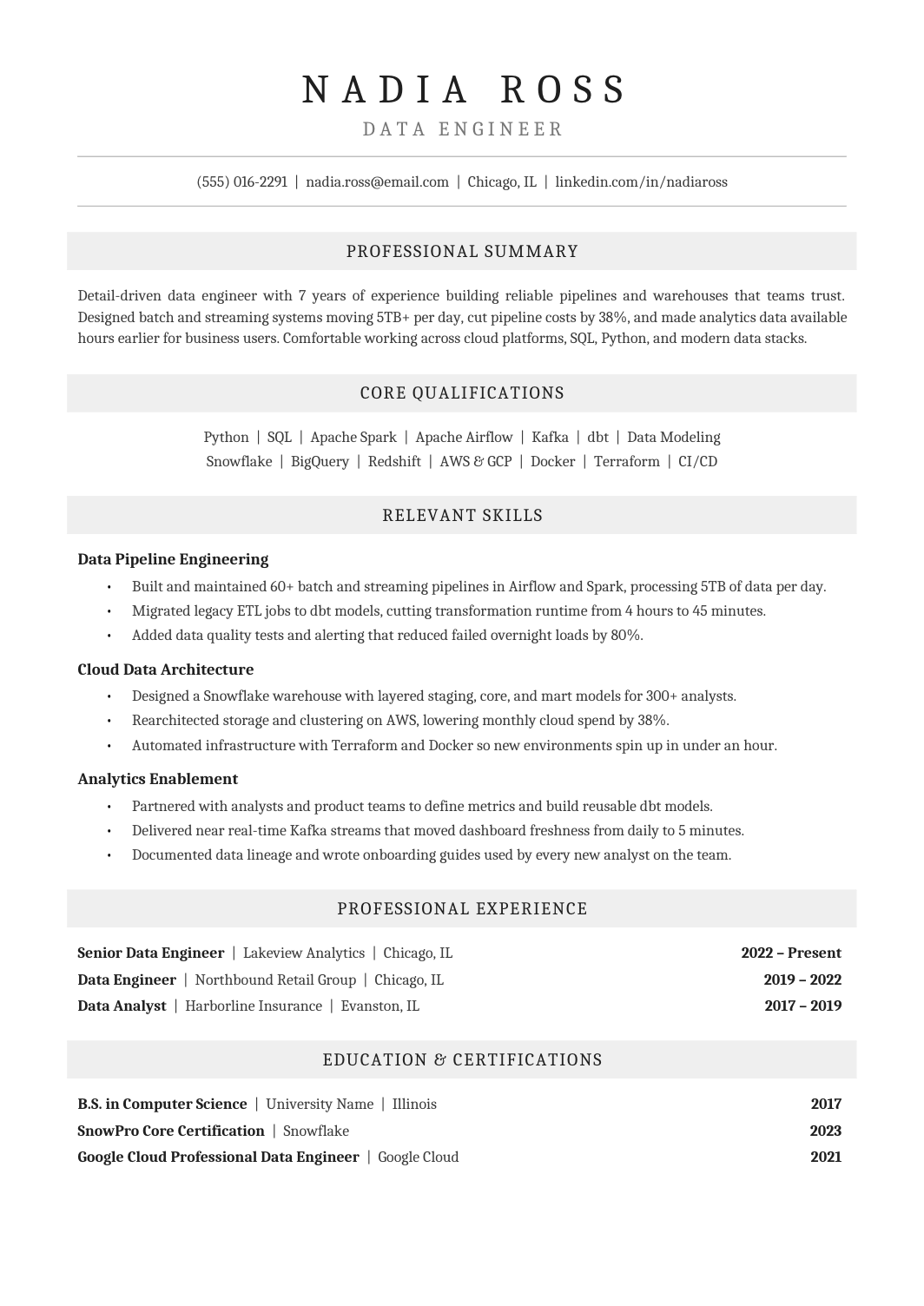
FREEA Cambria one-column resume with centered headings on pale gray bands, grouped skills and a tidy employment record, for conservative industries.
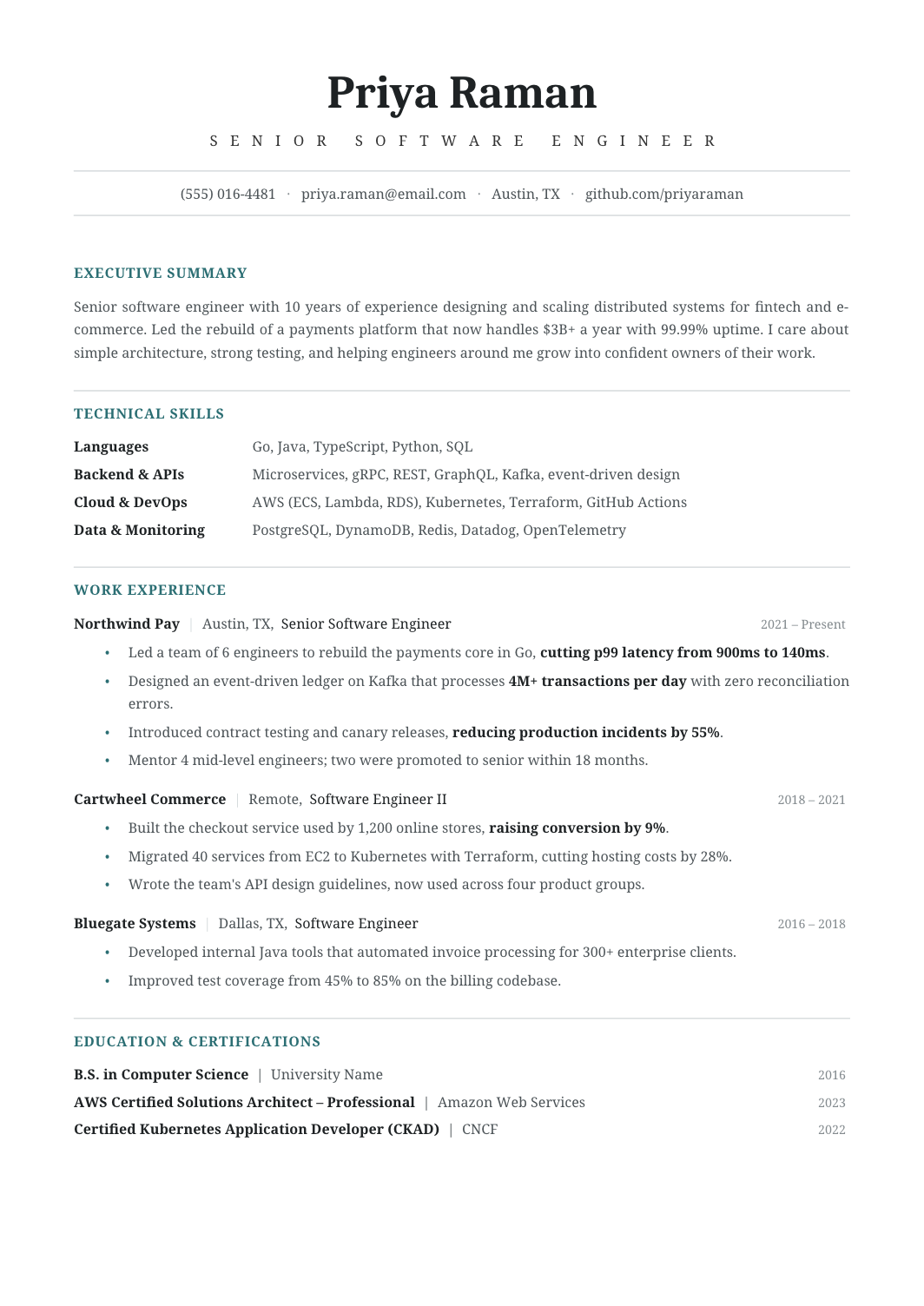 FREE
FREEA neutral one-column layout designed to work for almost any role and level: standard sections, moderate spacing, no industry-specific styling.
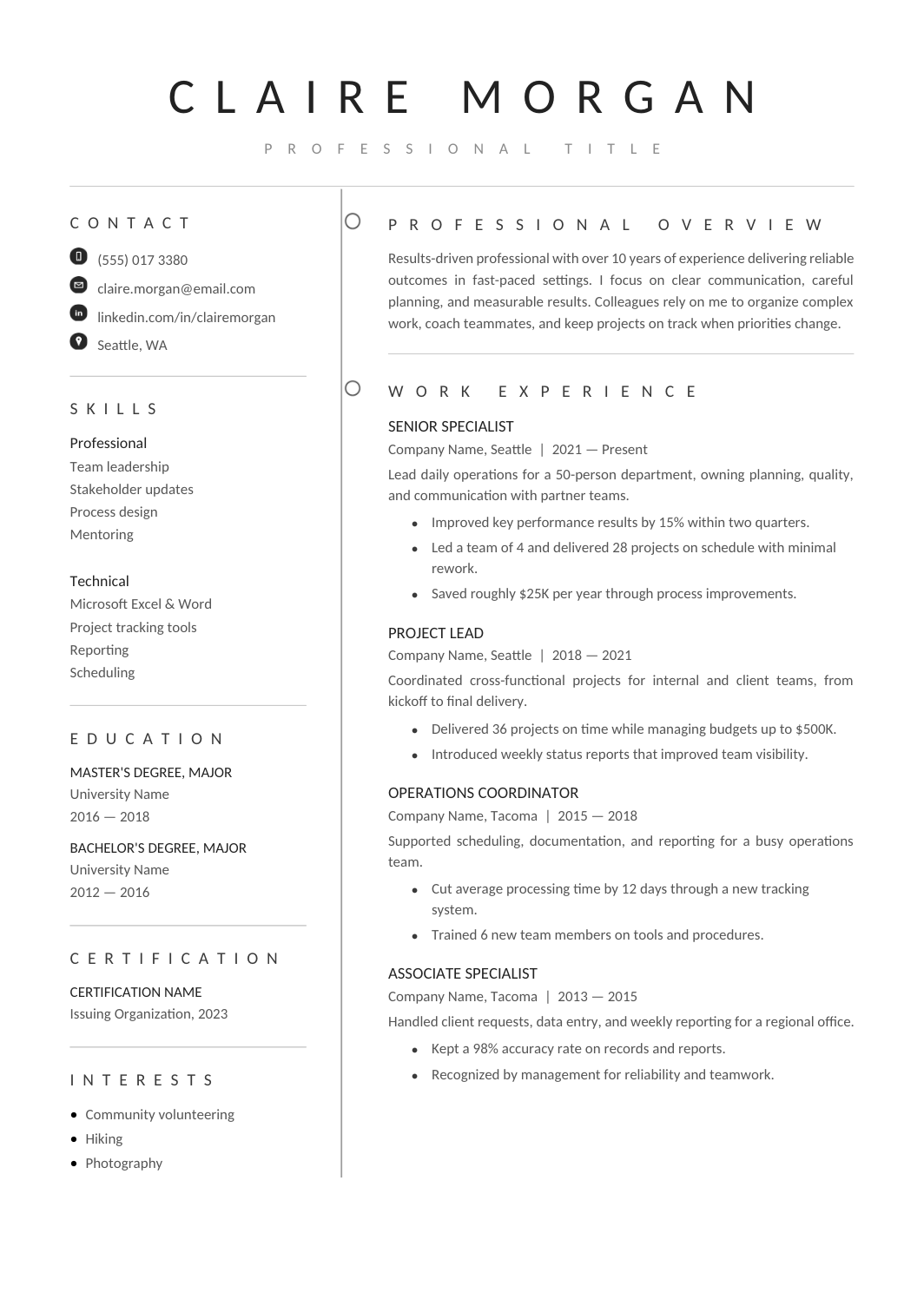 FREE
FREEA clean A4 layout with a narrow sidebar for contact details, skills and education, a thin vertical divider, and a wide experience column.
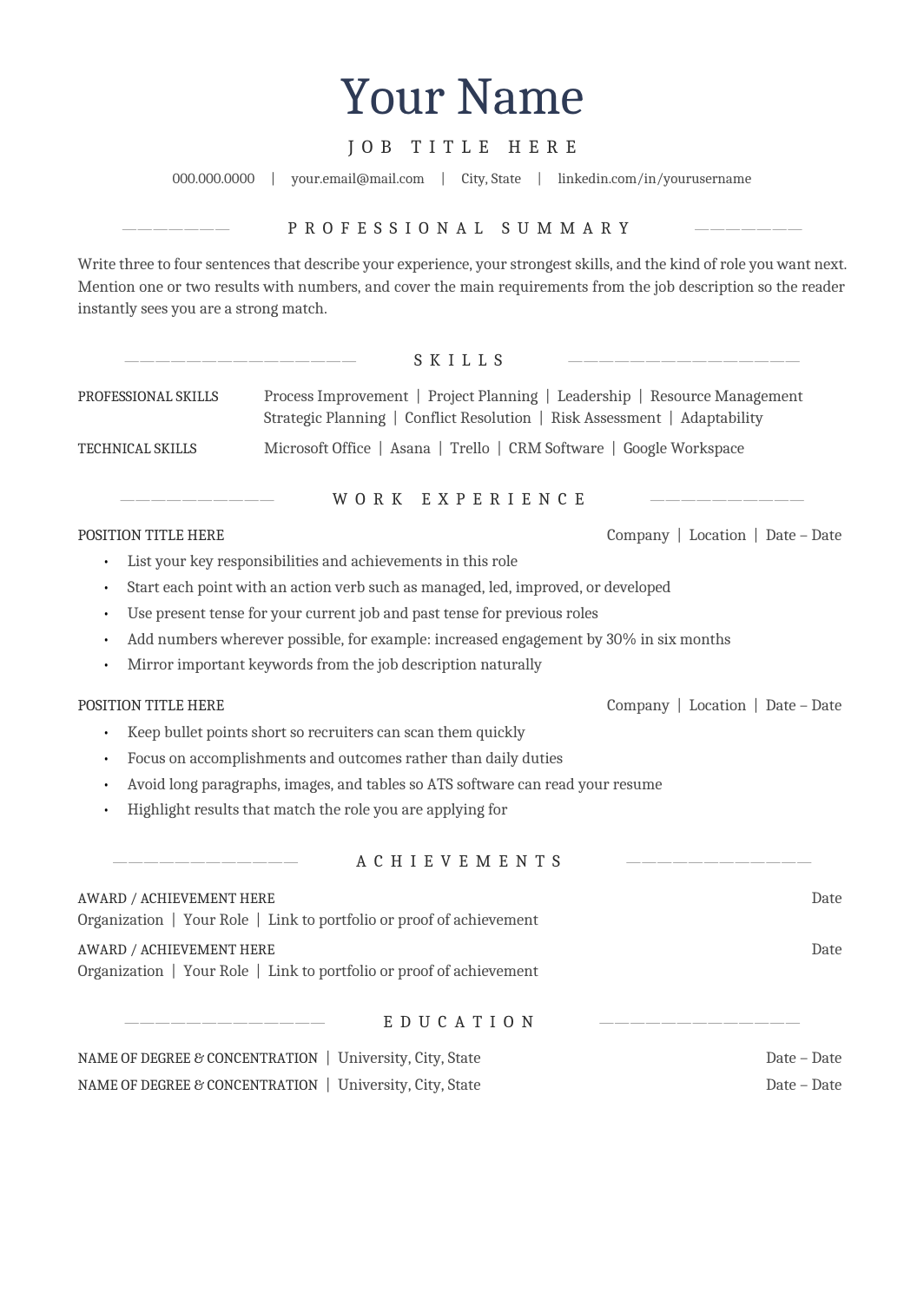 FREE
FREEA one-column A4 resume with a centered header and centered section headings in Cambria, for people who want a traditional look that still parses cleanly.
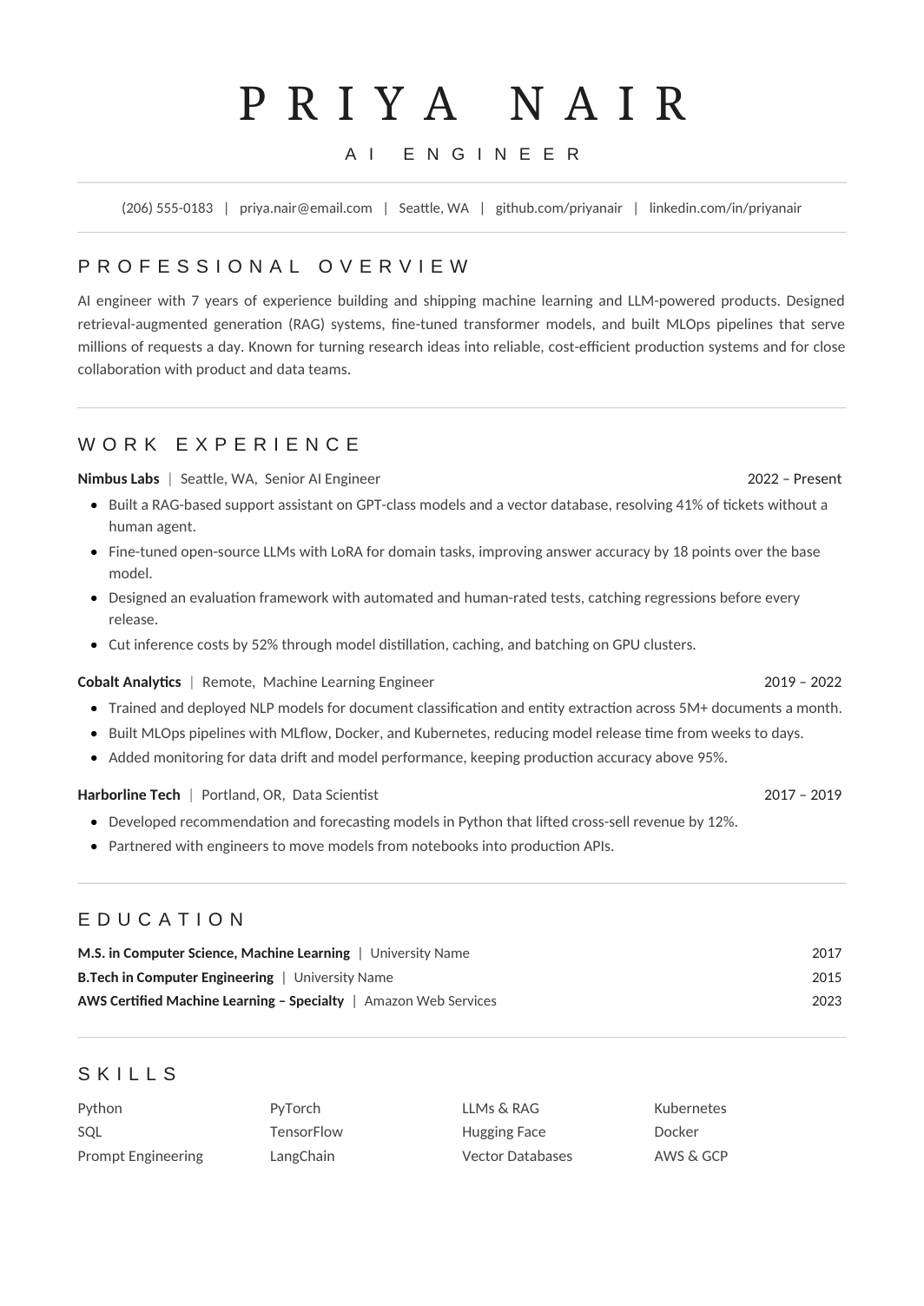 FREE
FREEA one-column resume tuned to fit a complete work history on one page without shrinking the type: compact spacing, grouped skills, standard headings.
 FREE
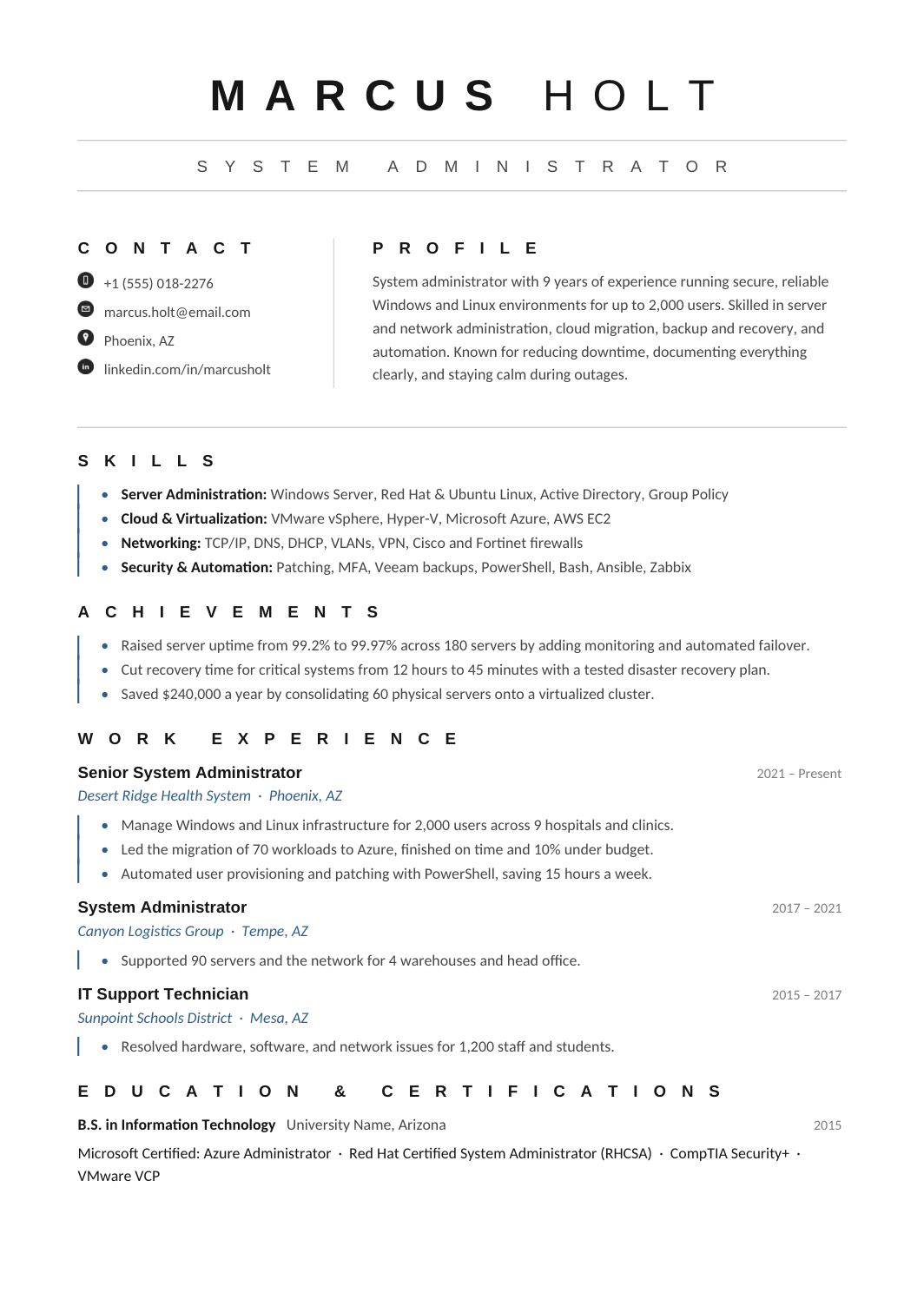
FREEA blue-accented one-page resume with grouped technical skills, an achievements block and a clear chronology, for engineers and IT professionals who want a touch of color.
 FREE
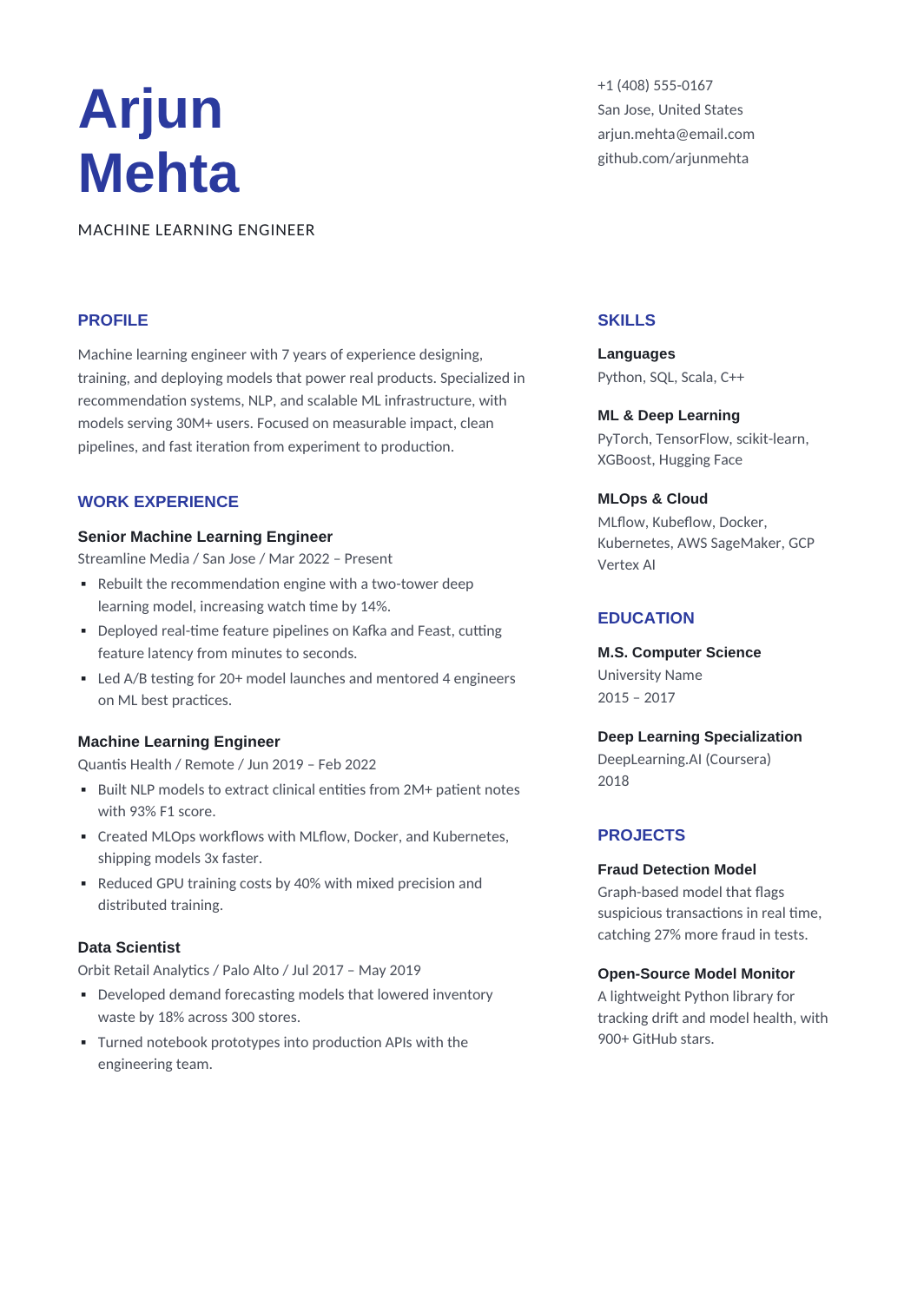
FREEA balanced layout with experience on the left and a compact right column for skills, education and projects, so the work history is the first thing read.
 FREE
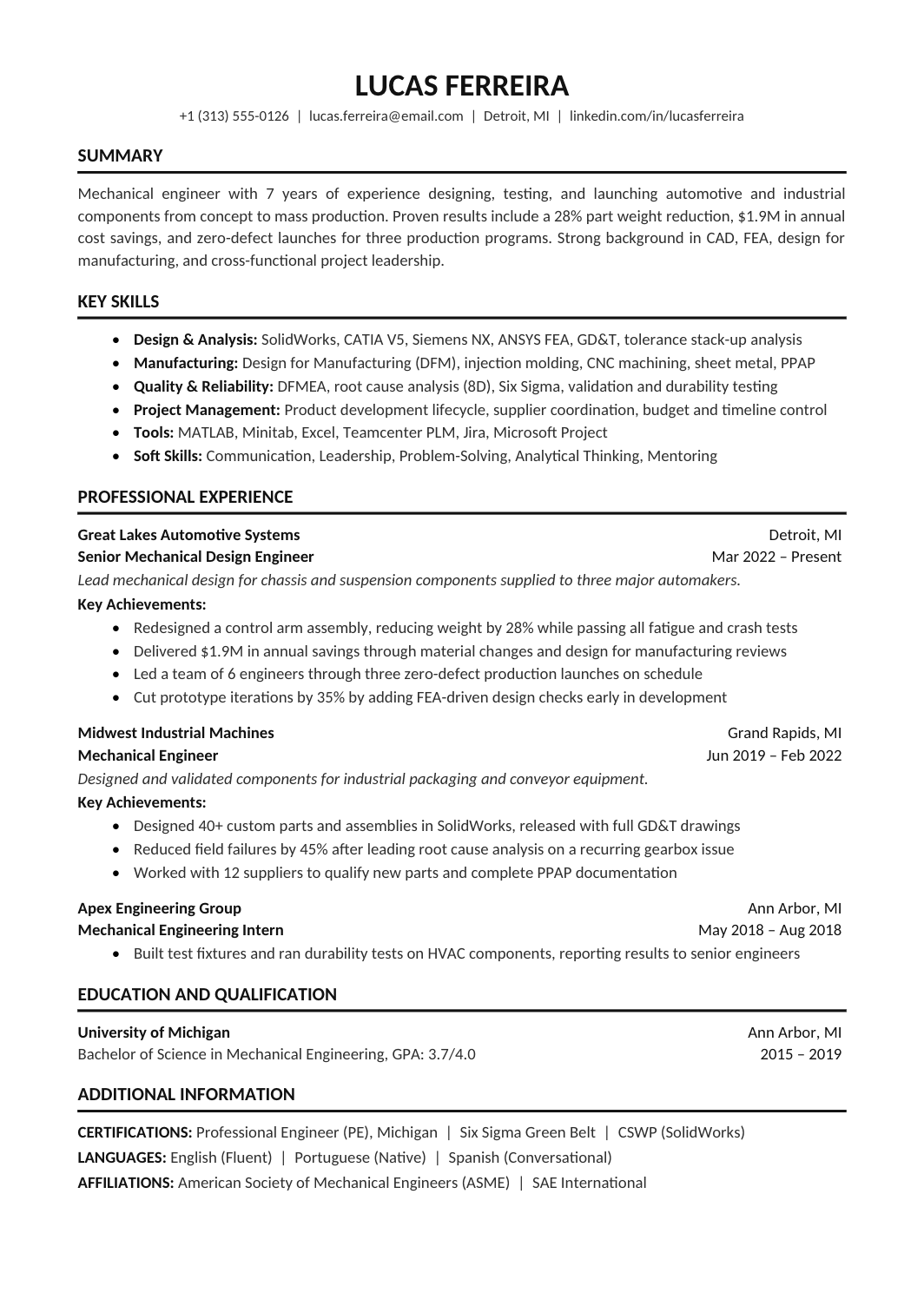
FREEA one-column Calibri resume with bold ruled headings, a grouped skills block and room for detailed experience bullets and credentials.
 FREE
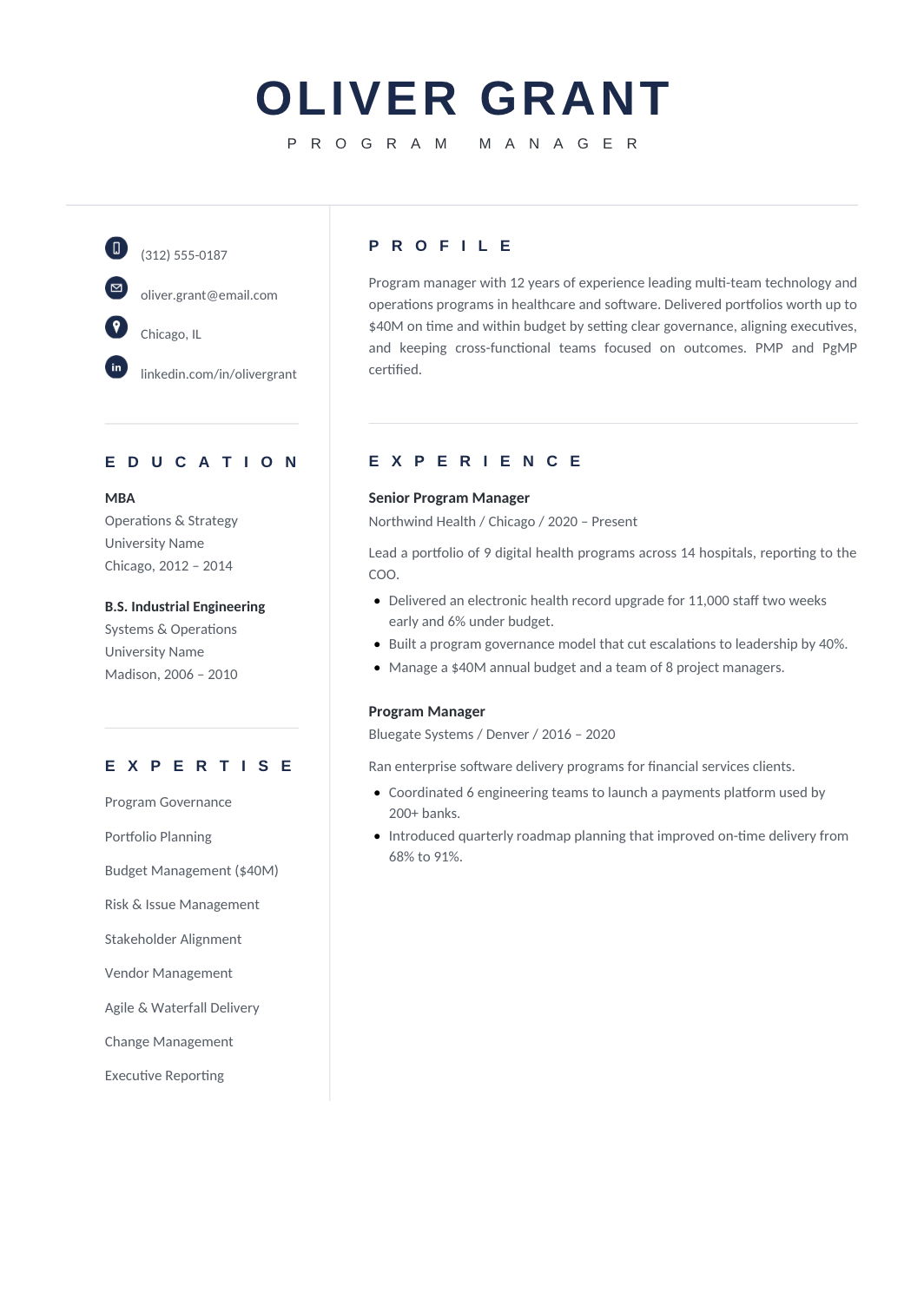
FREEA two-page leadership layout with a compact expertise sidebar and a broad column for roles described by scope and result, in navy.
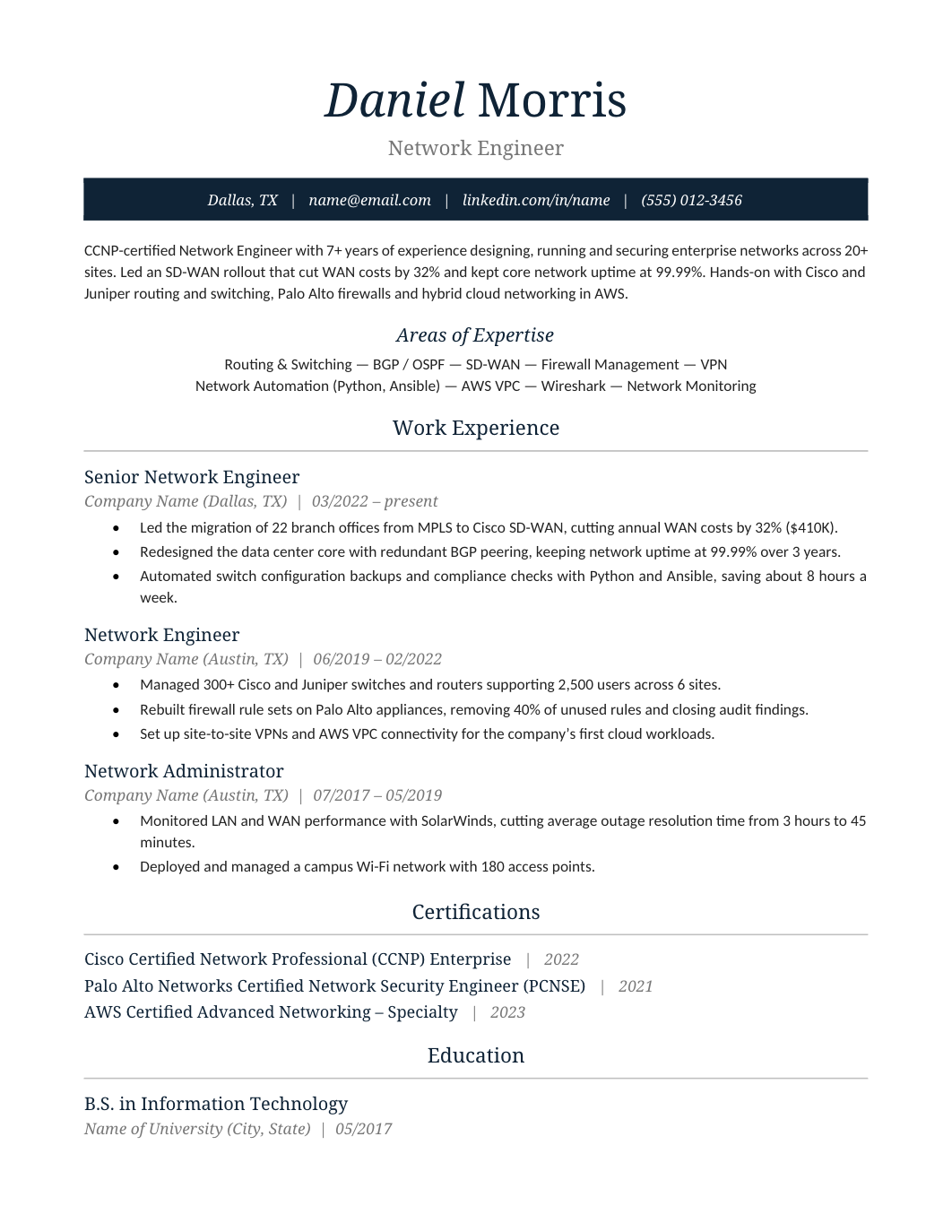 FREE
FREEA polished one-page design with serif headings and a navy contact band under the name, for applicants who want a refined page in a conservative field.
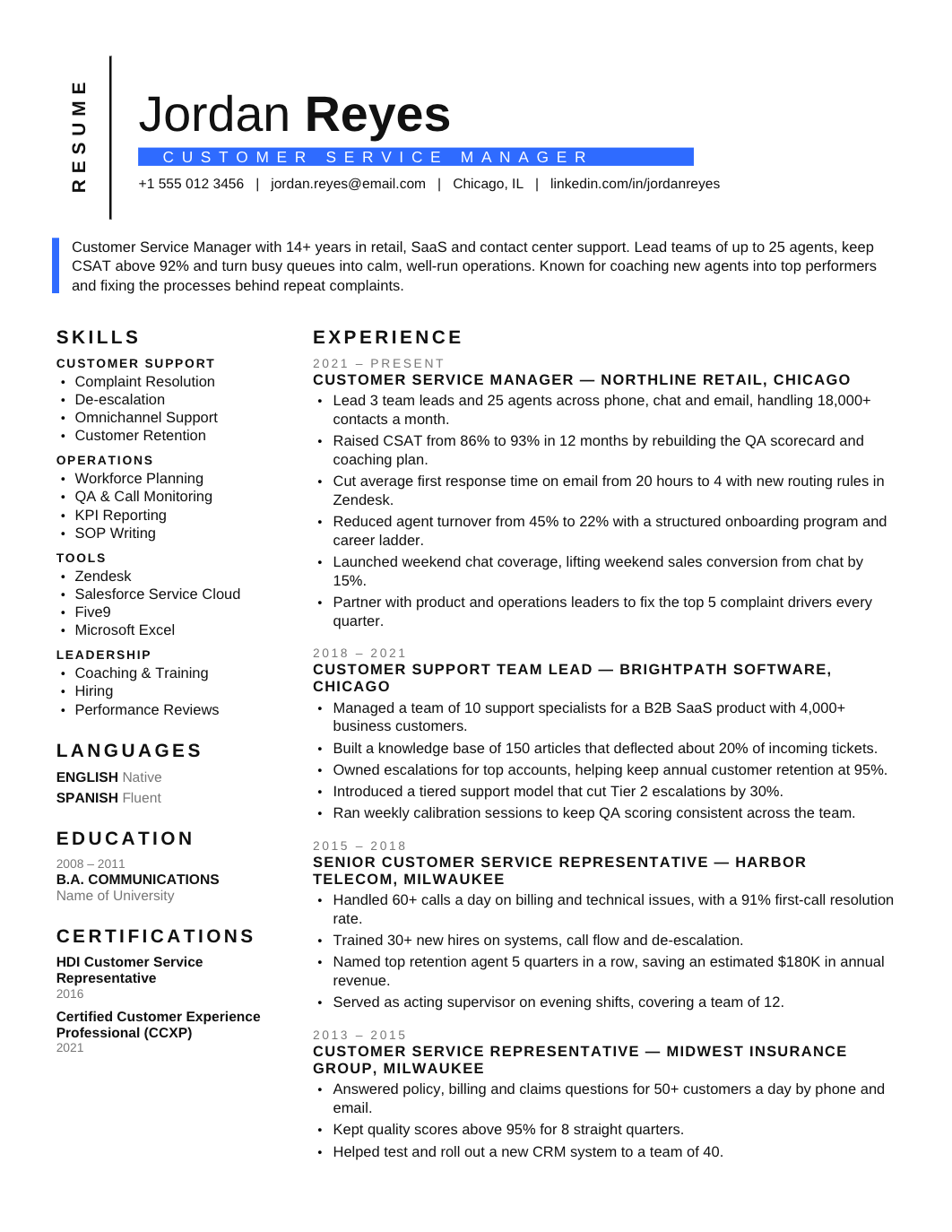 FREE
FREEA two-page sidebar layout built for twenty or more years of experience, with expertise and credentials in the sidebar and a chronology that stays readable across both pages.
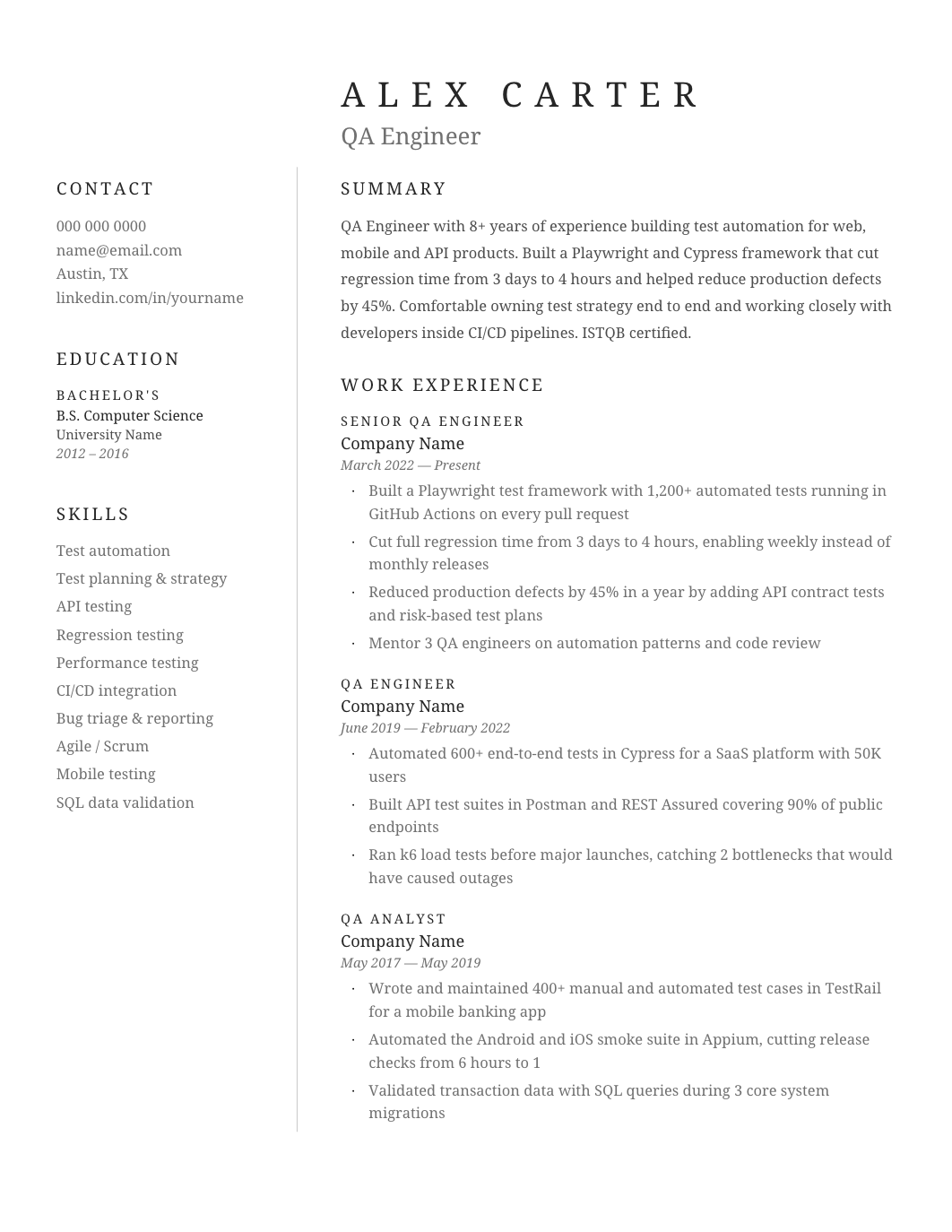 FREE
FREEA two-page Georgia design with a narrow sidebar for contact, expertise and education and a wide column for a substantial work history.
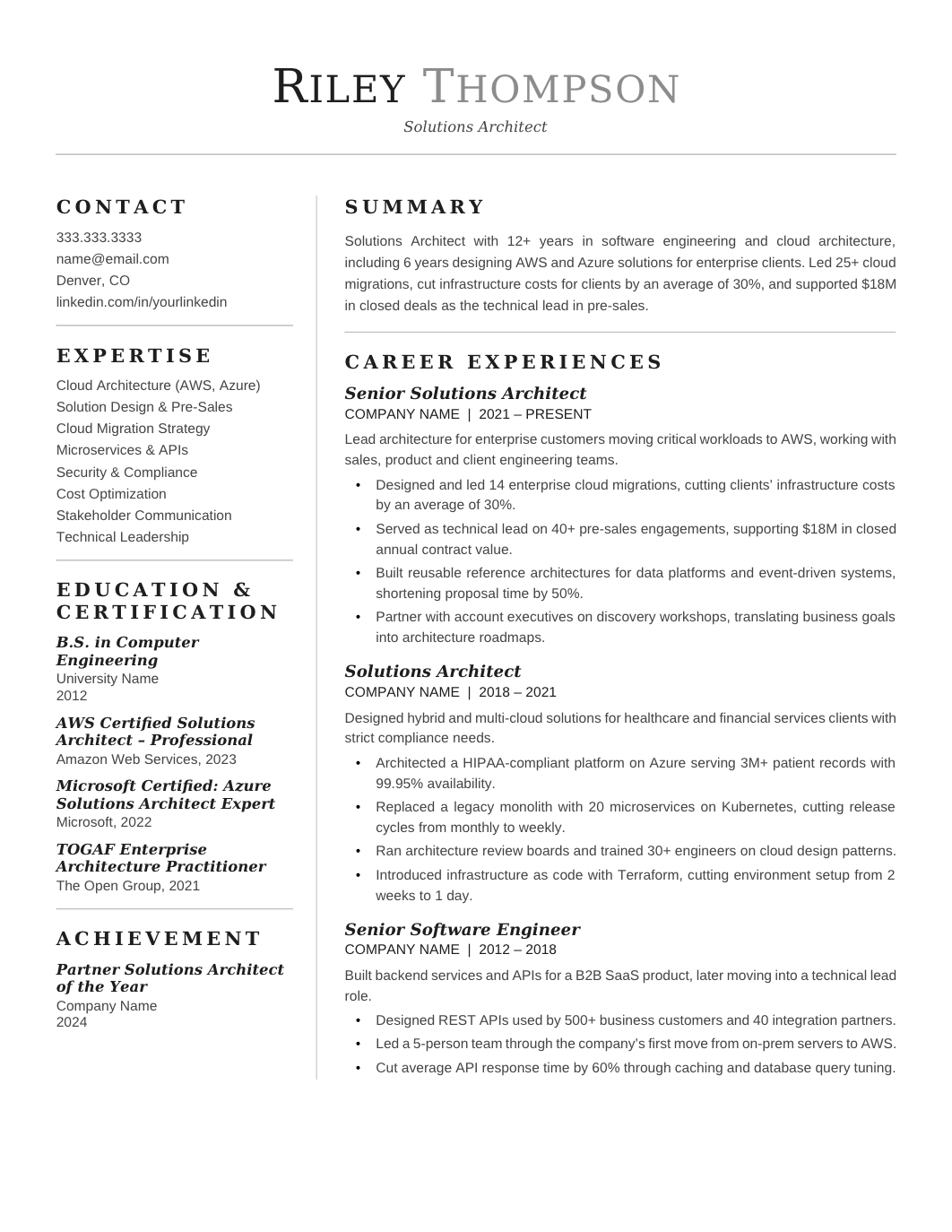 FREE
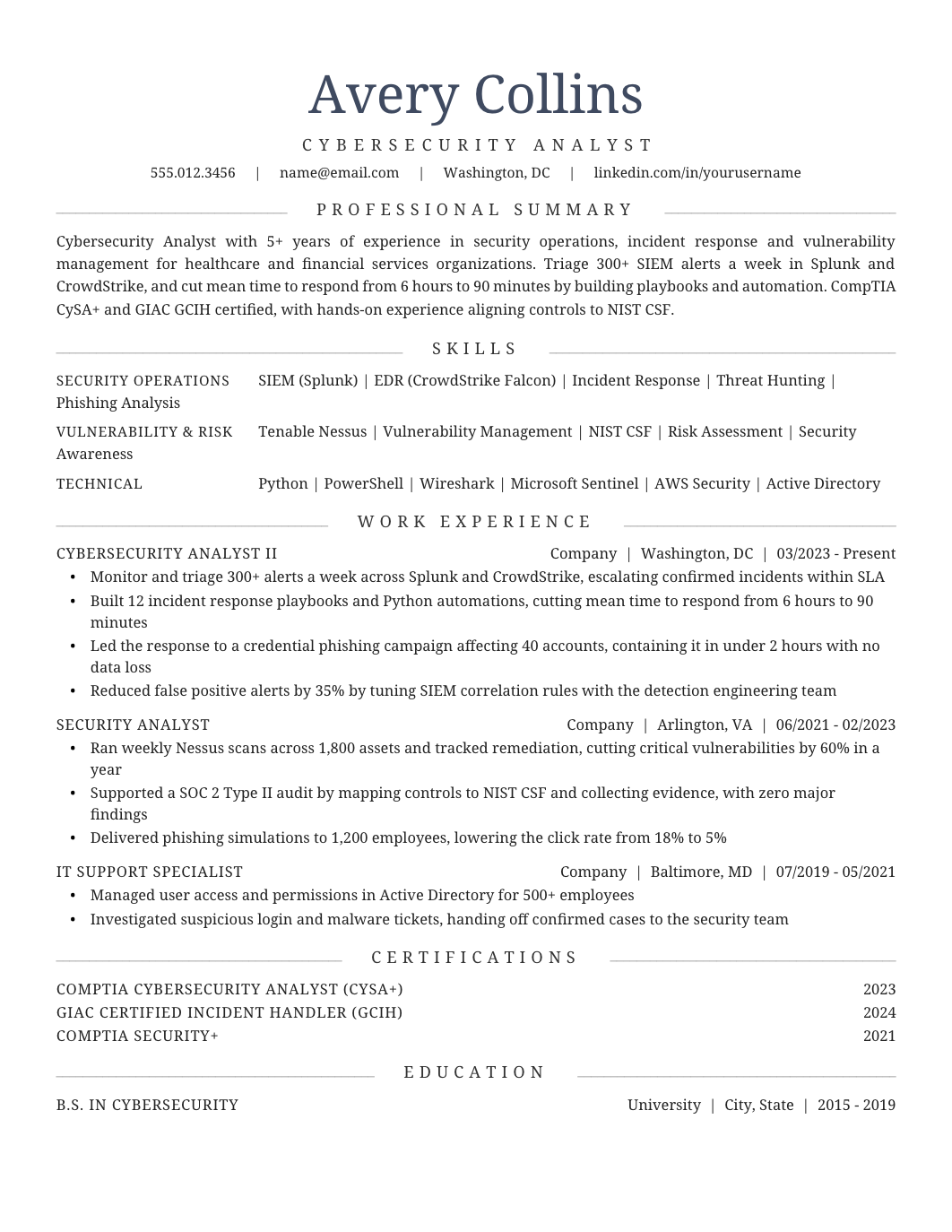
FREEA focused one-page layout for experienced individual contributors, with an expertise block, advanced credentials and a compressed chronology that highlights progression.
 FREE
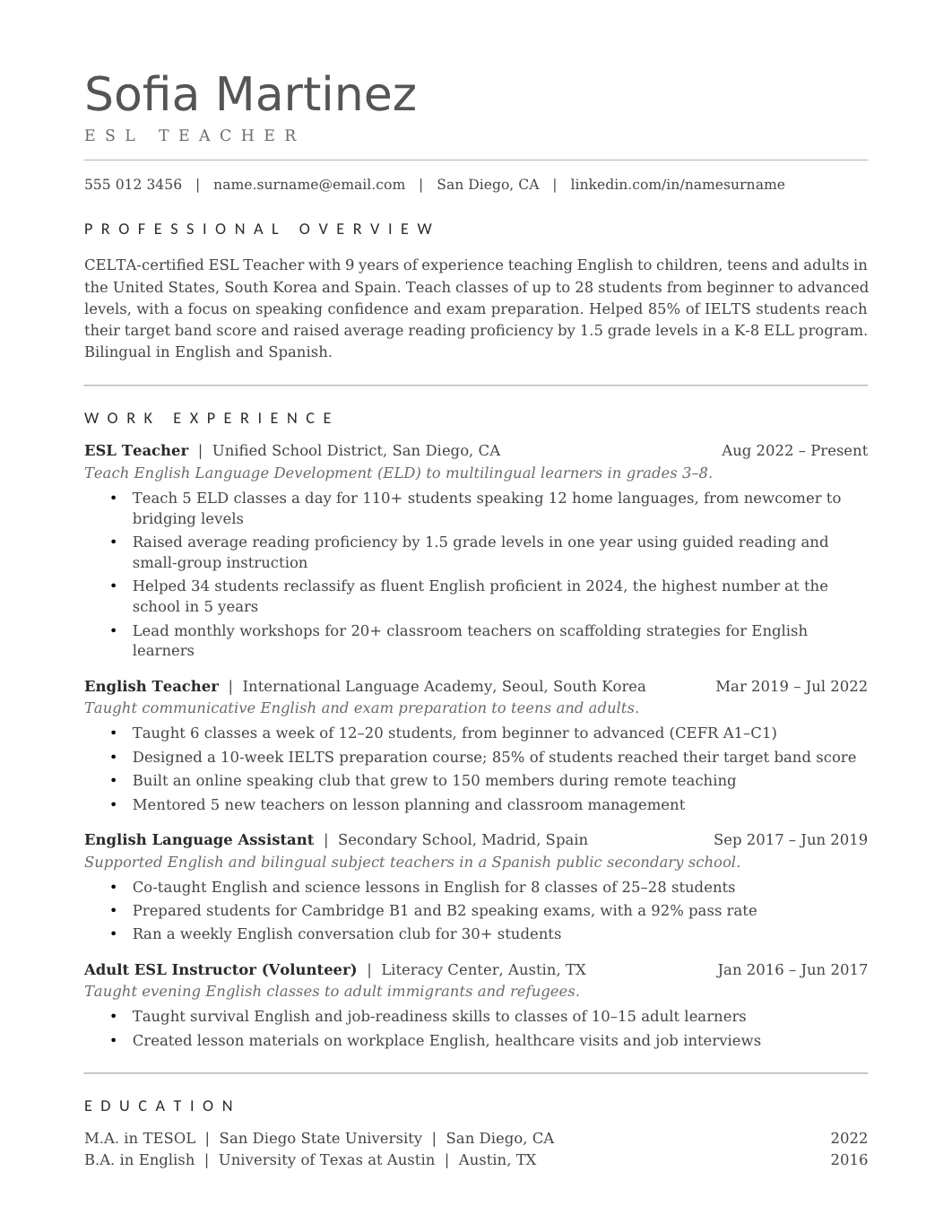
FREEA one-page Georgia layout with centered headings, thin rules and the standard professional sections, for formal fields.
 FREE
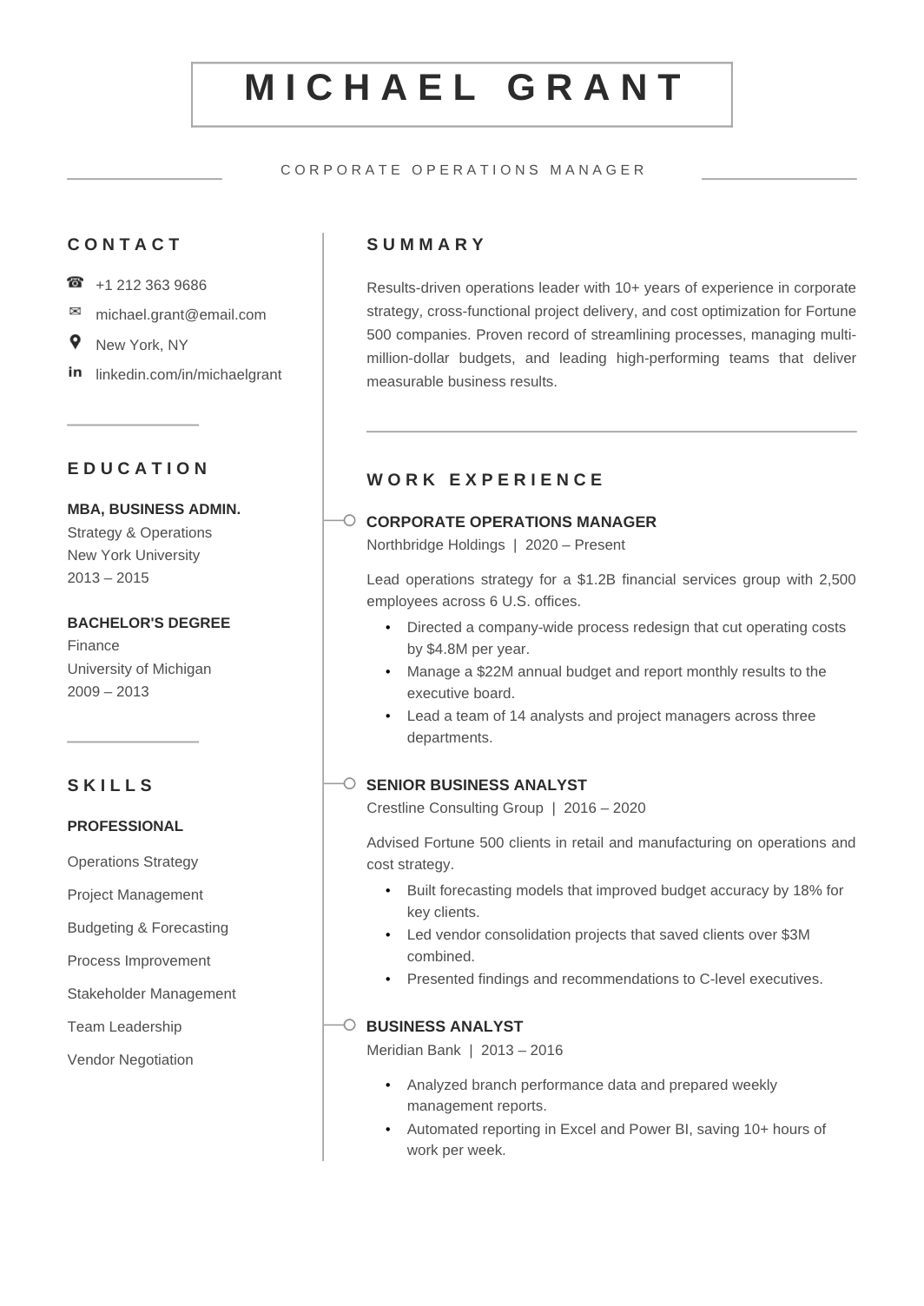
FREEA two-page layout that gives each role room: title, employer, dates and four or five bullets, in strict reverse-chronological order.
 FREE
FREEA one-page A4 resume with a framed header and a vertical timeline down the experience section, so career progression is visible at a glance.
 FREE
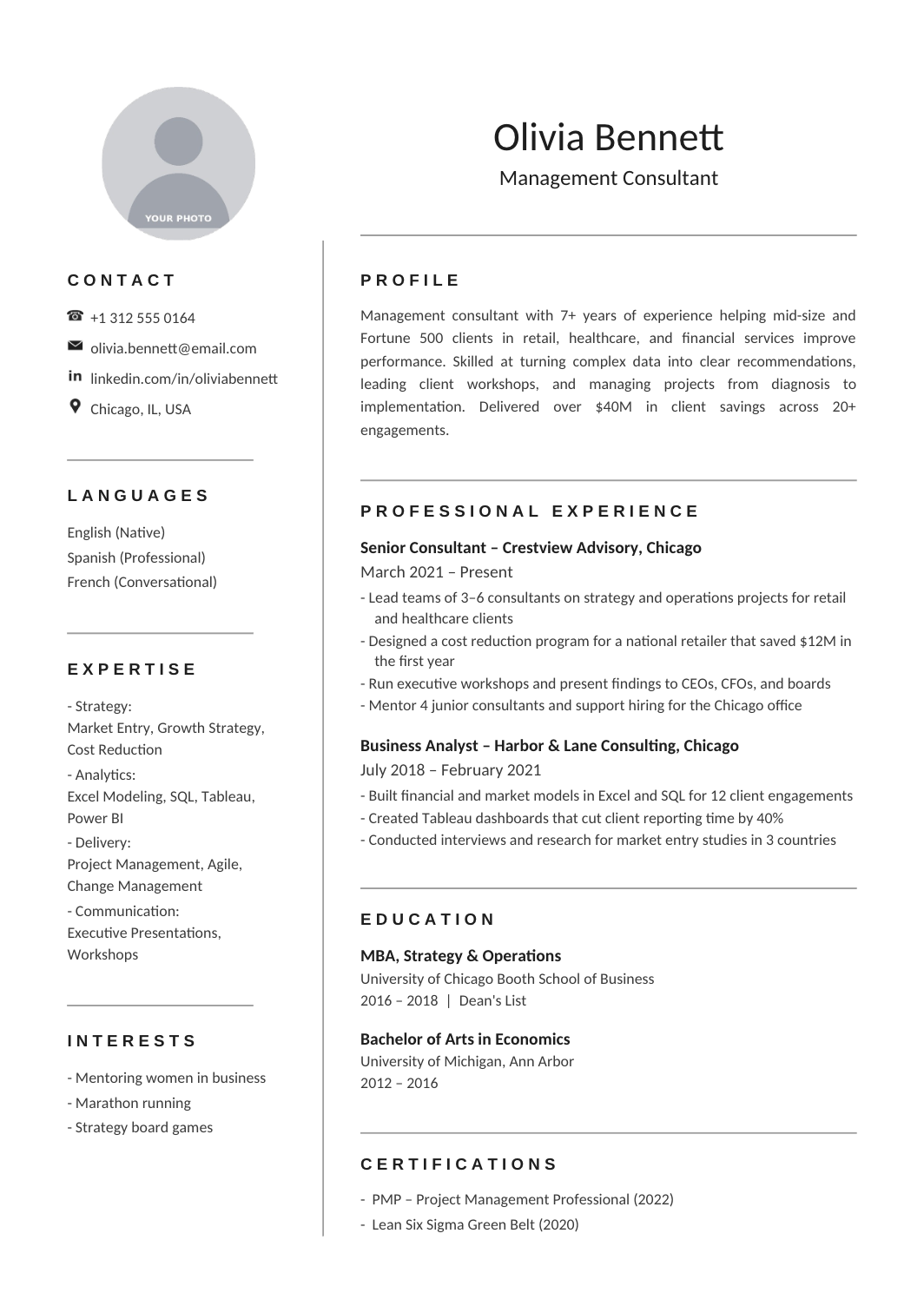
FREEA one-page A4 two-column resume with a photo placeholder, Arial headings and Calibri body, for a clean photo resume without visual fuss.
 FREE
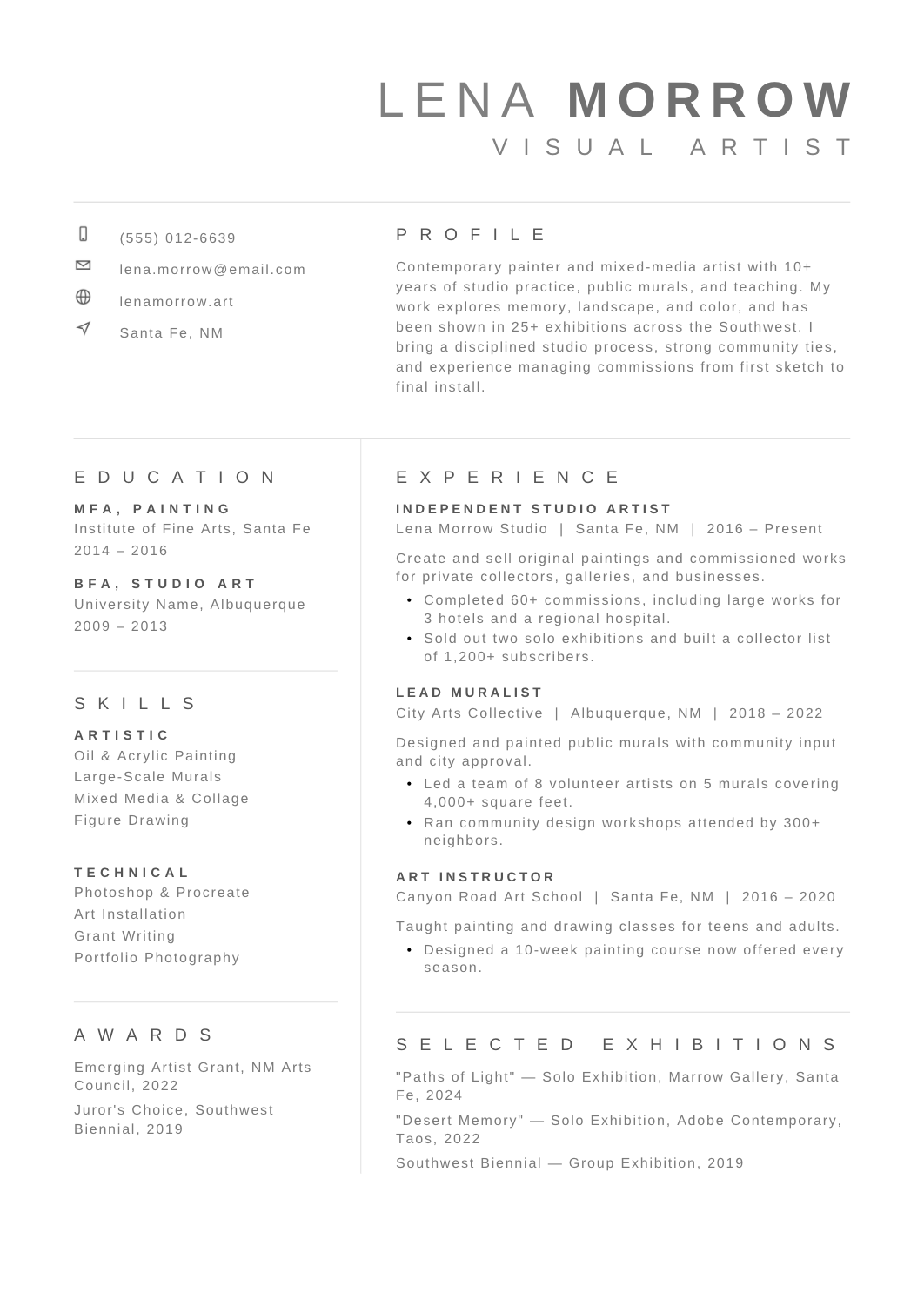
FREEA refined gray two-column layout for portfolio-led careers, with space for skills, awards and a selected-work list beside the experience column.
 FREE
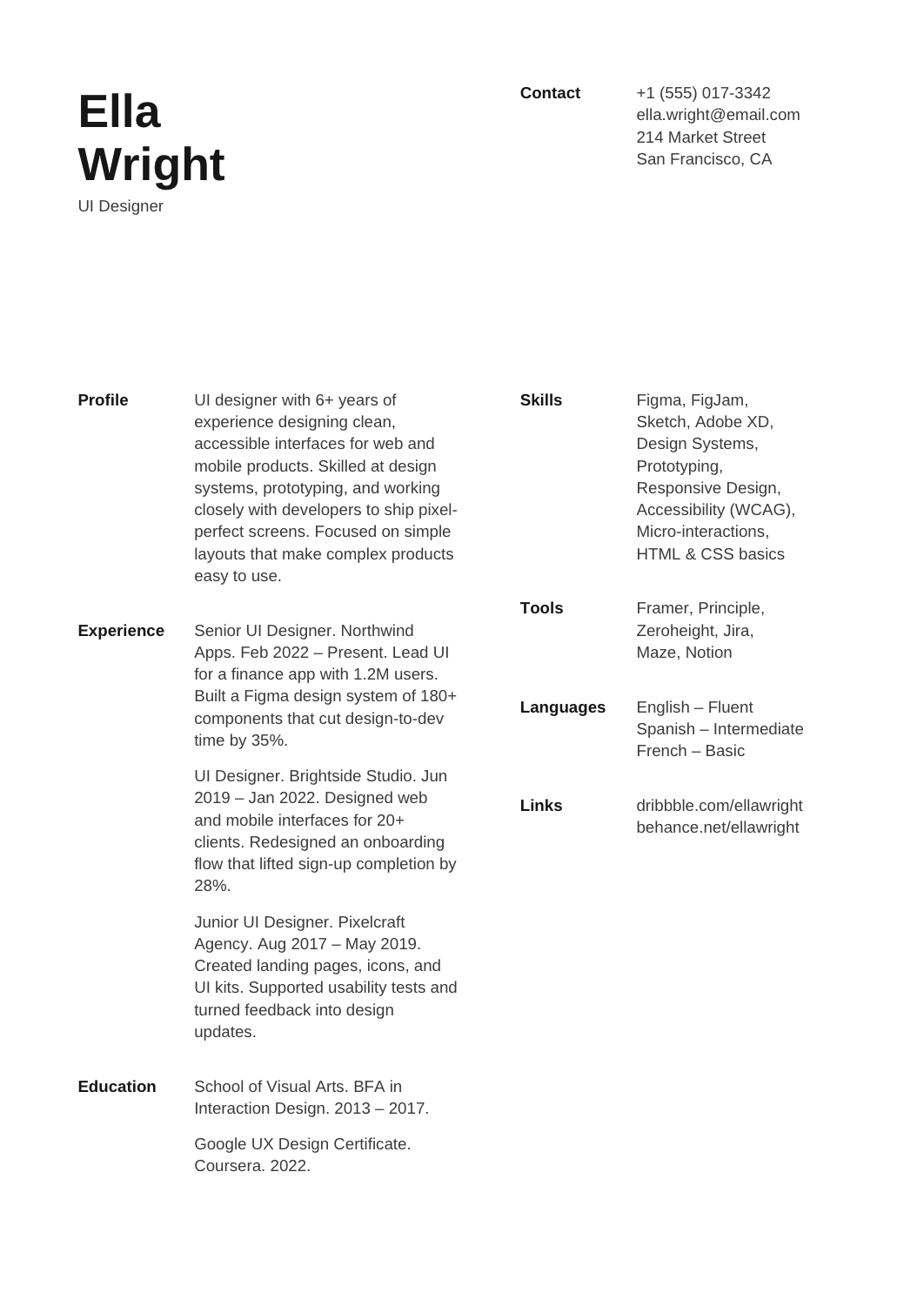
FREEAn airy two-column resume that uses white space, plain Arial and small labels to separate experience from tools, languages and links, with no color at all.
 FREE
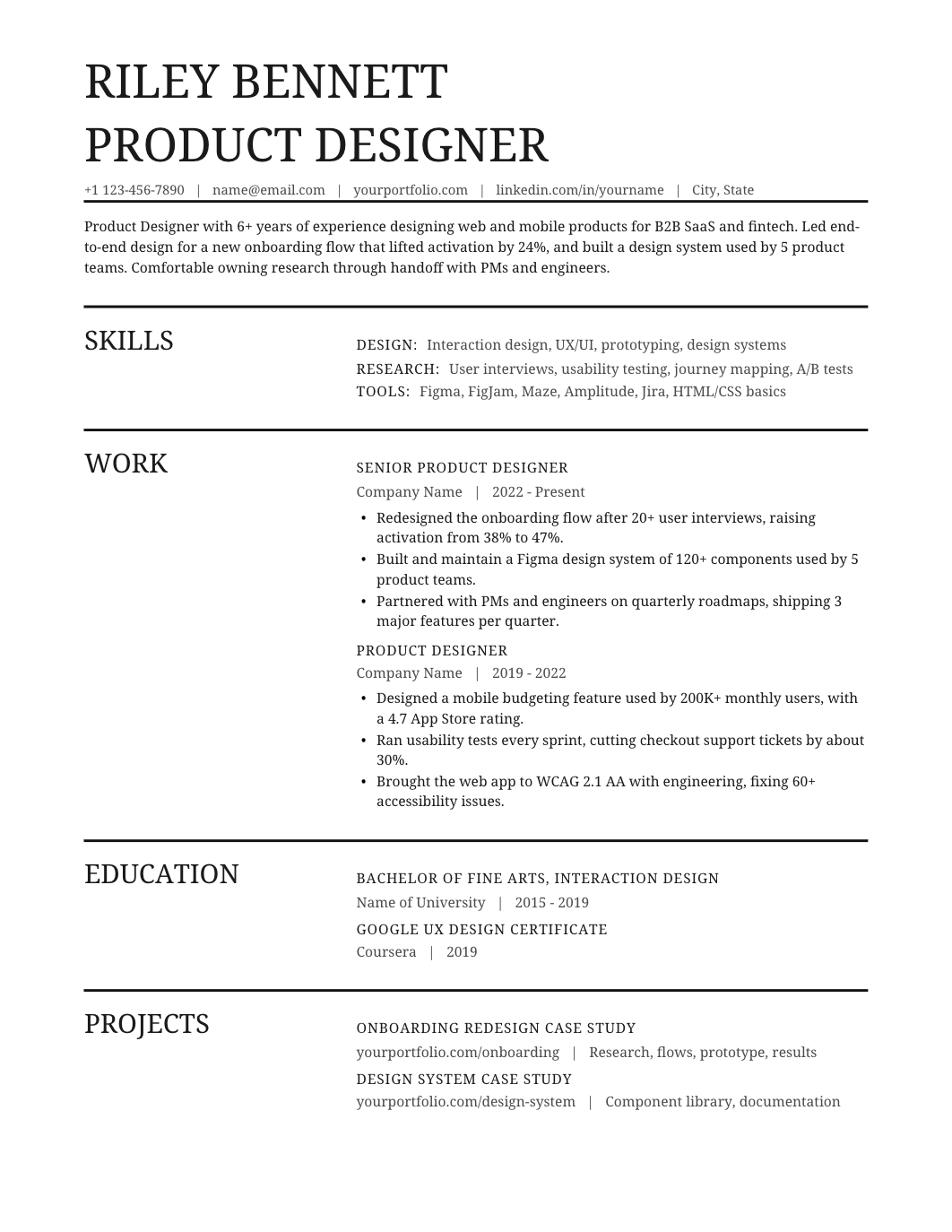
FREEA monochrome one-column resume with bold rules, small section labels and wide rows for experience, structured without being busy.
Browse 116 job-specific resume examples for common roles, with editable Google Docs and Word options.
Most people search for a resume template for Google Docs or a Word file and end up on two different sites. Here the same design supports both, so you can decide on the structure first and worry about the editor later. If you're applying through online portals, start with the ATS resume templates, which keep a single reading order and standard headings. If you have a short work history and want education and projects to carry more weight, the entry-level layouts give those sections more room. Experienced candidates who need space for several roles will find the two-page resume templates more practical than squeezing everything onto one sheet.
This is usually the first real decision. A one-column resume reads top to bottom, parses cleanly, and suits most corporate applications. A two-column layout puts skills, tools and contact details in a sidebar and leaves the wider column for experience, which works well for designers, developers and anyone with a long skills list. Both are available in simple, modern and professional styles, so the column choice doesn't lock you into a look.
A blank layout doesn't tell you what to put in it. The resume examples by job show how a nurse, a software engineer or a sales manager typically orders sections, which skills go near the top, and what kind of results are worth quantifying. Use them to decide what to emphasize, then write your own bullets. When the application also asks for a letter, the cover letter templates match the resume styles so both documents look like they came from the same person.
Export the finished file and open it outside the editor. Check page breaks, dates, links and spacing, and make sure the top third of the page explains why you fit the role. If you're starting from nothing, the free resume-building guide walks through choosing a layout, filling it in, and checking the export. If the resume keeps spilling onto a second page, this fix for overflow in Google Docs solves the usual causes without shrinking the font.