 FREE
FREEMinimalist ATS Resume
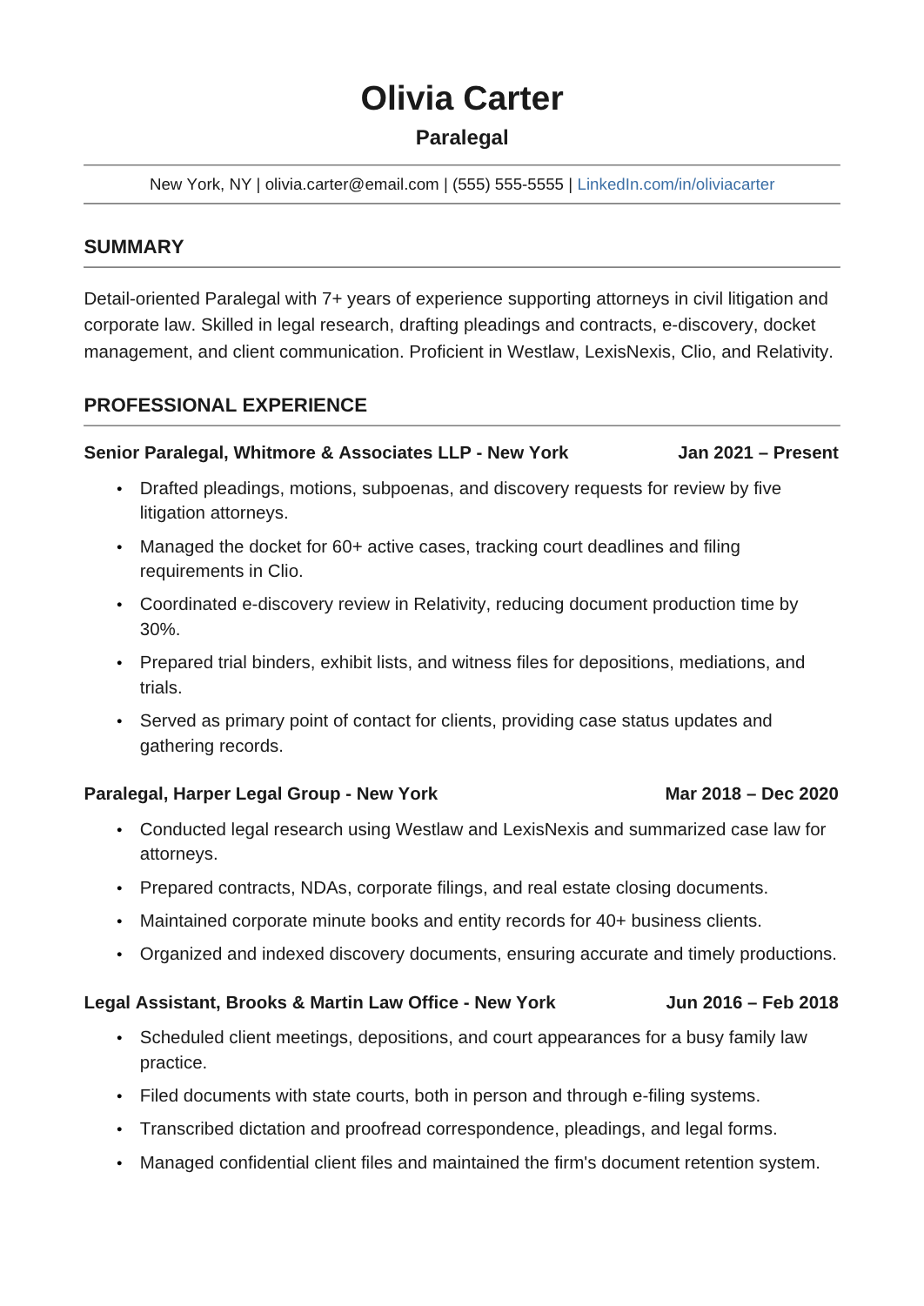
A plain two-page layout in Arial with one column, standard headings and thin rules.

These templates are built to be read by applicant tracking software first and people second: standard section names, no text in graphics, and a reading order that parses top to bottom. Choose one when you're applying through a job portal or to a large employer.
FREEA plain two-page layout in Arial with one column, standard headings and thin rules.
 FREE
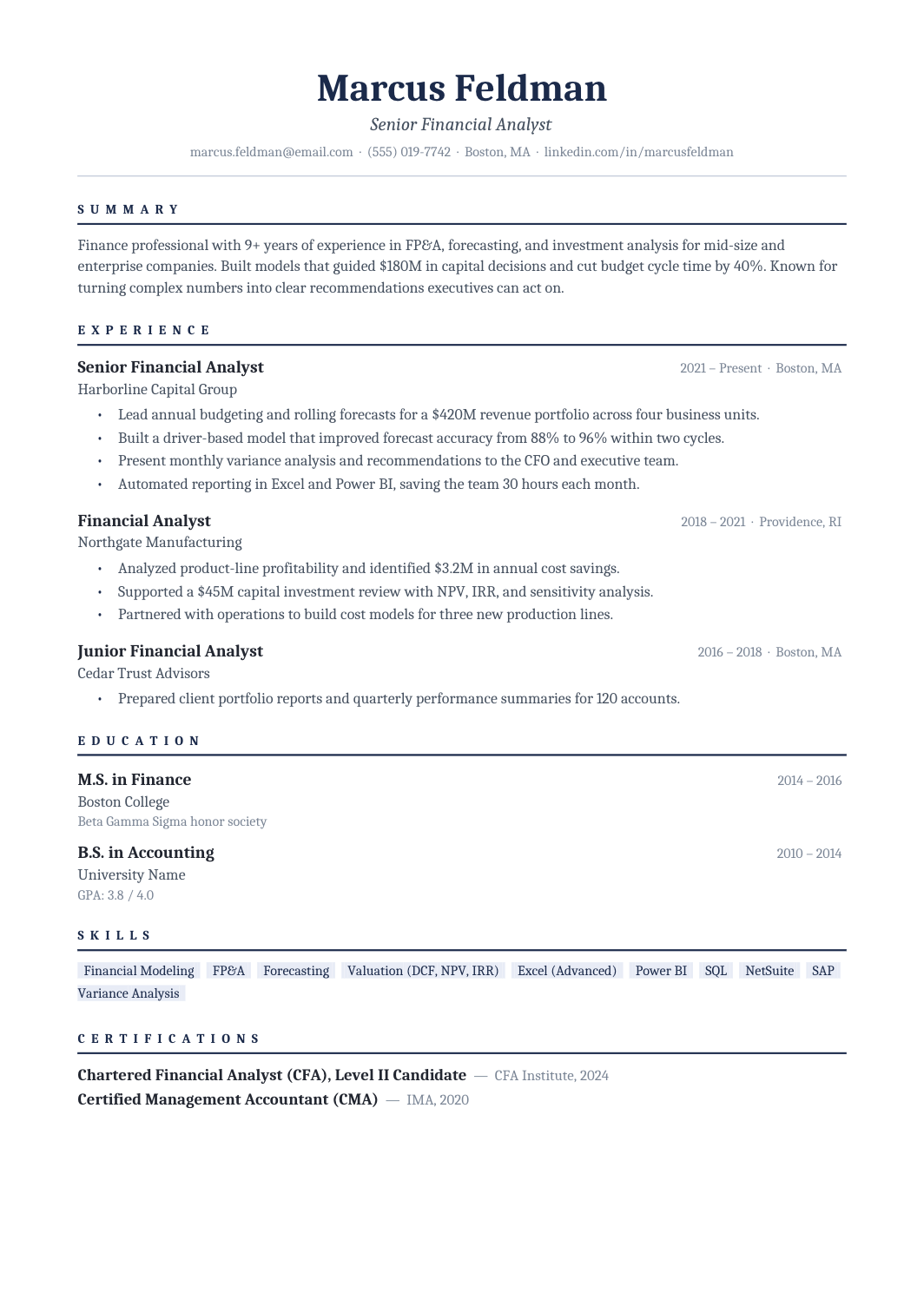
FREEA one-column Cambria resume with navy rules and restrained skill labels: conservative enough for finance and legal applications, structured enough to pass any parser.
 FREE
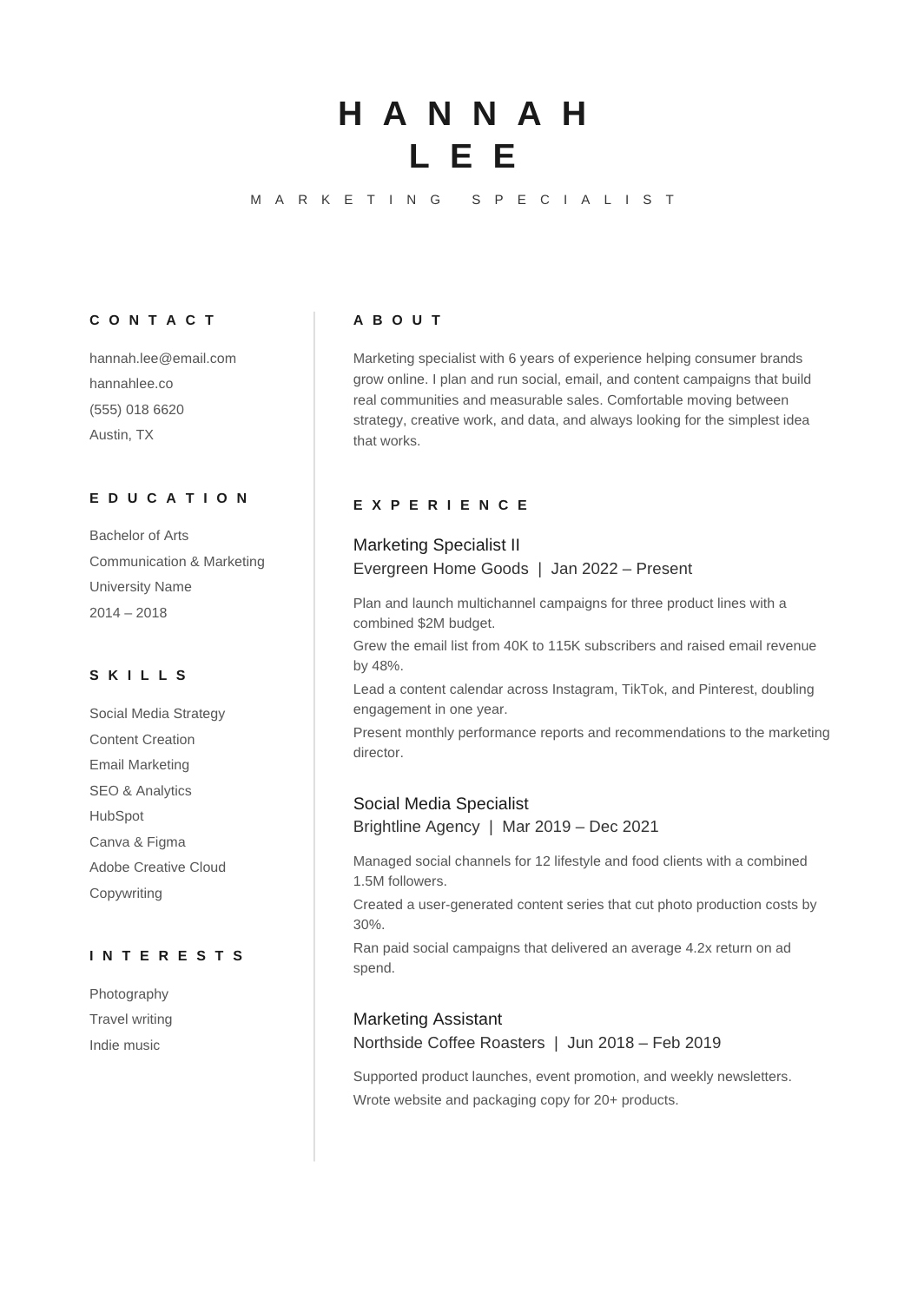
FREEA one-page A4 resume with a narrow skills column and a wide experience column, built with a text structure that parses correctly, in plain Arial.
 FREE
FREEA single-column resume with standard section names and a straightforward reading order.
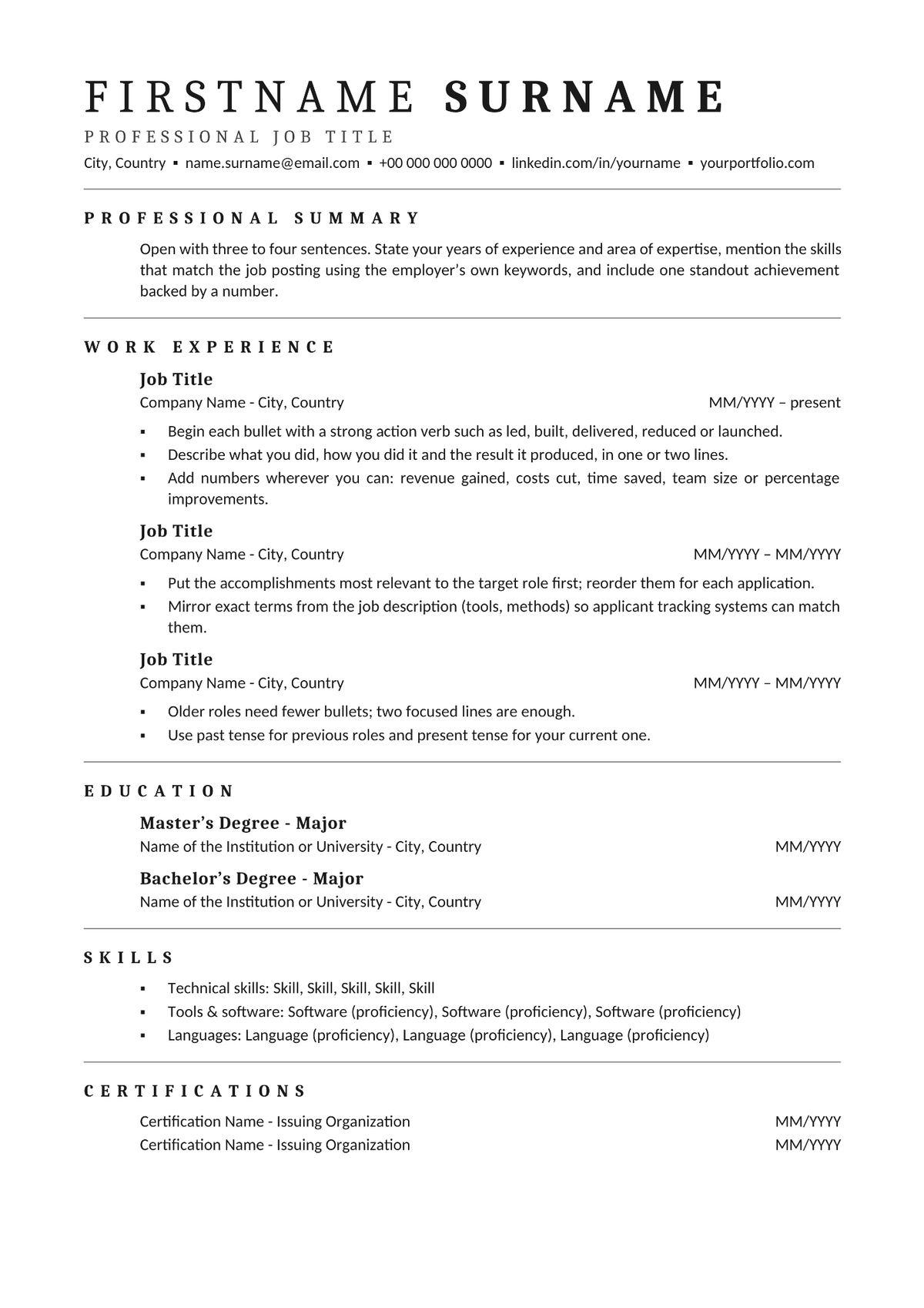 FREE
FREEA black-and-white one-column resume with serif headings and thin rules, leaving most of the page to experience.
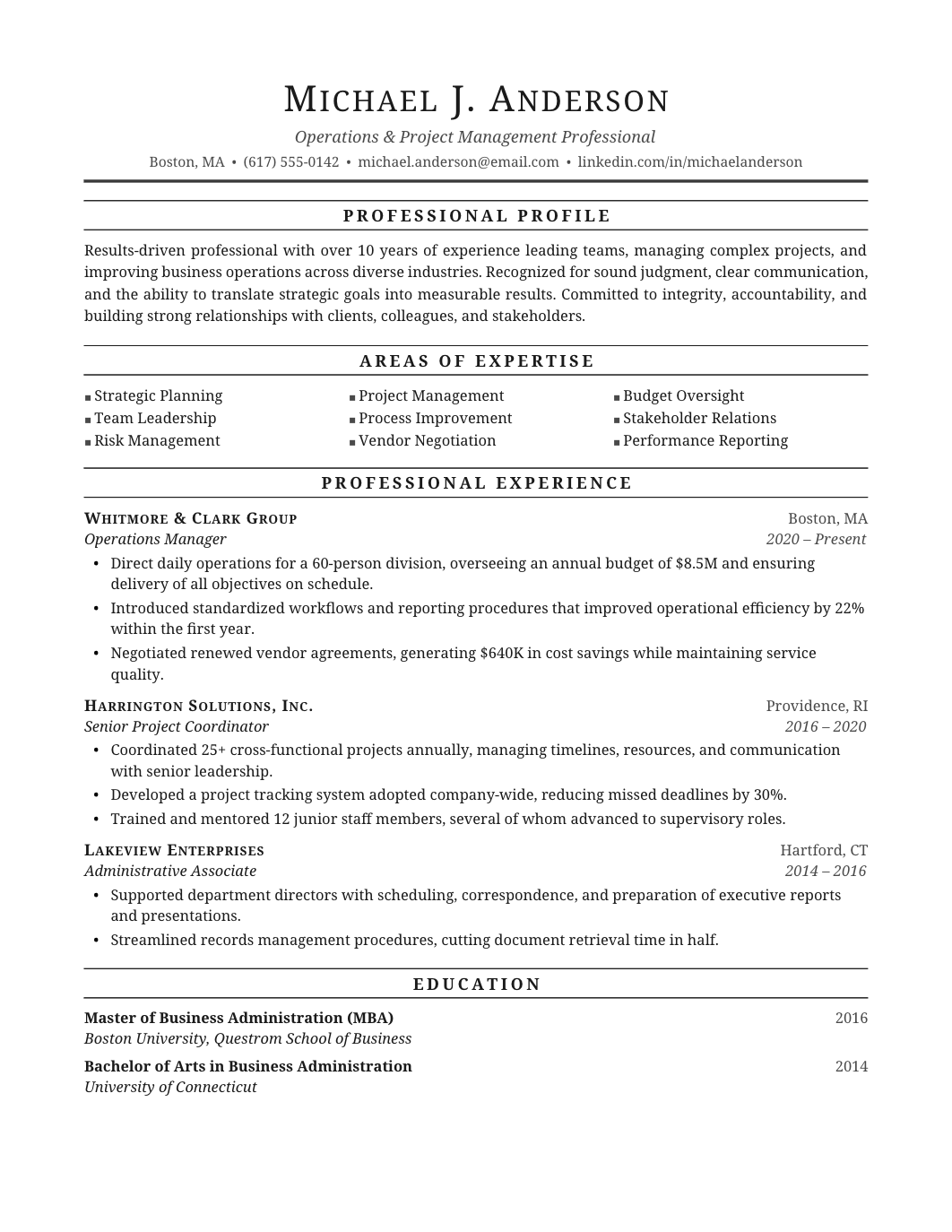 FREE
FREEA traditional single-column format with understated type and a clear chronological structure, for applicants who want a resume that looks like it has always looked.
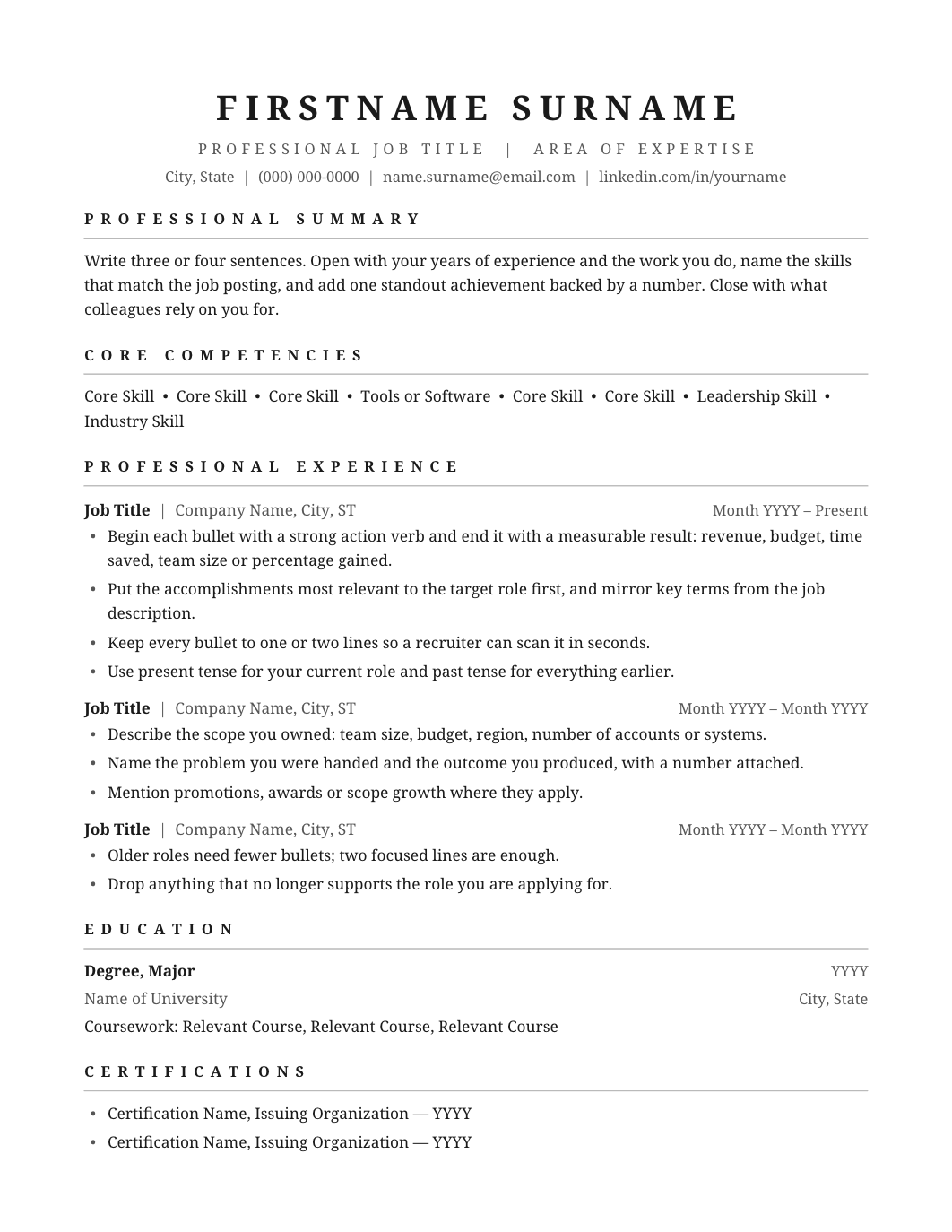 FREE
FREEA compact one-page layout with plain headings, enough structure to scan and no decoration to maintain.
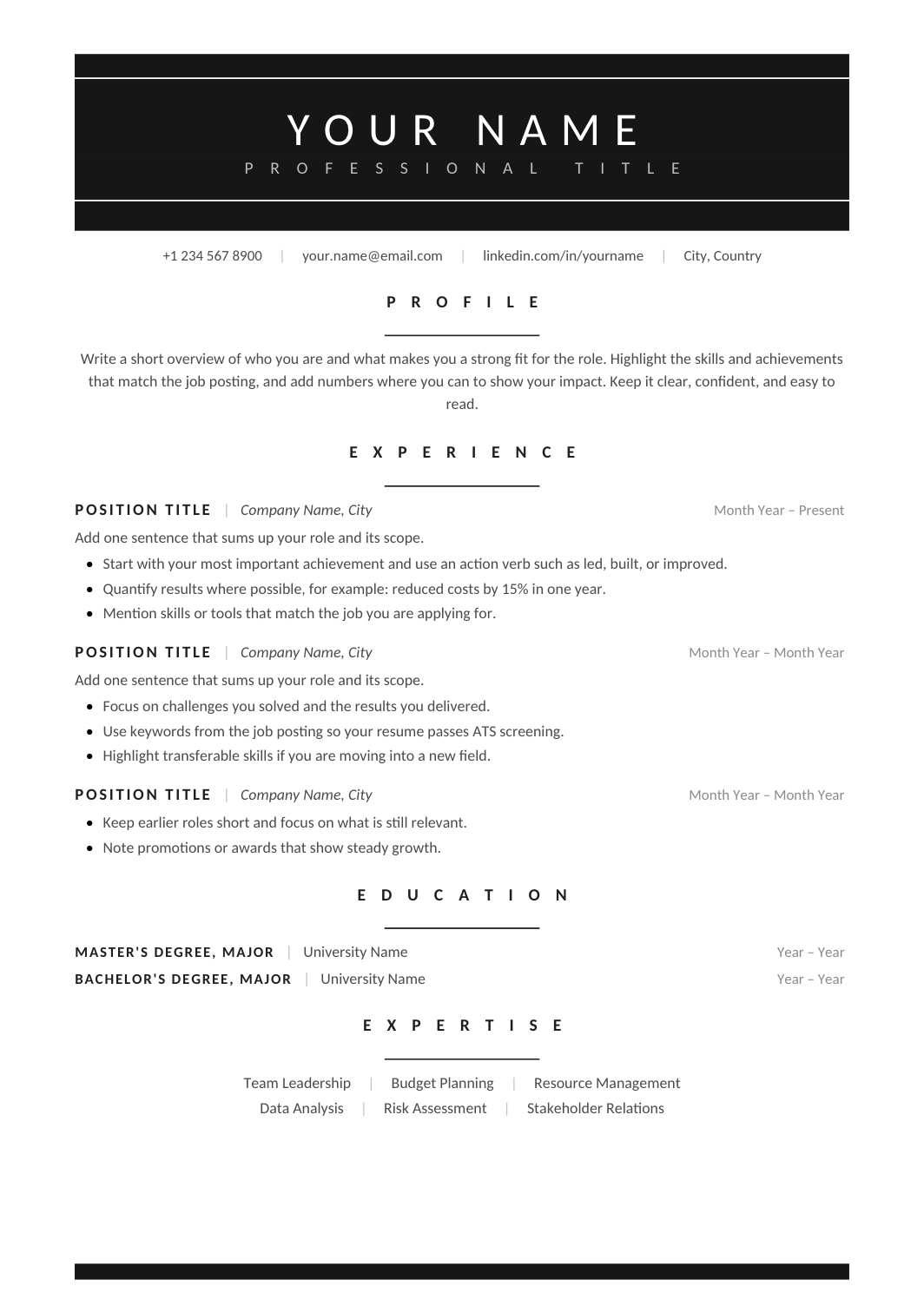 FREE
FREEA pared-back black-on-white design with typographic headings, generous spacing and no rules or color.
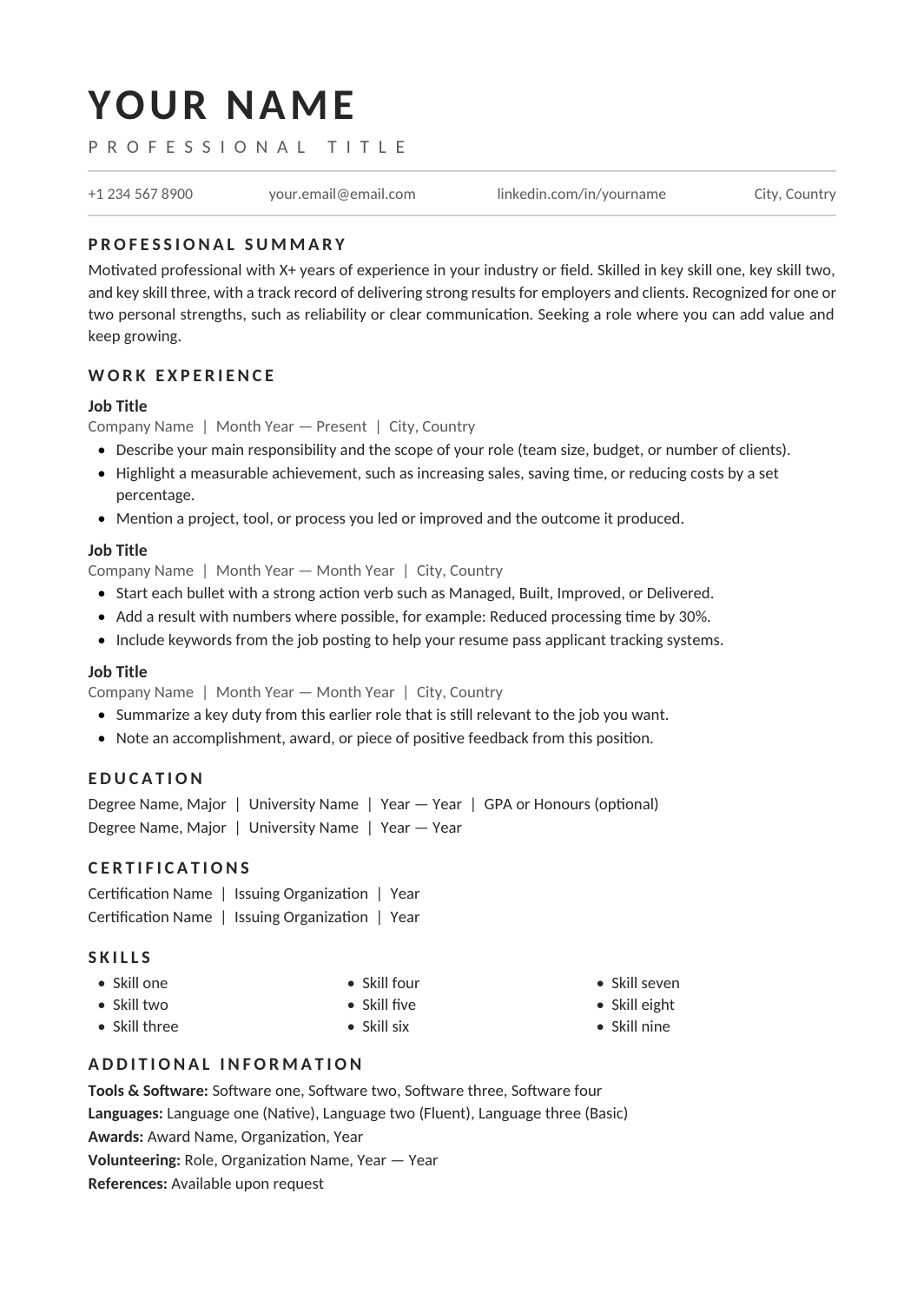 FREE
FREEA straightforward one-column layout: summary, experience, education, skills, in that order, with nothing off to the side.
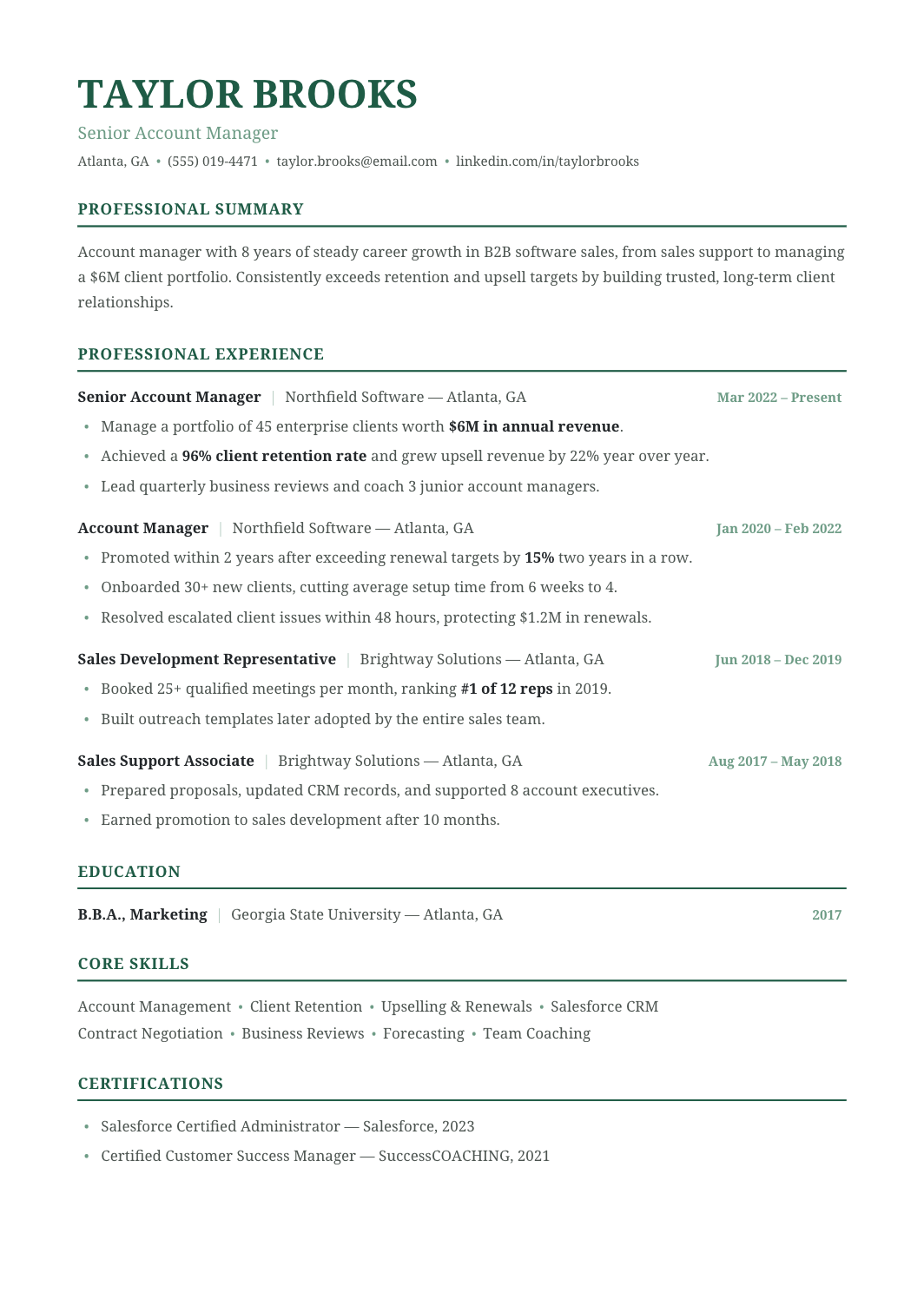 FREE
FREEThe standard format: a short summary, then work history from your current role backwards, then education and skills.
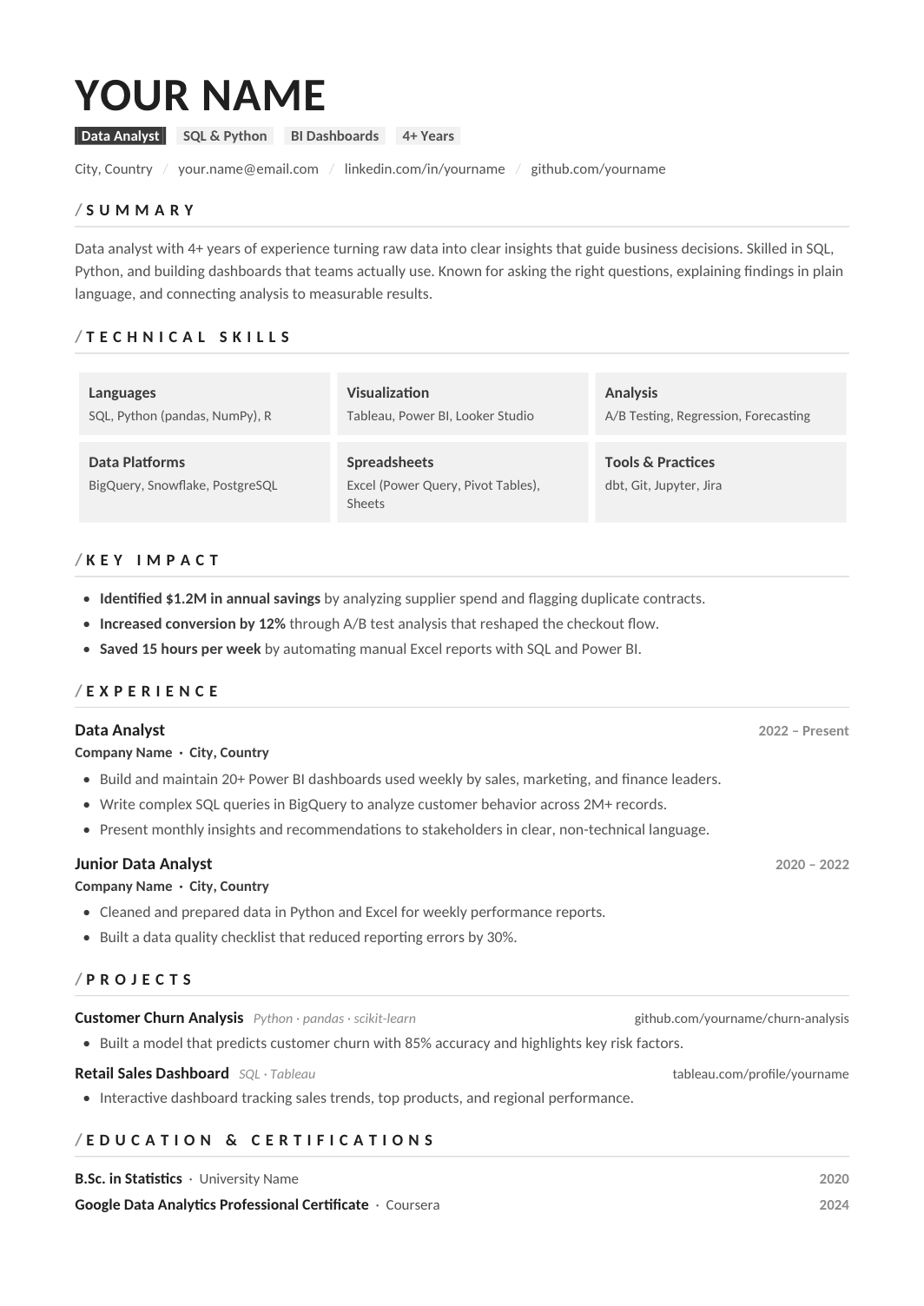 FREE
FREEA one-column resume for analysts, with a compact tools line (SQL, Python or R, BI platform, spreadsheets) and experience bullets that connect each analysis to the decision it informed.
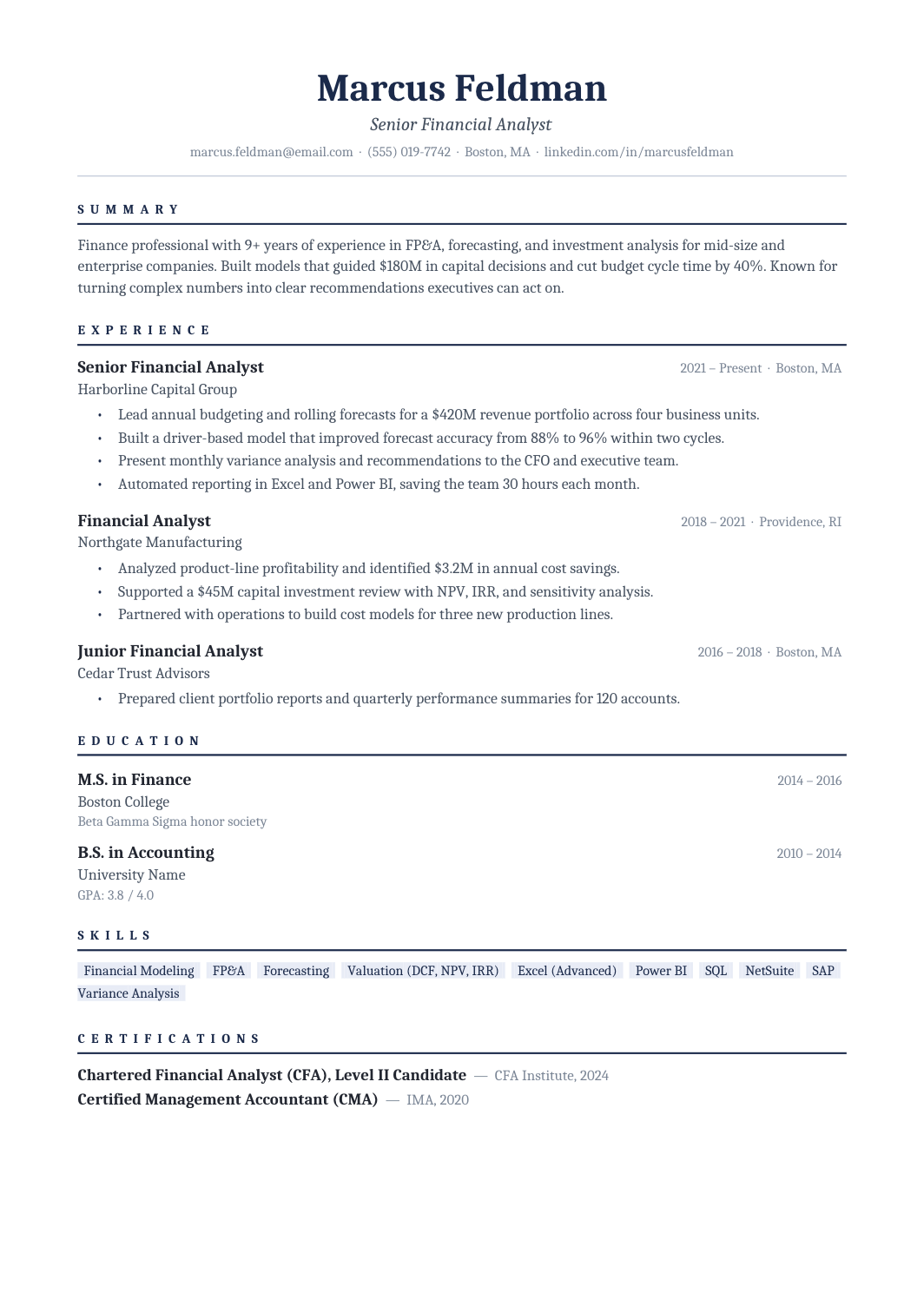 FREE
FREEA Cambria one-column resume with navy rules and a clear career timeline, built for corporate finance, treasury and controllership roles where the reader expects polish and numbers.
 FREE
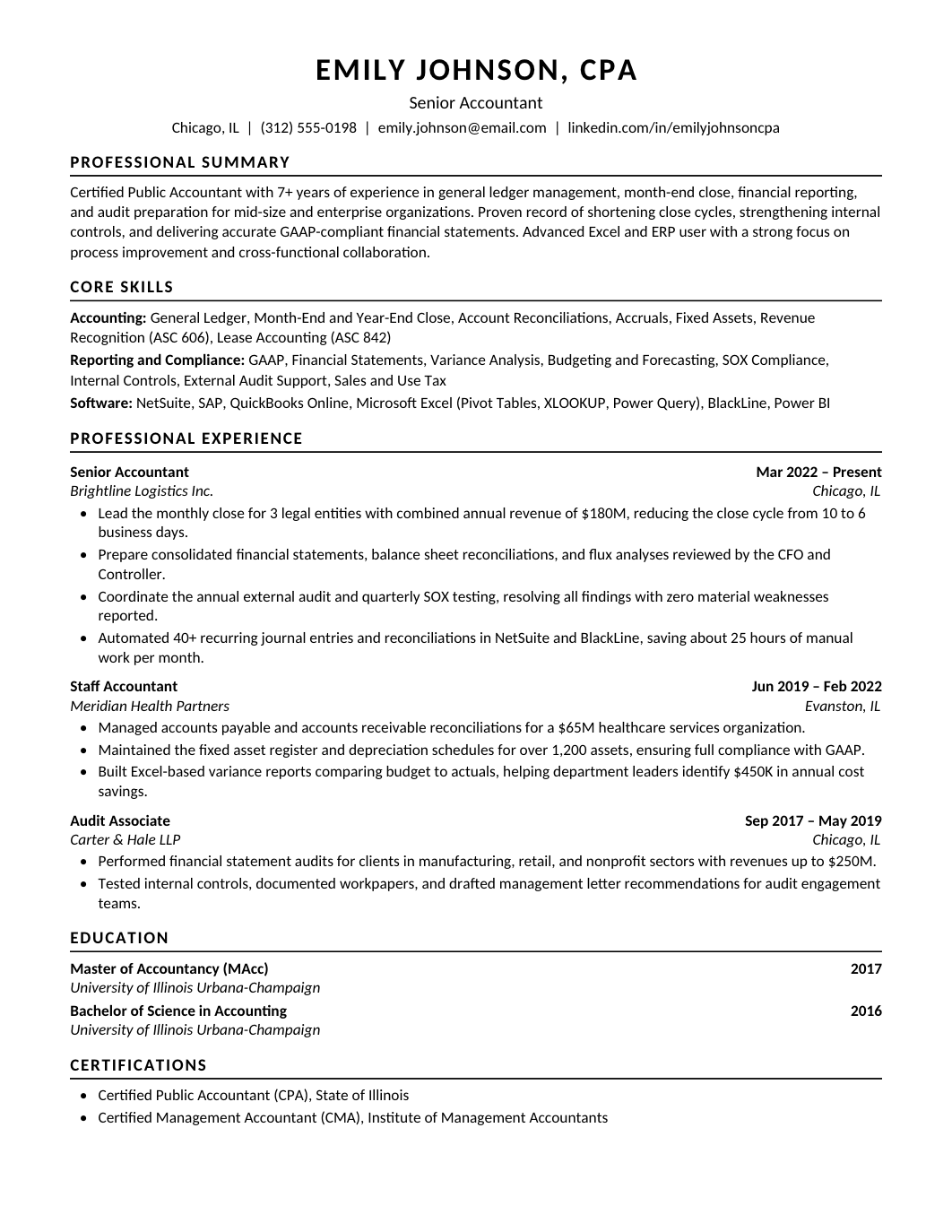
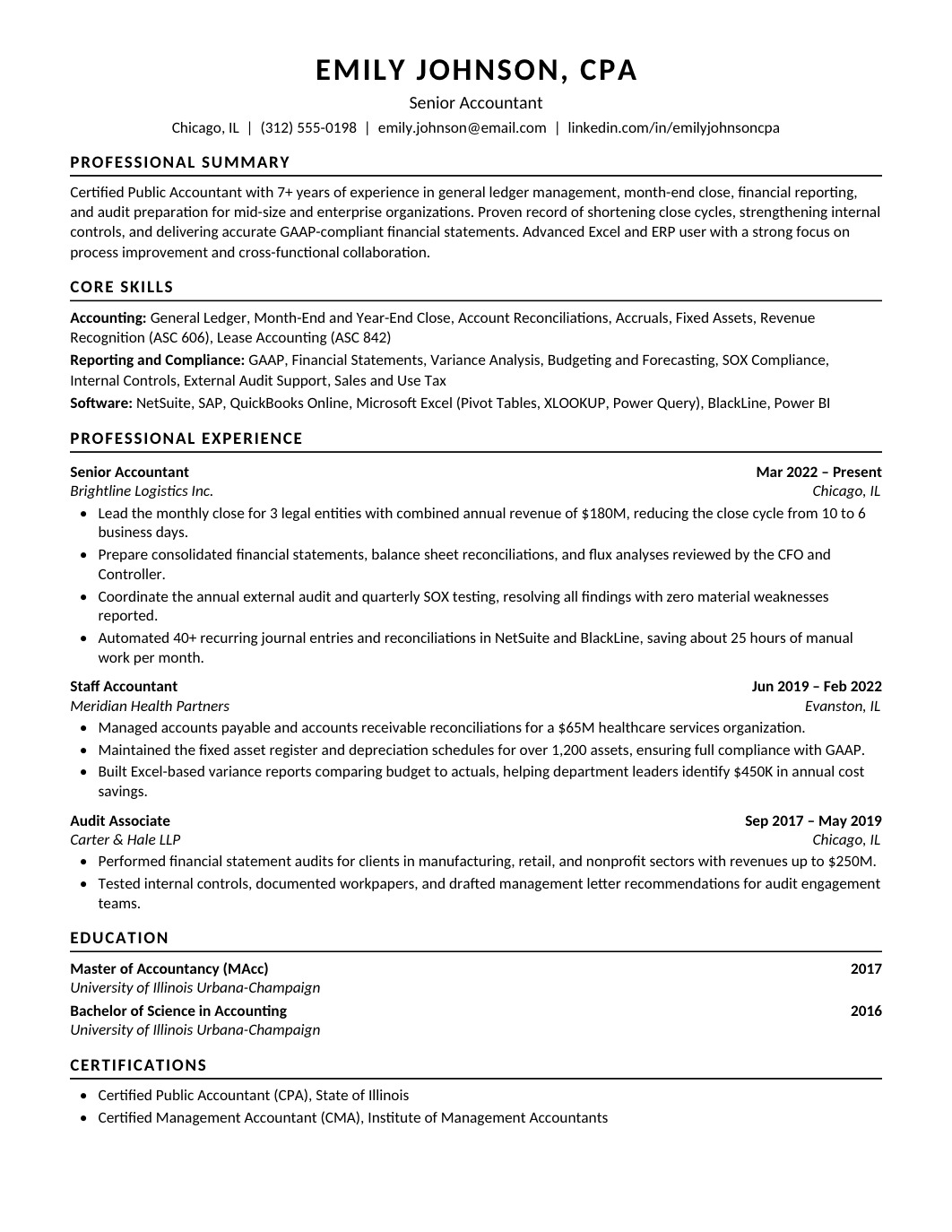
FREEA single-column resume for staff and senior accountants, with CPA status near the top and bullets about month-end close, reconciliations, reporting and the systems you run them in.
 FREE
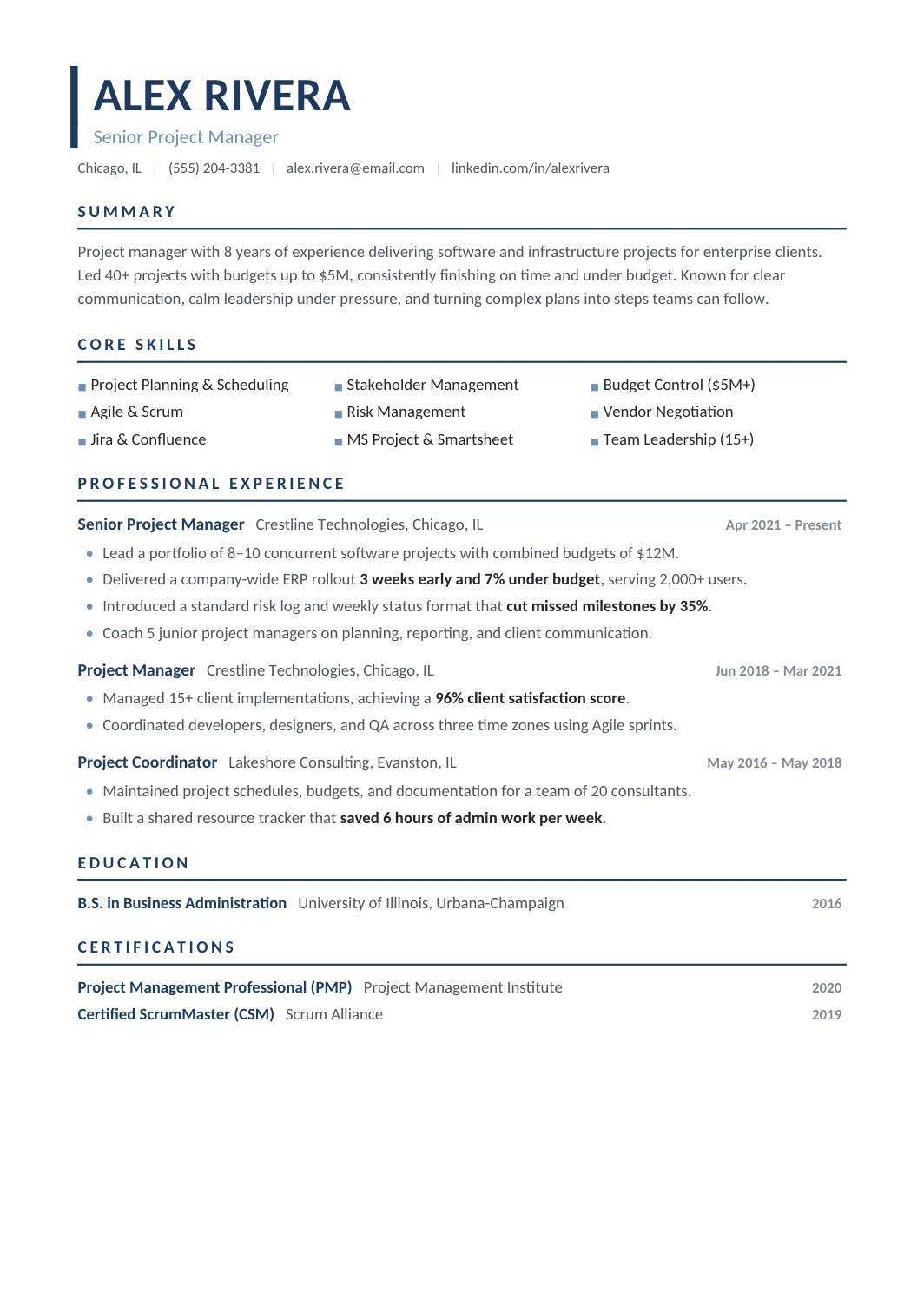
FREEA general-purpose resume for technical roles that don't fit a single job title: field engineers, technicians, implementation specialists, support engineers and people whose work spans several systems.
 FREE
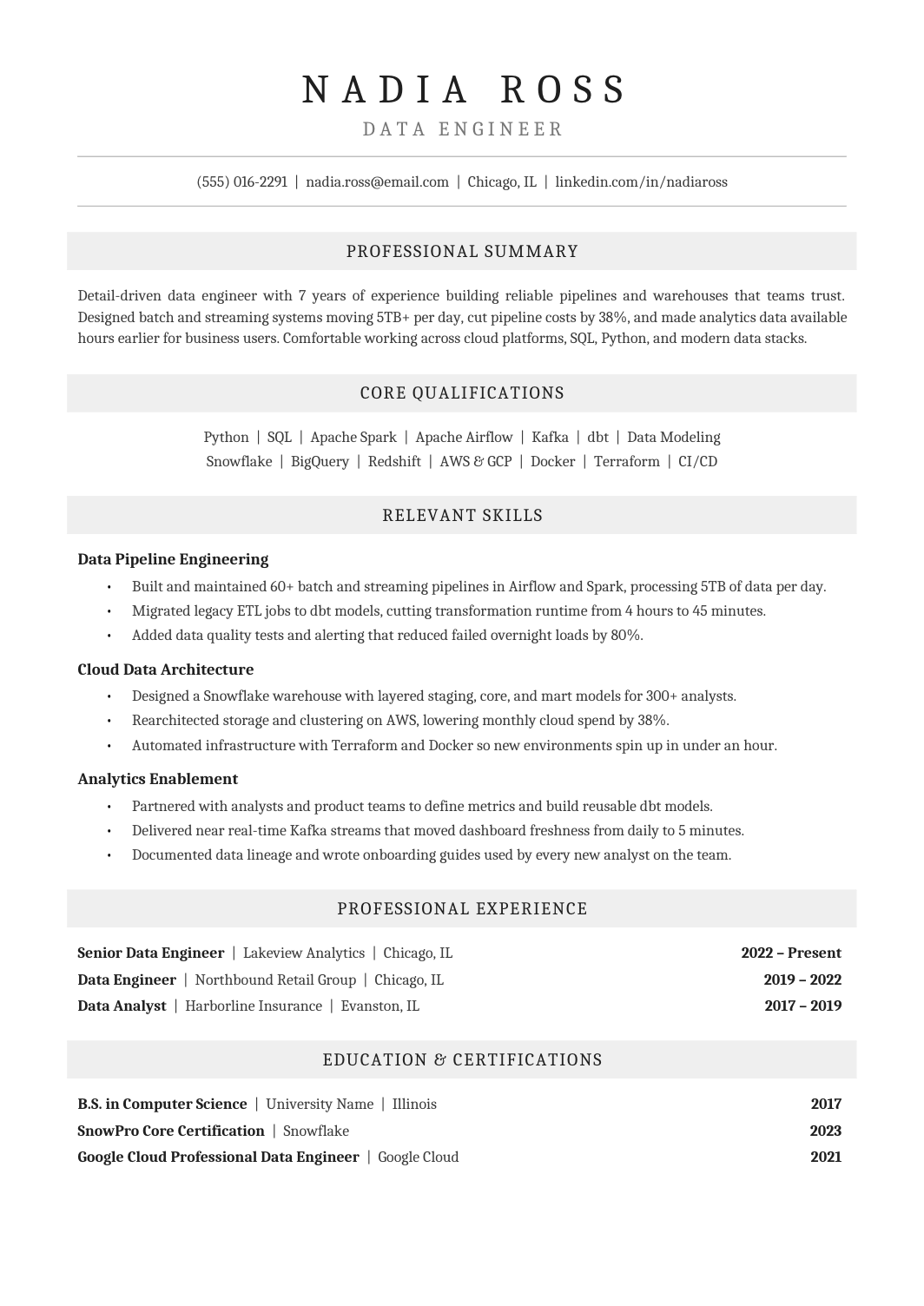
FREEA Cambria one-column resume with centered headings on pale gray bands, grouped skills and a tidy employment record, for conservative industries.
 FREE
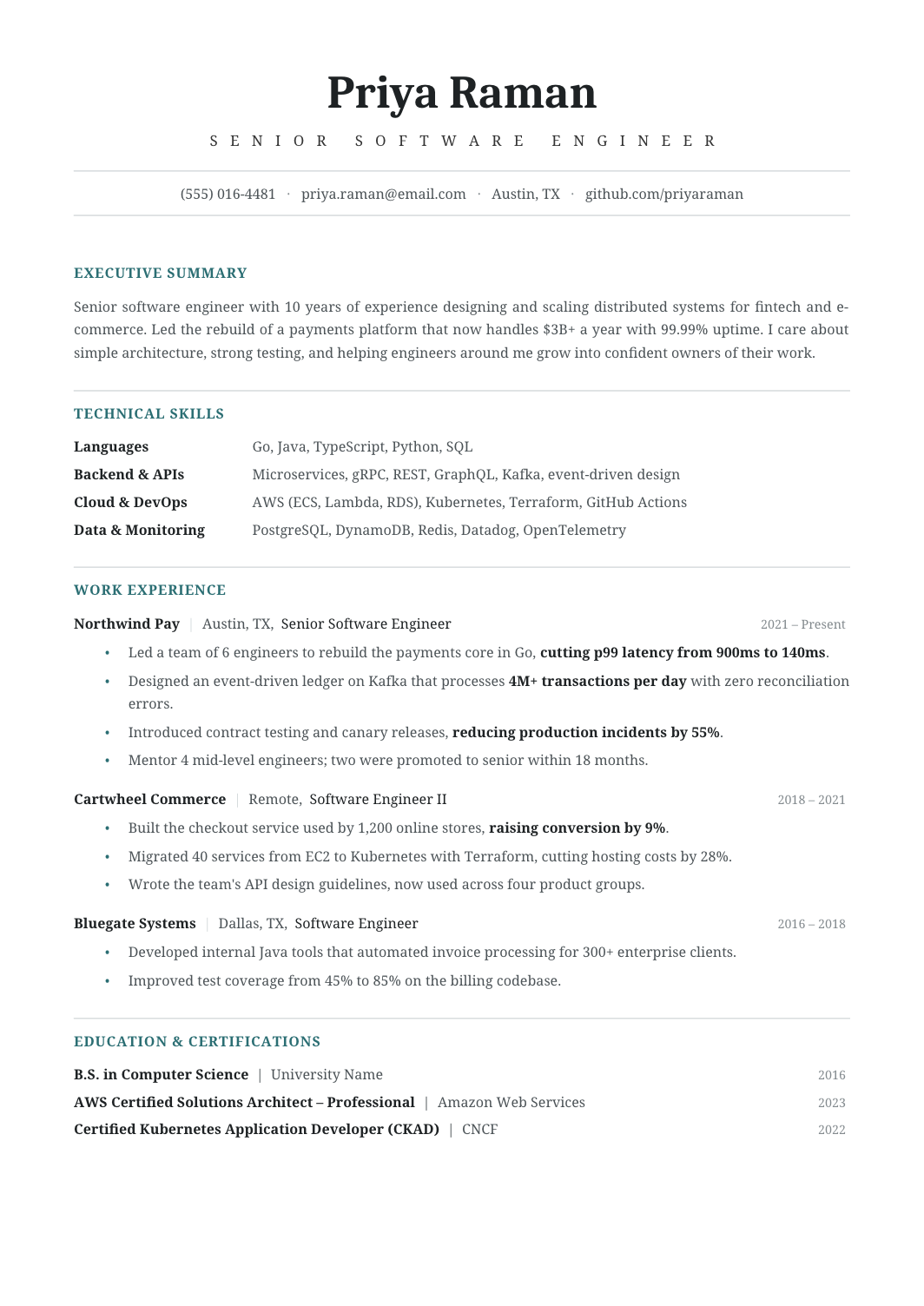
FREEA neutral one-column layout designed to work for almost any role and level: standard sections, moderate spacing, no industry-specific styling.
 FREE
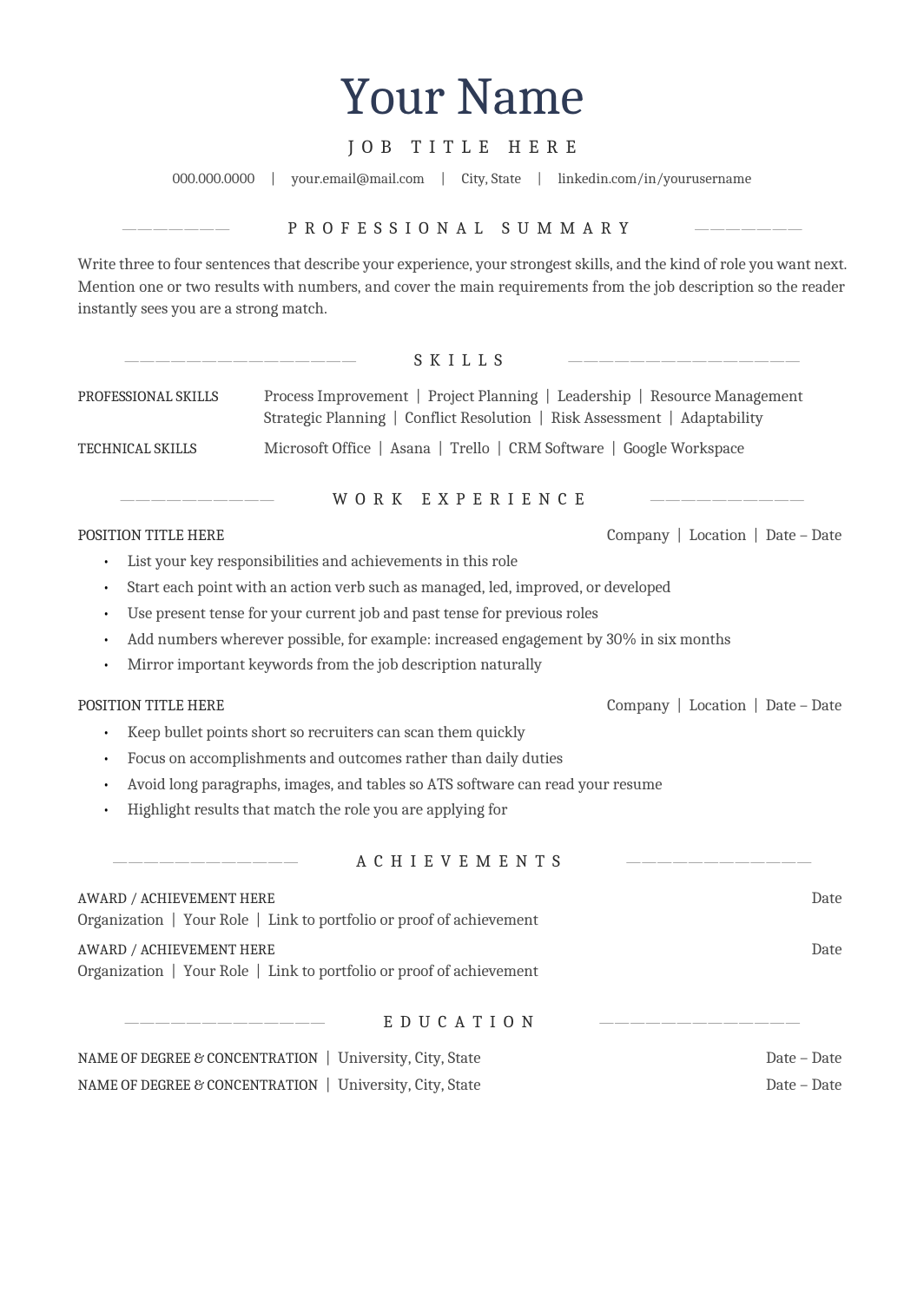
FREEA one-column A4 resume with a centered header and centered section headings in Cambria, for people who want a traditional look that still parses cleanly.
 FREE
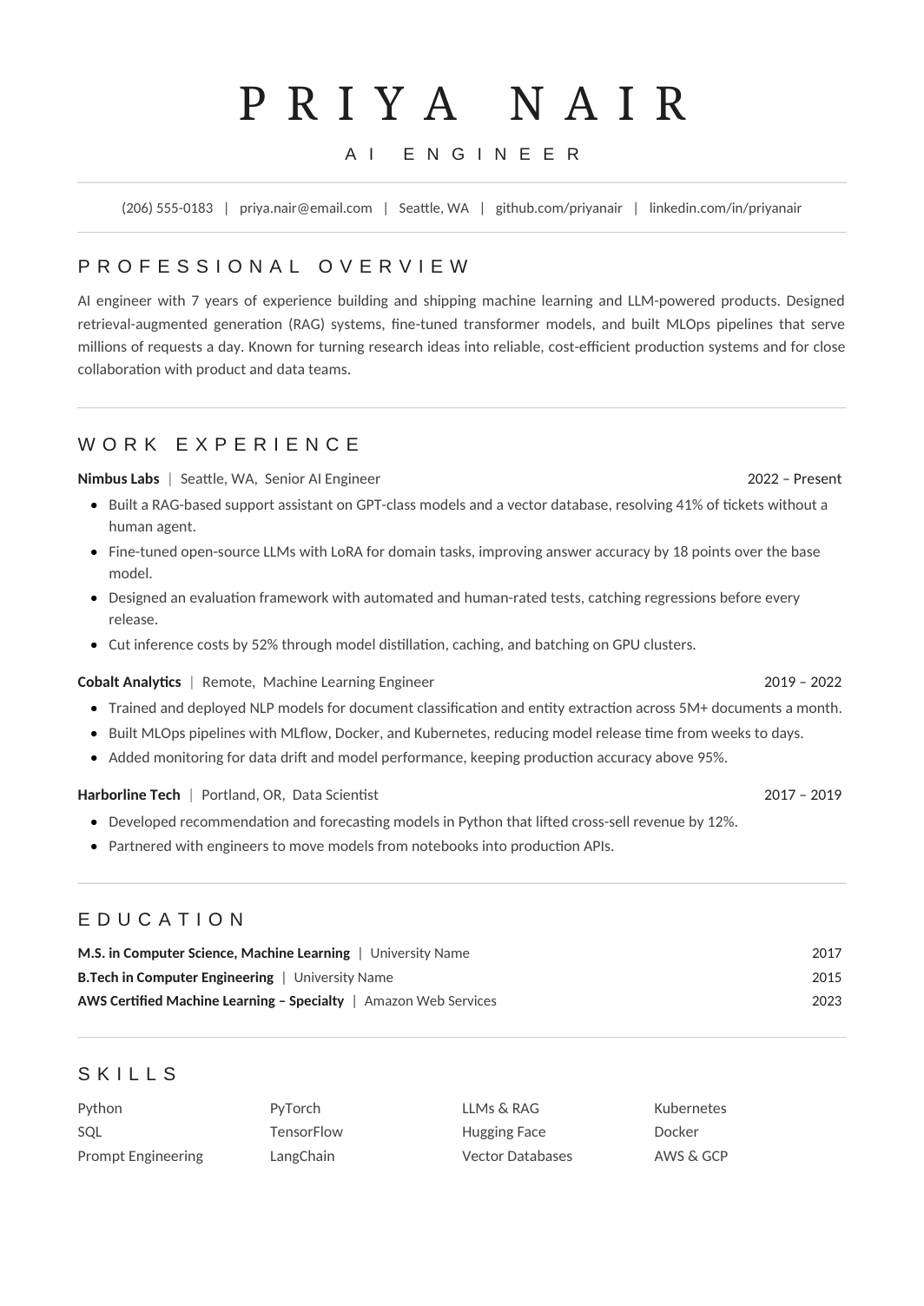
FREEA one-column resume tuned to fit a complete work history on one page without shrinking the type: compact spacing, grouped skills, standard headings.
 FREE
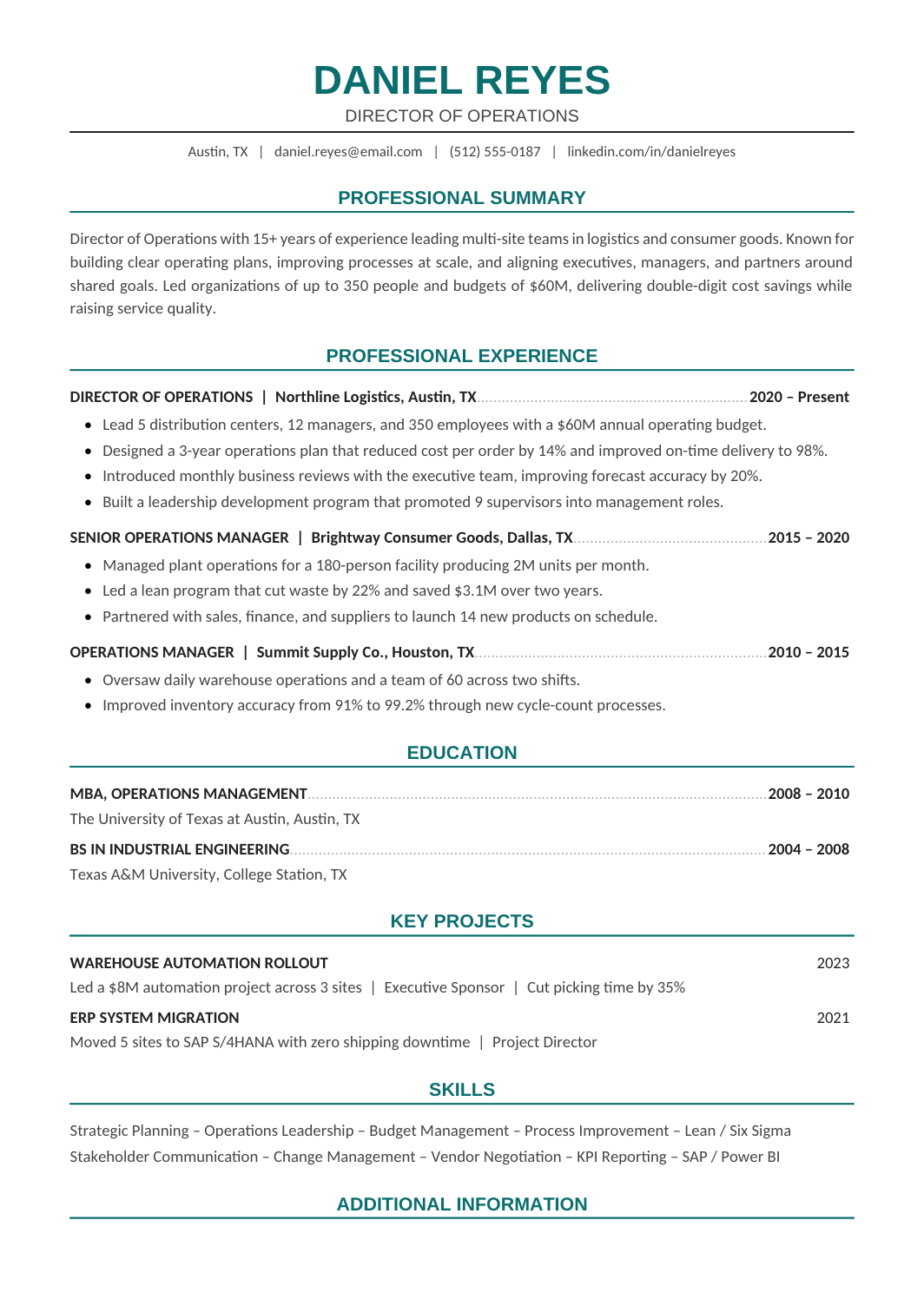
FREEA one-page A4 resume with teal headings and a one-column structure, written for leaders who need parser-safe formatting without looking like a junior applicant.
The software behind most online applications extracts text and tries to map it to fields like job title, employer, dates and skills. It does that reliably when headings are conventional, dates are consistent, and nothing important sits inside a table cell, icon or sidebar. All of the layouts here follow that pattern. If you want the plainest possible starting point, the Clean ATS Resume has no decoration at all. The One-Page ATS Resume keeps everything on a single sheet, and the Minimalist ATS Resume stretches to two pages for longer histories. Senior candidates who still need parser-safe formatting can use the Executive ATS Resume.
An ATS resume is not a list of terms copied from the posting. Match the employer's wording only where it genuinely describes what you did, and back each term with a bullet that shows scope or a result. The guide to keeping a resume ATS-friendly includes a quick plain-text test you can run before uploading. For a walk-through of prioritising the right experience for a specific role, see how to tailor a resume to a job description.
Not every application goes through software. If you're emailing a resume directly or applying to a small company, the simple resume templates give you a little more design freedom with the same clarity. Job-specific versions of these layouts, such as the Data Analyst Resume or the Accountant Resume, are already filled with role-relevant sample content you can use as a reference.
Yes. Open any template in Google Docs or download the Word file and edit it for your own applications.
One column is the safest choice. Two-column layouts can parse correctly, but a single column removes the risk entirely.
Yes, as long as the text itself stays plain. Colored headings or rules are fine; text placed inside colored shapes or images is not.