 FREE
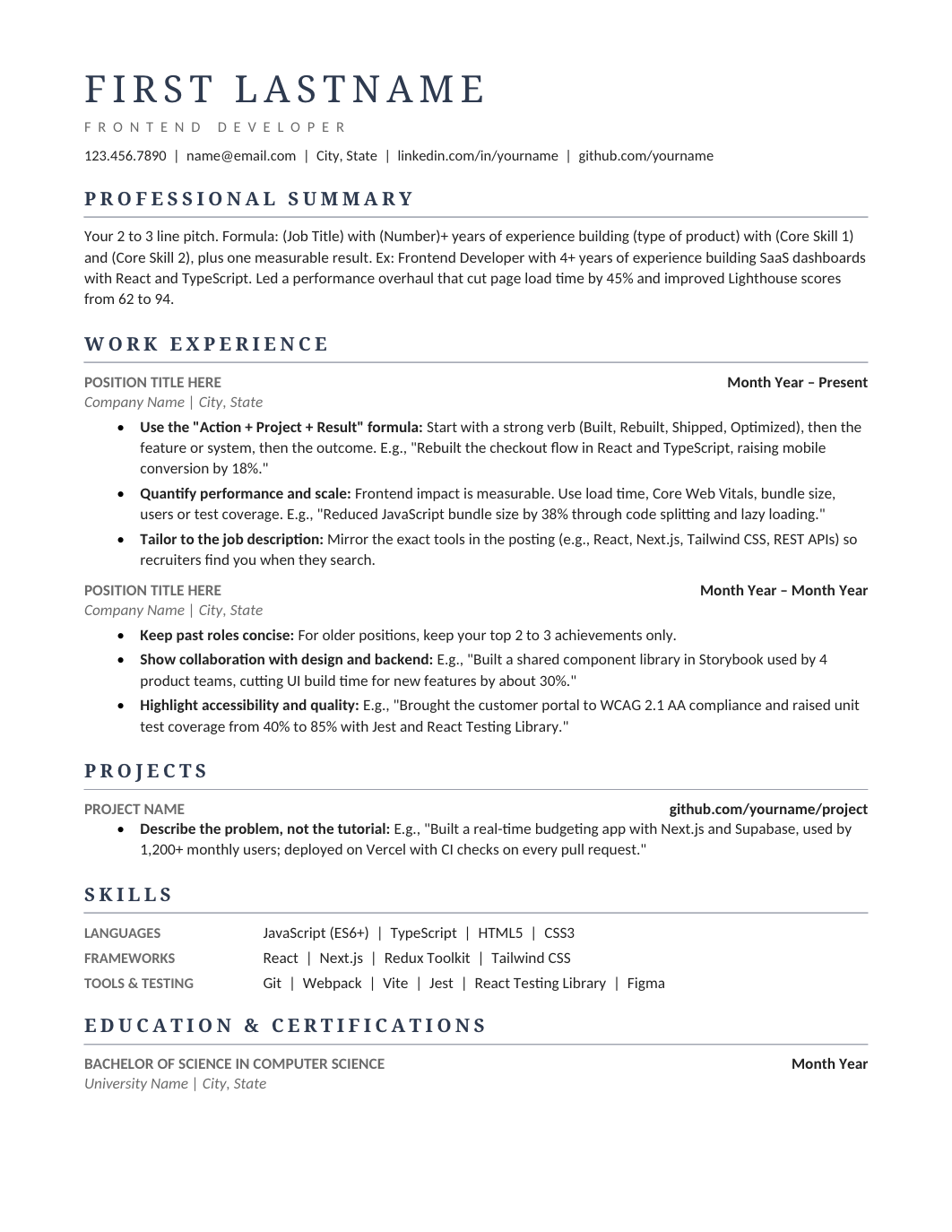
FREEModern Professional Resume
A typography-led one-column design with navy serif headings, thin rules and clear hierarchy, sitting between the plain professional layouts and the modern ones.
 FREE
FREEA typography-led one-column design with navy serif headings, thin rules and clear hierarchy, sitting between the plain professional layouts and the modern ones.
 FREE
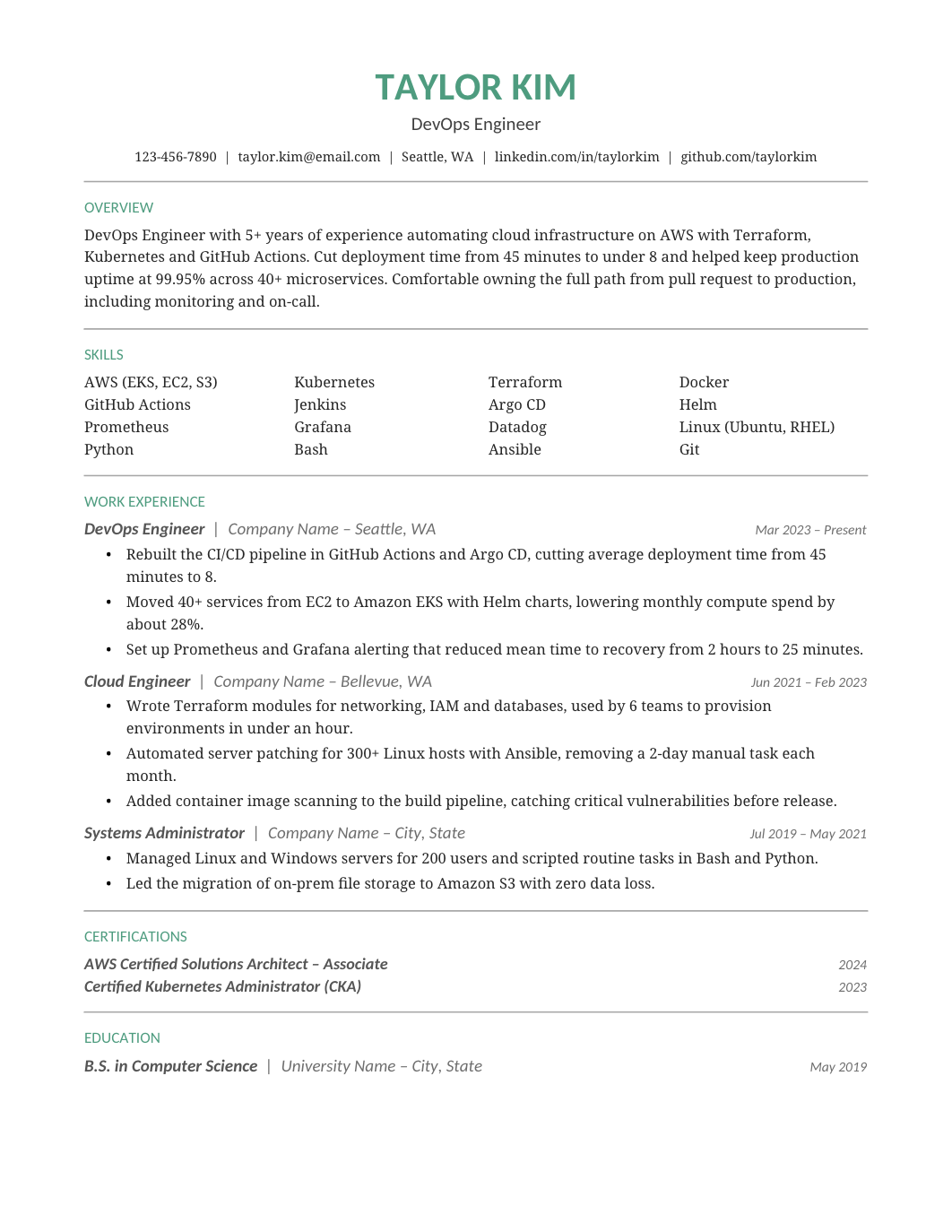
FREEA green-accented one-column design with a compact skills grid and a clear chronology, for professionals who want one touch of color.
 FREE
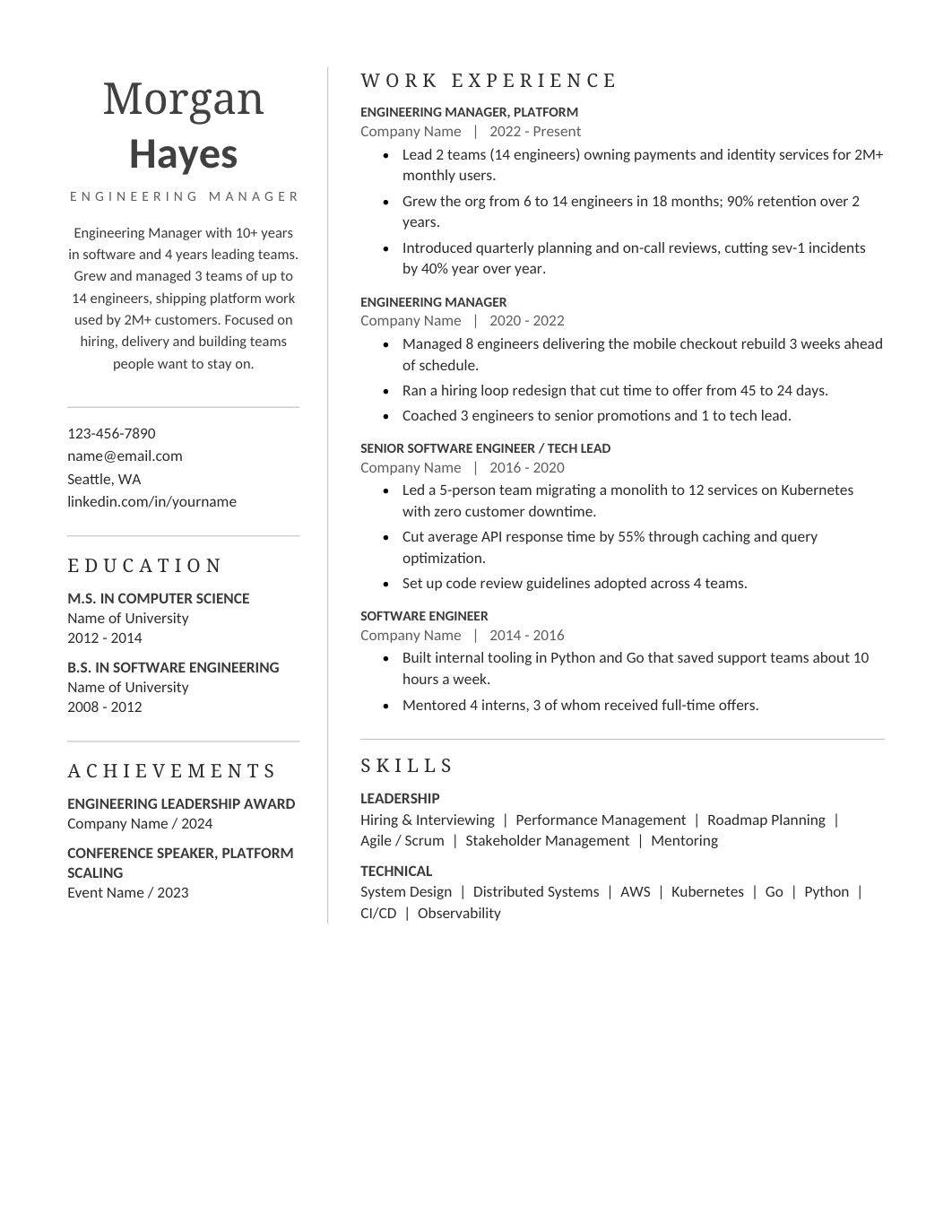
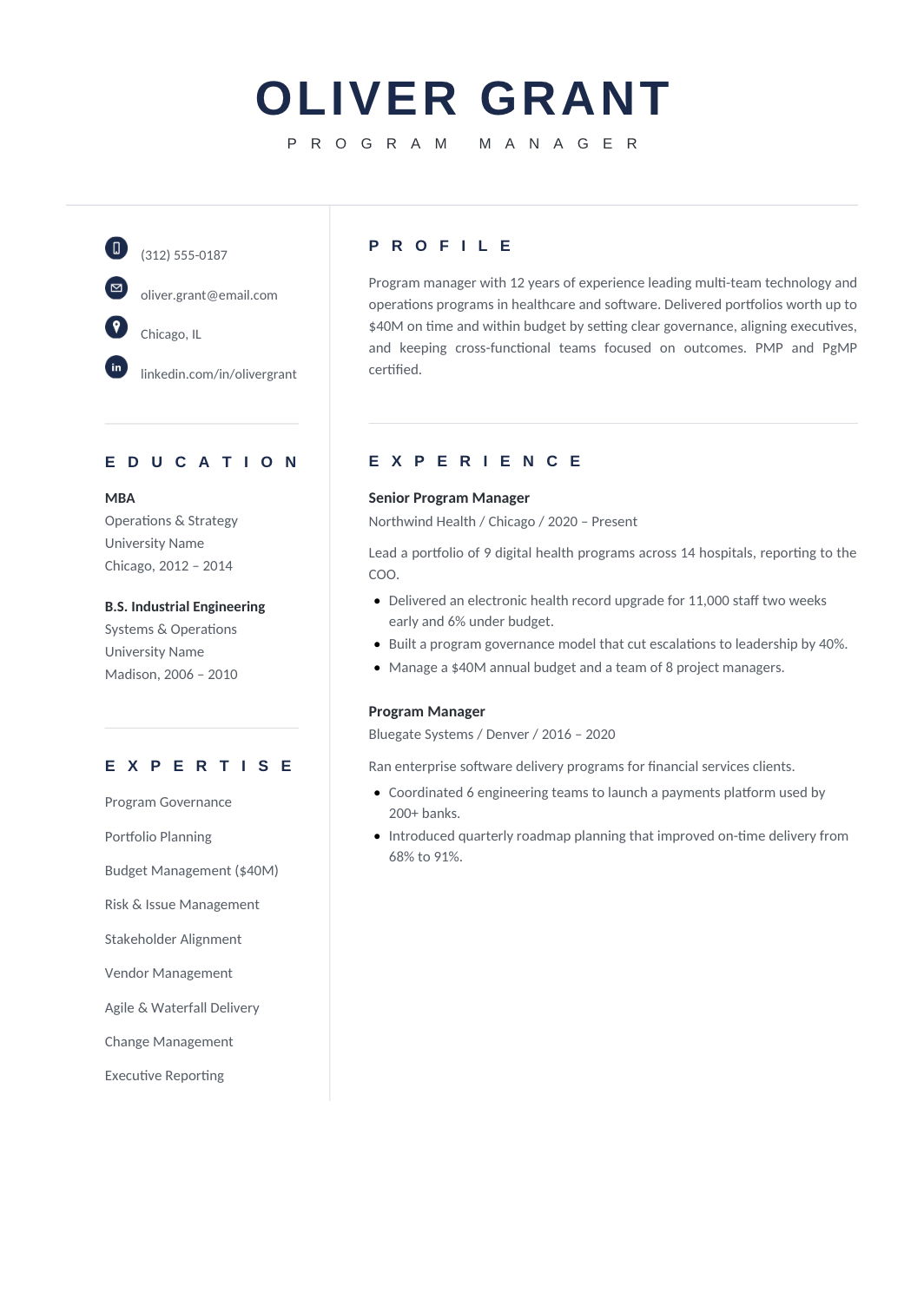
FREEA restrained sidebar layout: a narrow profile column for contact, expertise and credentials, and a broad experience column, in a corporate register.
 FREE
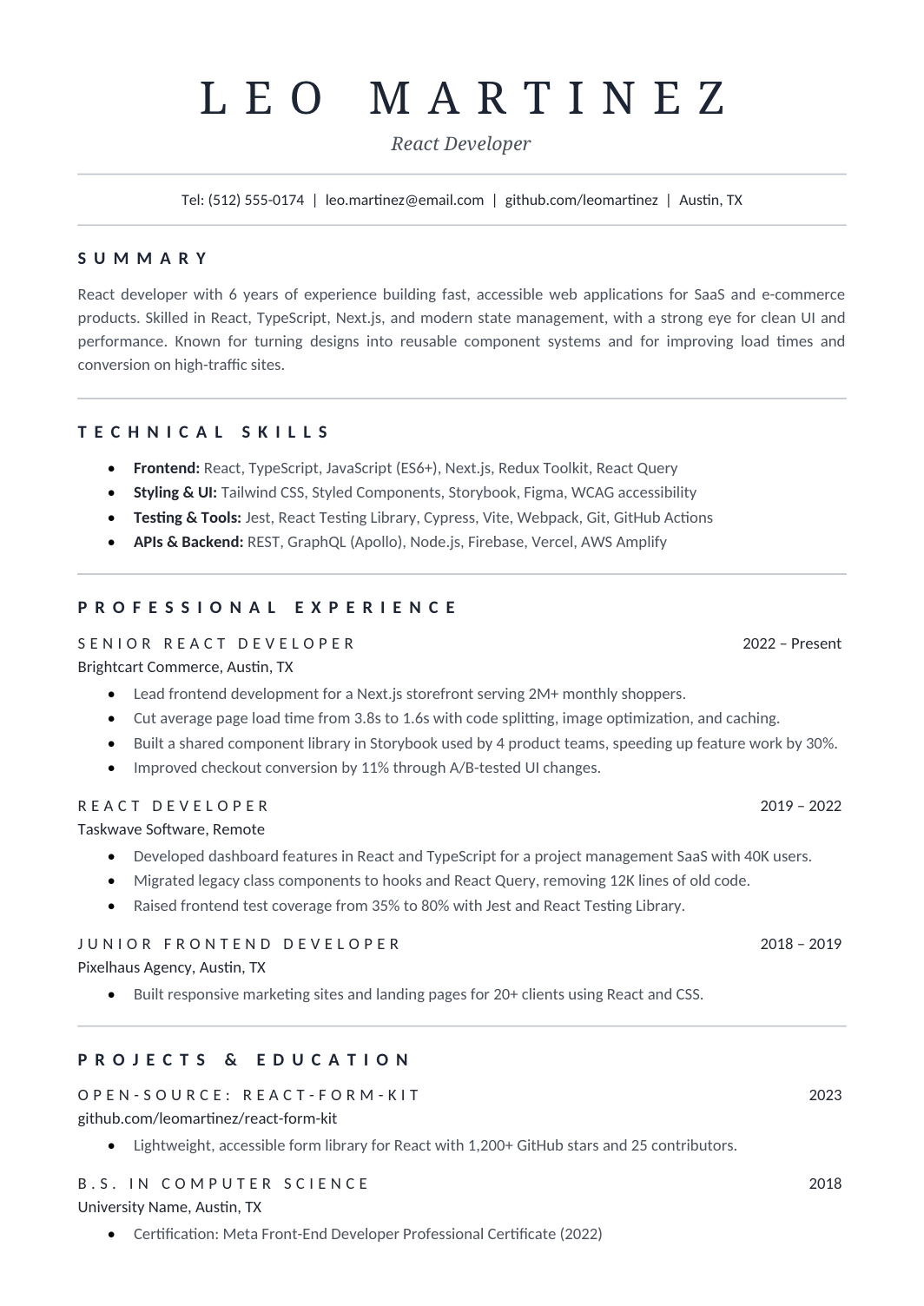
FREEA refined one-column resume with a large serif name, thin gray rules and letter-spaced headings, for applicants who want typographic elegance without color.
 FREE
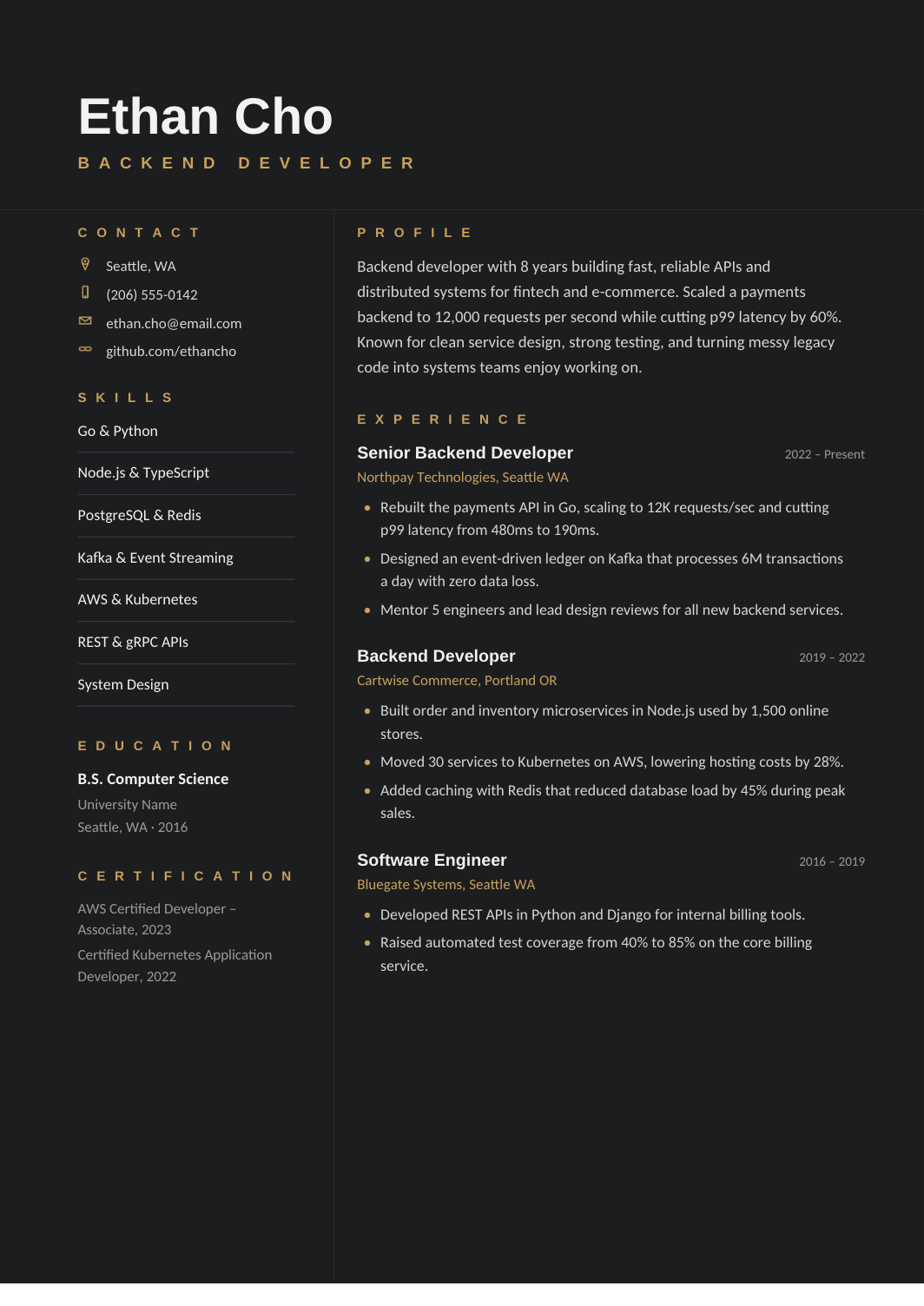
FREEA charcoal two-column resume with gold accents, a compact credentials sidebar and a wide experience area, for applications sent directly to people rather than portals.
 FREE
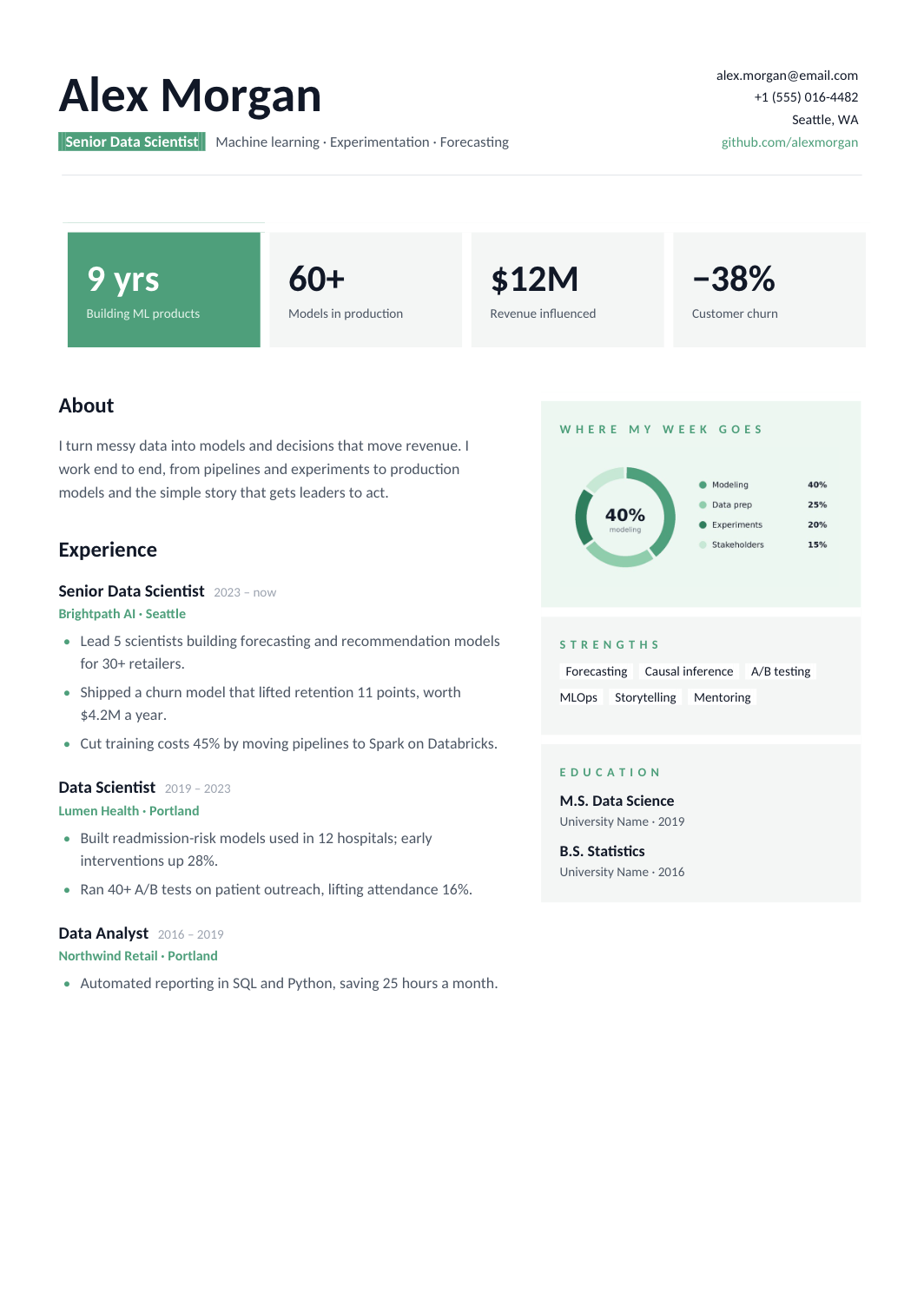
FREEA visual two-page format with KPI cards, a labelled chart and a separate column for strengths and education, built entirely with native shapes and tables.
 FREE
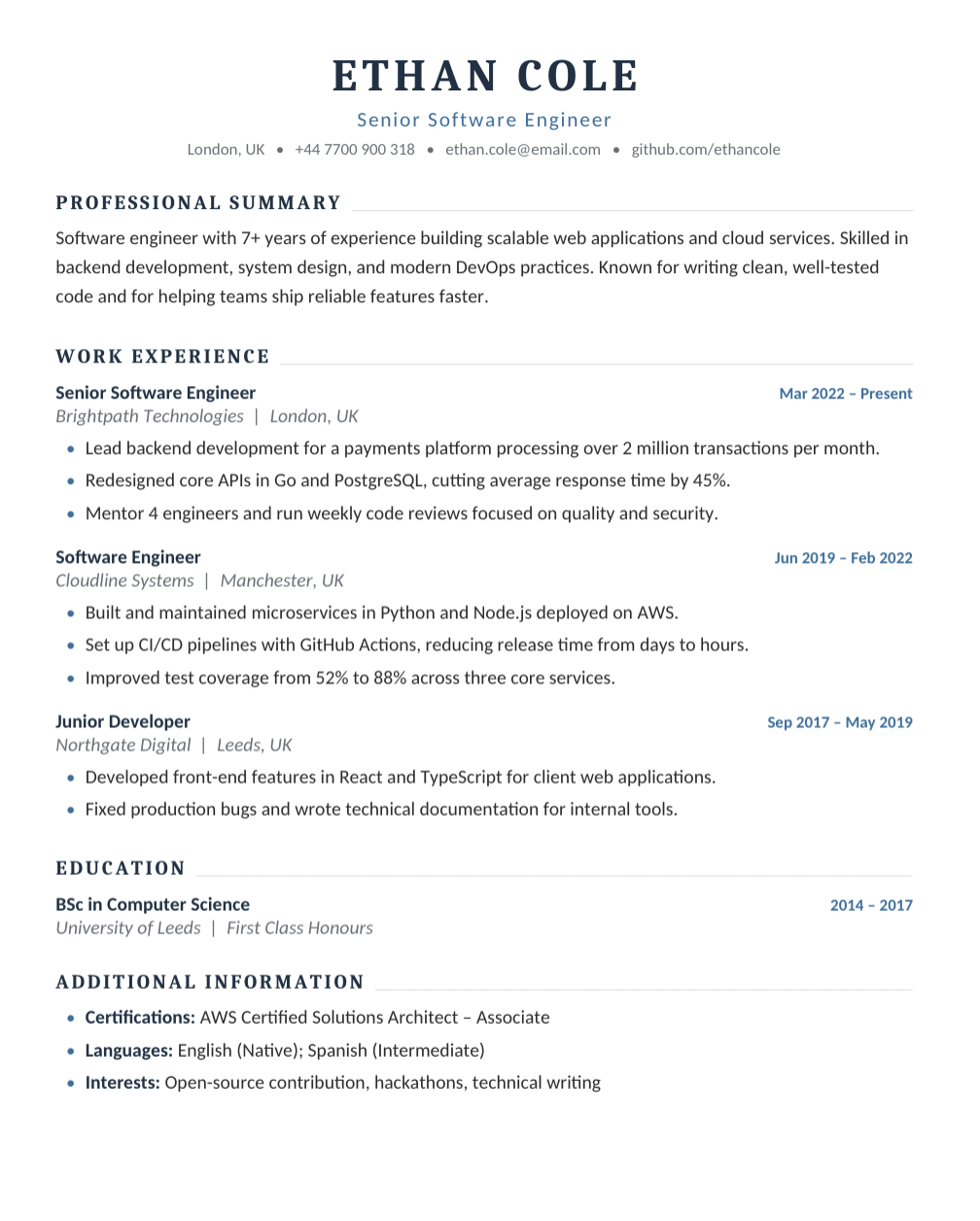
FREEA one-column engineering resume with room for work experience, projects and technical skills across two A4 pages.
 FREE
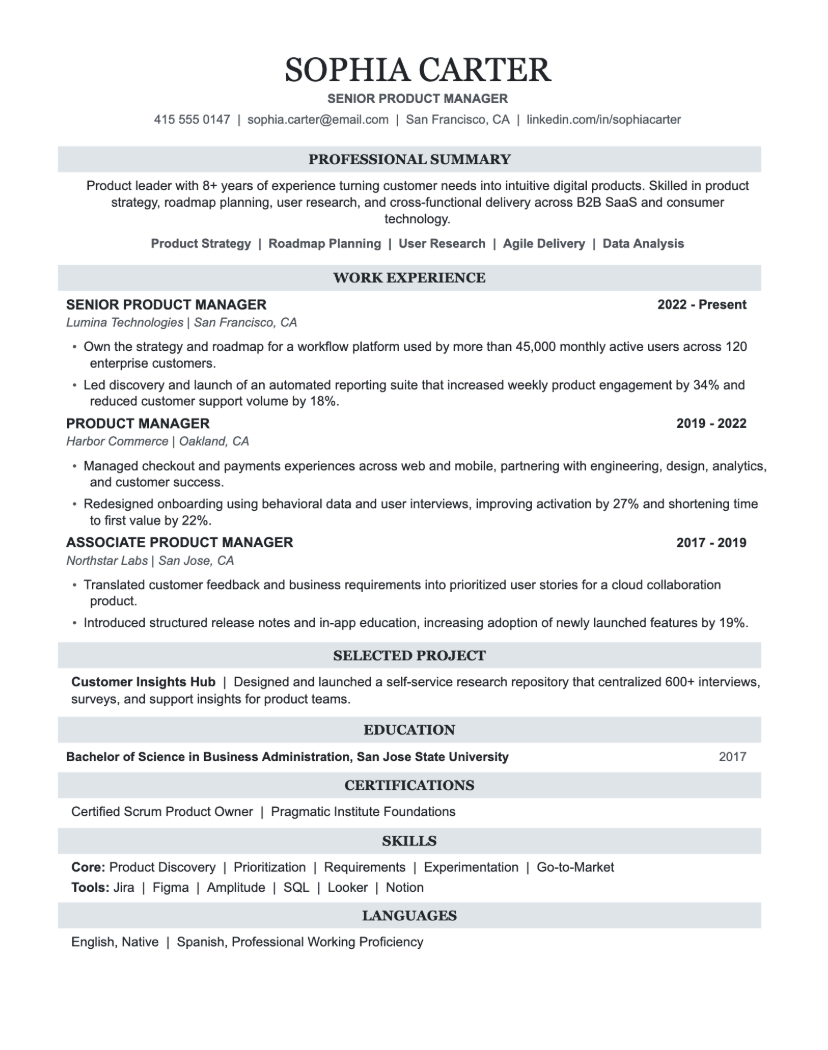
FREEA professional one-column resume for PMs, with each role written around the product owned, the launches shipped and the metrics they moved.
 FREE
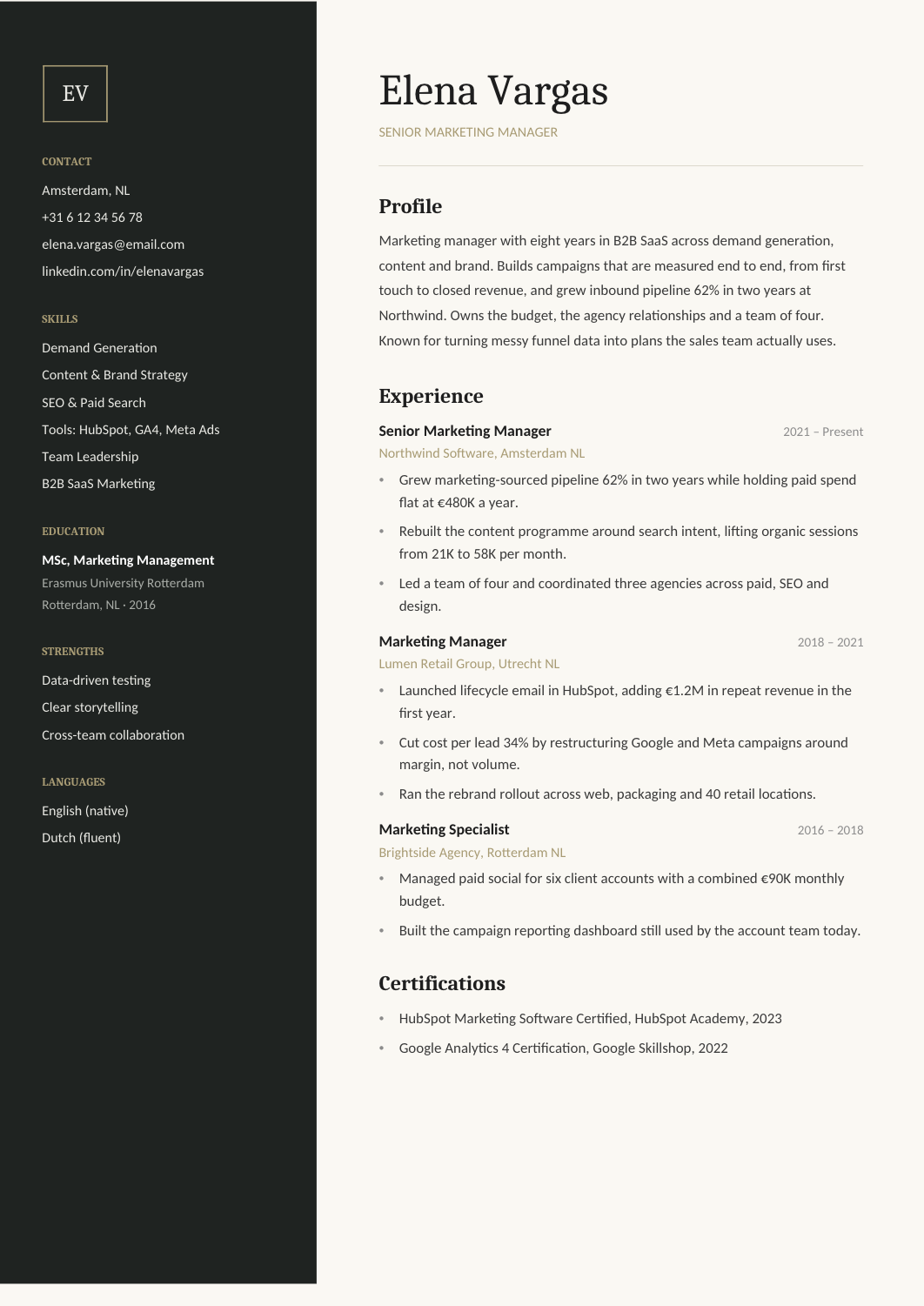
FREEA modern two-column resume for generalist marketers, with channels and tools in the sidebar and campaign results in the main column.
 FREE
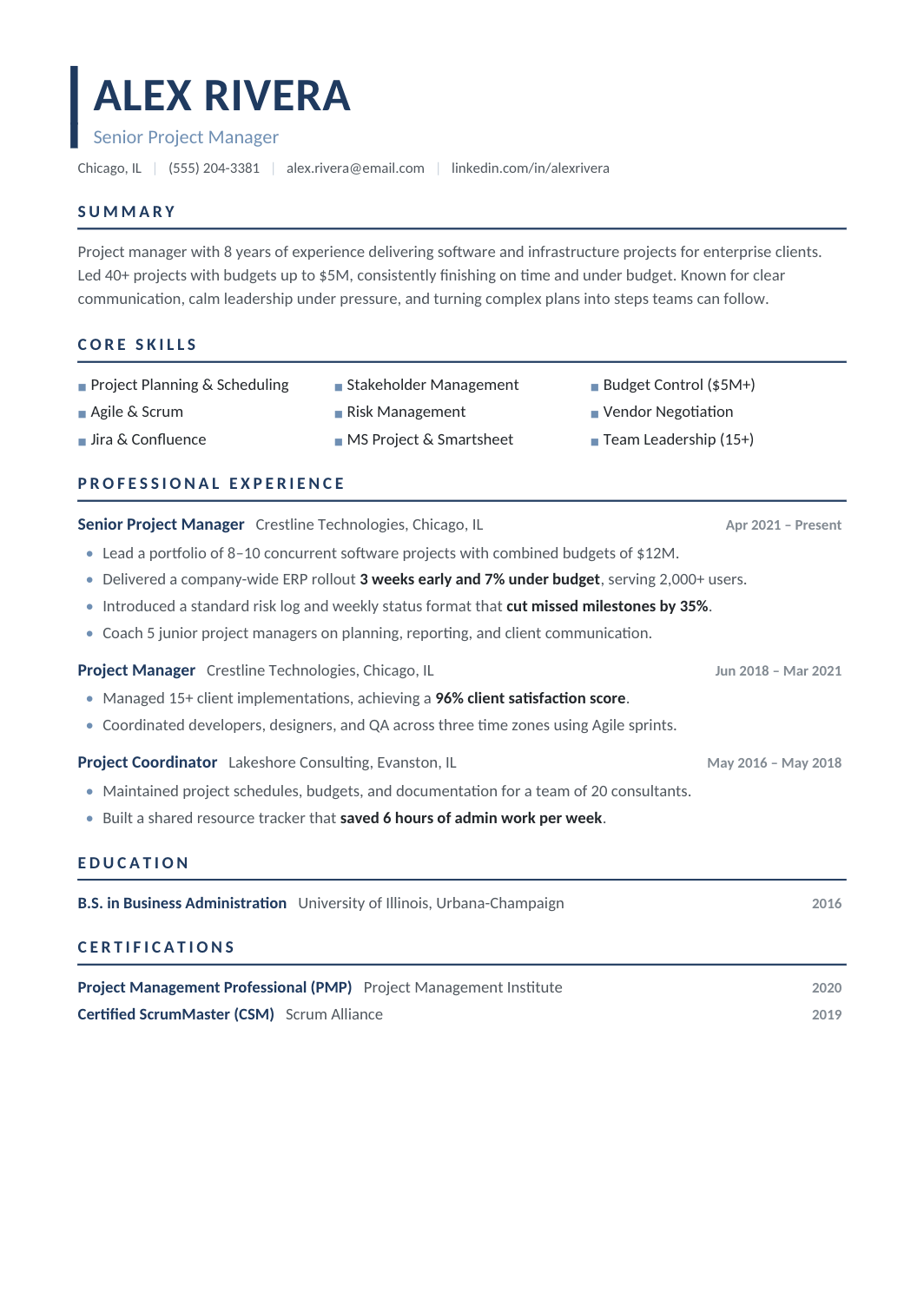
FREEA modern one-column resume for project managers, with methodologies, tools and certifications in a compact block and each role written as a short portfolio of projects with budget, timeline and result.
 FREE
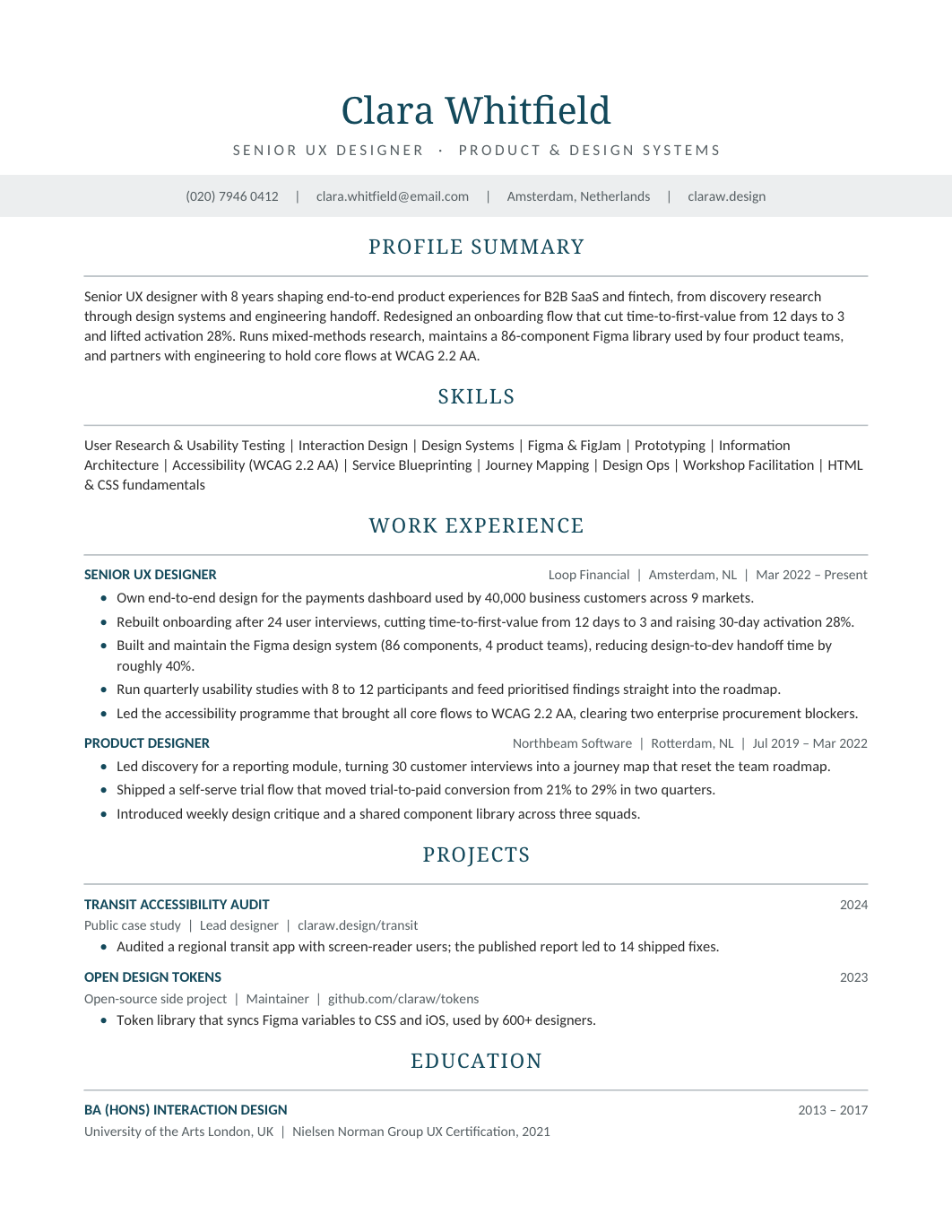
FREEA clean resume for UX designers and researchers, with tools and methods in a skills block, a portfolio link in the header, and experience bullets that connect design work to product outcomes.
 FREE
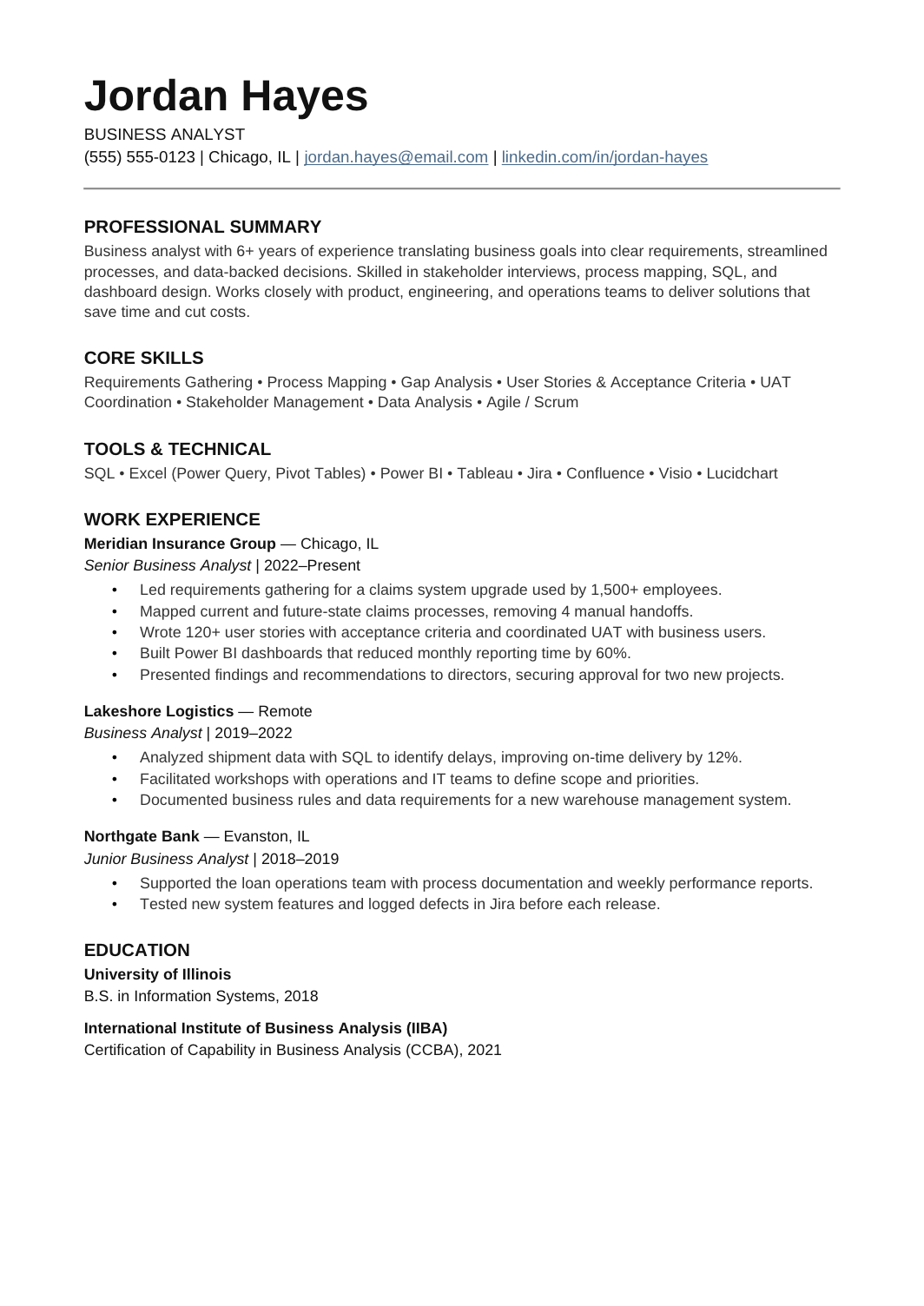
FREEA clean one-column resume for analysts who translate between business teams and delivery teams: requirements, process mapping, stakeholder management and the systems that came out of it.
 FREE
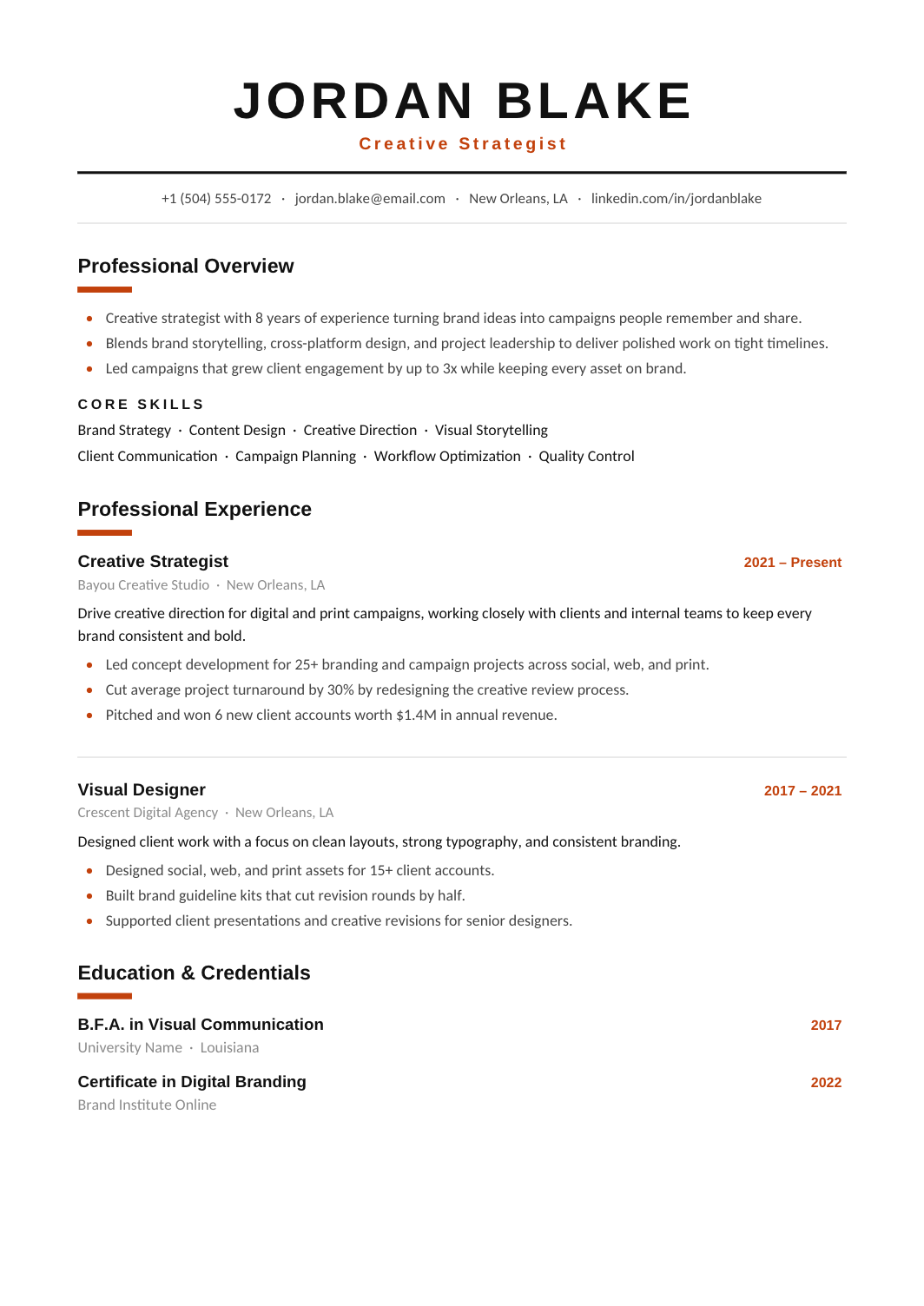
FREEA one-column layout with a centered name, orange accents and stronger heading contrast than the other modern designs, for people who want the page to have some energy.
 FREE
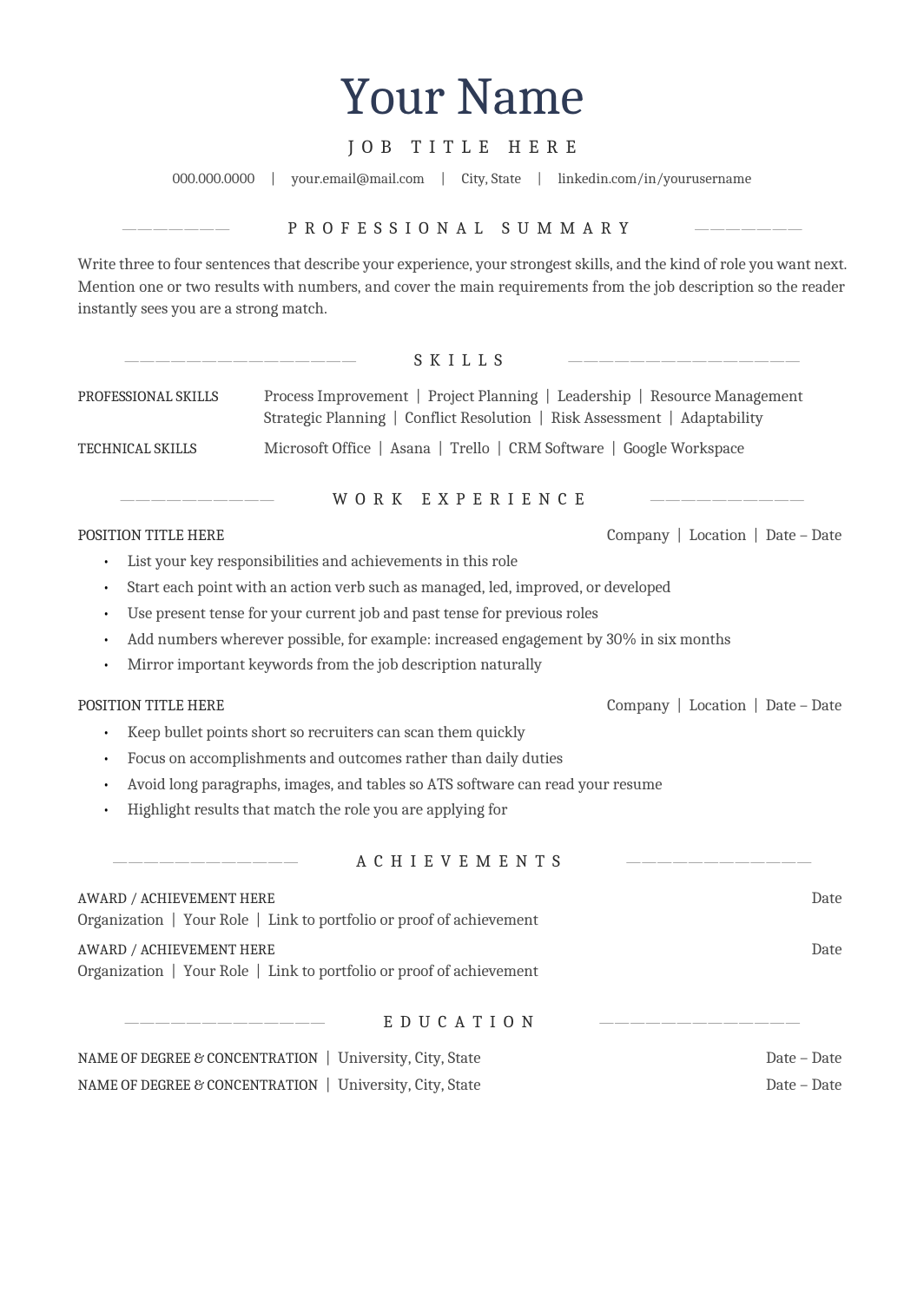
FREEA one-column A4 resume with a centered header and centered section headings in Cambria, for people who want a traditional look that still parses cleanly.
 FREE
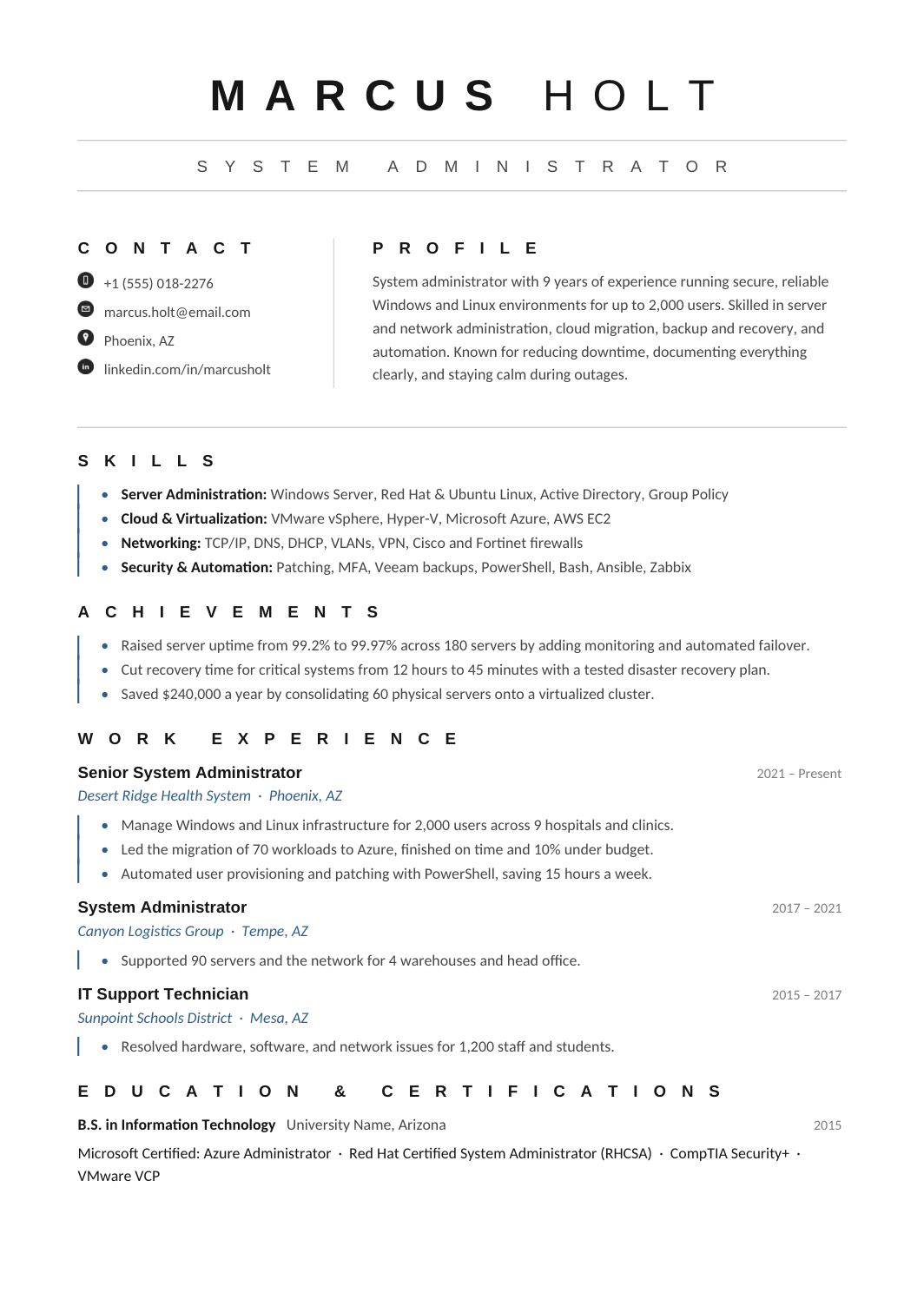
FREEA blue-accented one-page resume with grouped technical skills, an achievements block and a clear chronology, for engineers and IT professionals who want a touch of color.
 FREE
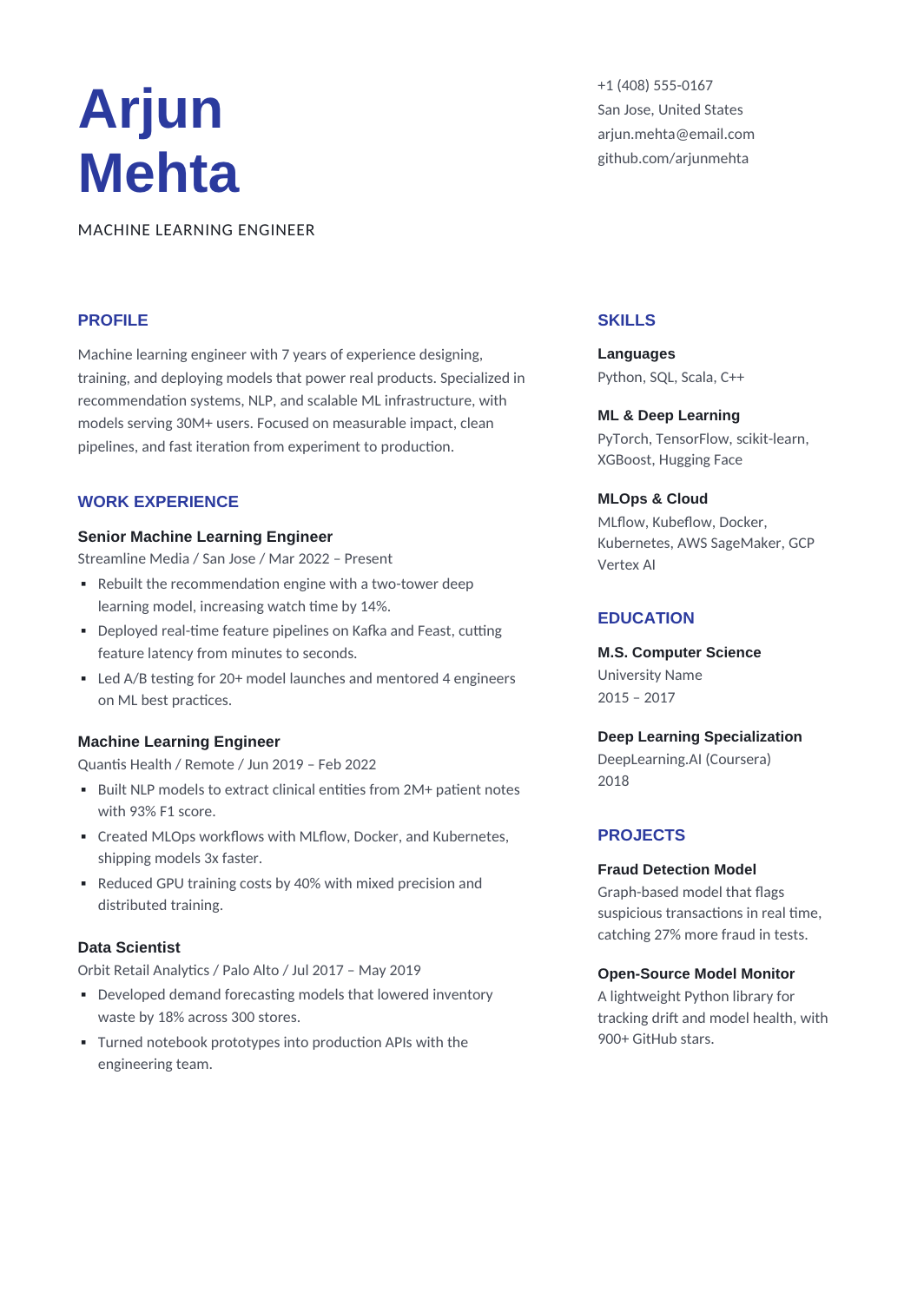
FREEA balanced layout with experience on the left and a compact right column for skills, education and projects, so the work history is the first thing read.
 FREE
FREEA two-page leadership layout with a compact expertise sidebar and a broad column for roles described by scope and result, in navy.
It usually comes down to three things: a strong name and title at the top, generous spacing between sections, and one accent color used sparingly. The Modern Professional Resume does this in a single column with navy serif headings. The Modern Sidebar Resume and Modern Two-Column Resume move skills and contact details into a side panel. If you want something with more contrast, the Bold Modern Resume uses a centered name and orange accents, and the Dark Resume Template inverts the palette entirely.
Accent colors, rules and spacing don't bother applicant tracking systems; text inside shapes and multi-column tables sometimes do. The single-column modern layouts here parse cleanly. If you choose a sidebar version and the employer uses a portal, run the plain-text test from the ATS-friendly resume guide before uploading. For a more conservative look with the same structure, compare the professional resume templates.
Modern designs are common in product, engineering and marketing applications. The Software Engineer Resume and Marketing Resume both use a modern two-column structure with realistic sample content, and the UX Designer Resume shows how to reference a portfolio without cluttering the page.
Usually yes, as long as the color is subtle and the structure is conventional. For law, finance or government roles, a professional or traditional layout is the safer pick.
Yes. In Google Docs or Word, select the heading style and change its color; the change applies everywhere the style is used.
No. None of these templates require one, and for most English-speaking markets you should leave it out.