 FREE
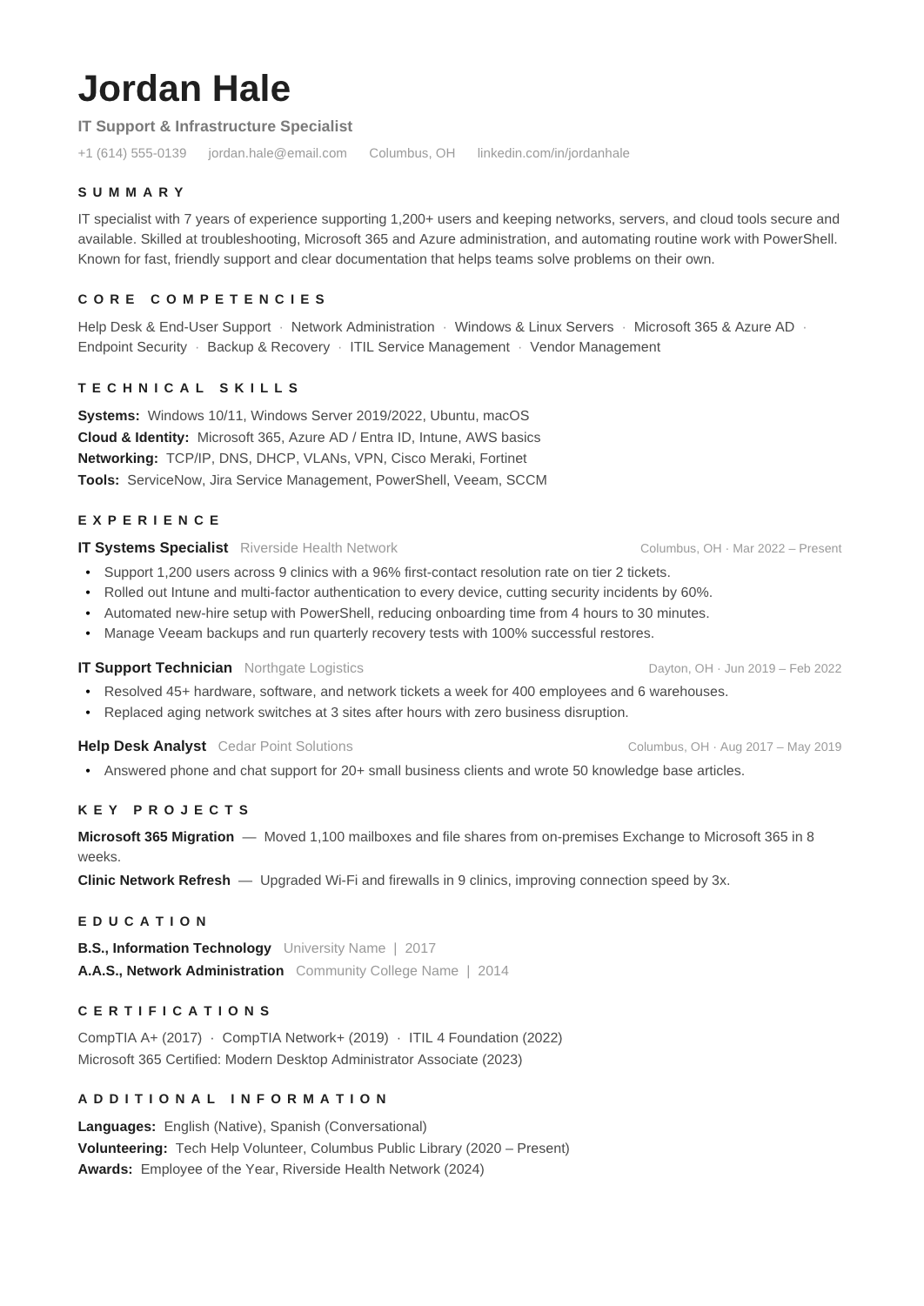
FREEIT Resume
A general resume for IT professionals across support, systems, networking and infrastructure.

 FREE
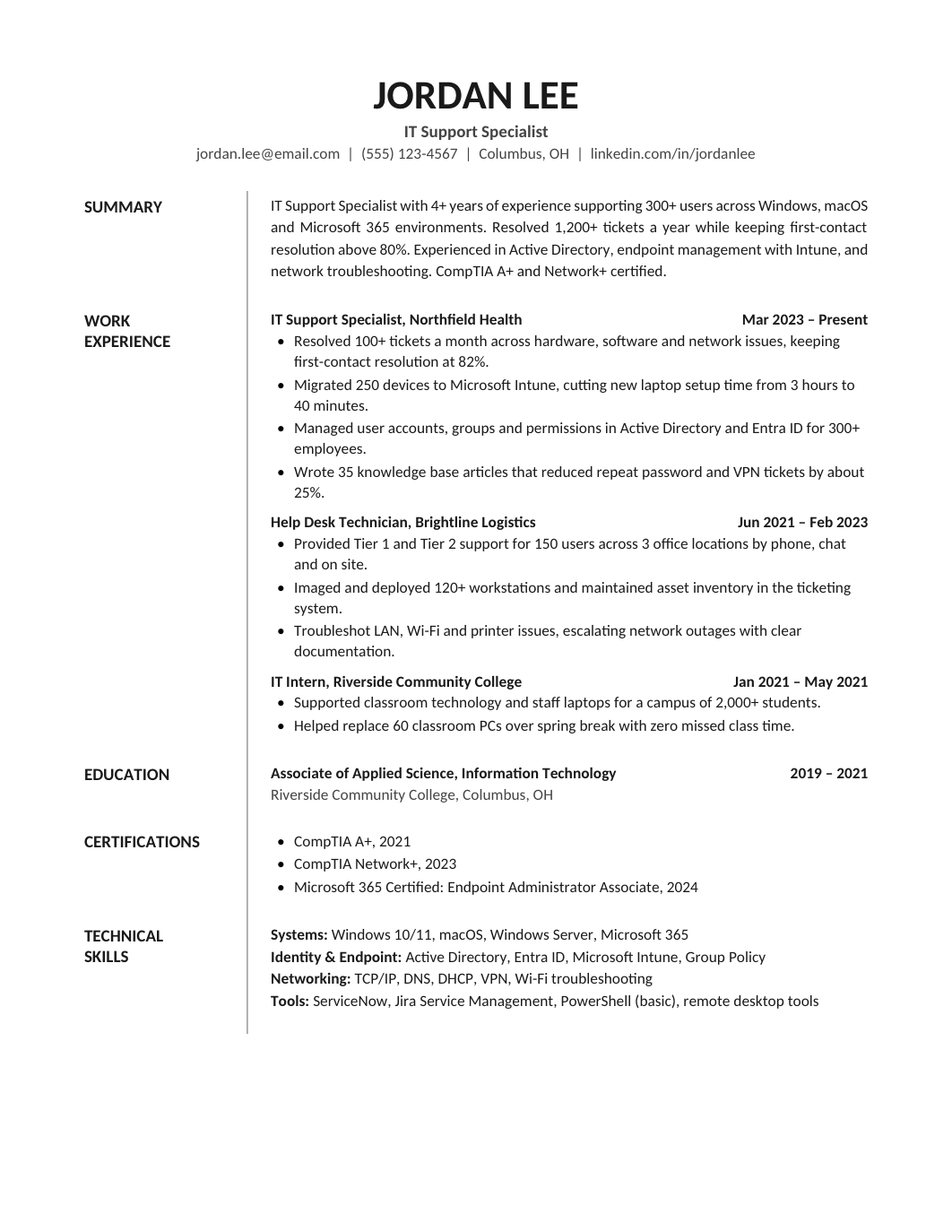
FREEOne-page US Letter preview with left-side section labels and a wider content column.
A resume for helpdesk, desktop and end-user support roles, where employers want to see the systems you've supported, the volume you've handled and how users rated you.
The sample is a tier-2 support specialist supporting 600 users across Windows, Microsoft 365 and a ticketing system. Replace it with your own environment.
Volume and quality: tickets per week, first-contact resolution rate, satisfaction score, SLA compliance. Then the environment: operating systems, Microsoft 365 or Google Workspace, Active Directory, remote tools, the ticketing platform. Projects count too: a device rollout, an MFA migration, a knowledge base you wrote. CompTIA A+ and Microsoft certifications go in a short section. This role is a common starting point; the System Admin Resume shows the next step, and the general IT Resume covers mixed roles. If customer-facing skills are your strength, the Customer Service Resume is a useful comparison for how service is quantified.
If this is your first technical role, lead with certifications and home-lab or volunteer projects, and treat any customer-facing job as relevant experience. The entry-level resume templates have layouts for short histories. Keep the format single-column; support roles are almost always filtered by an applicant tracking system, and the ATS-friendly checklist takes five minutes.
FREEA general resume for IT professionals across support, systems, networking and infrastructure.
 FREE
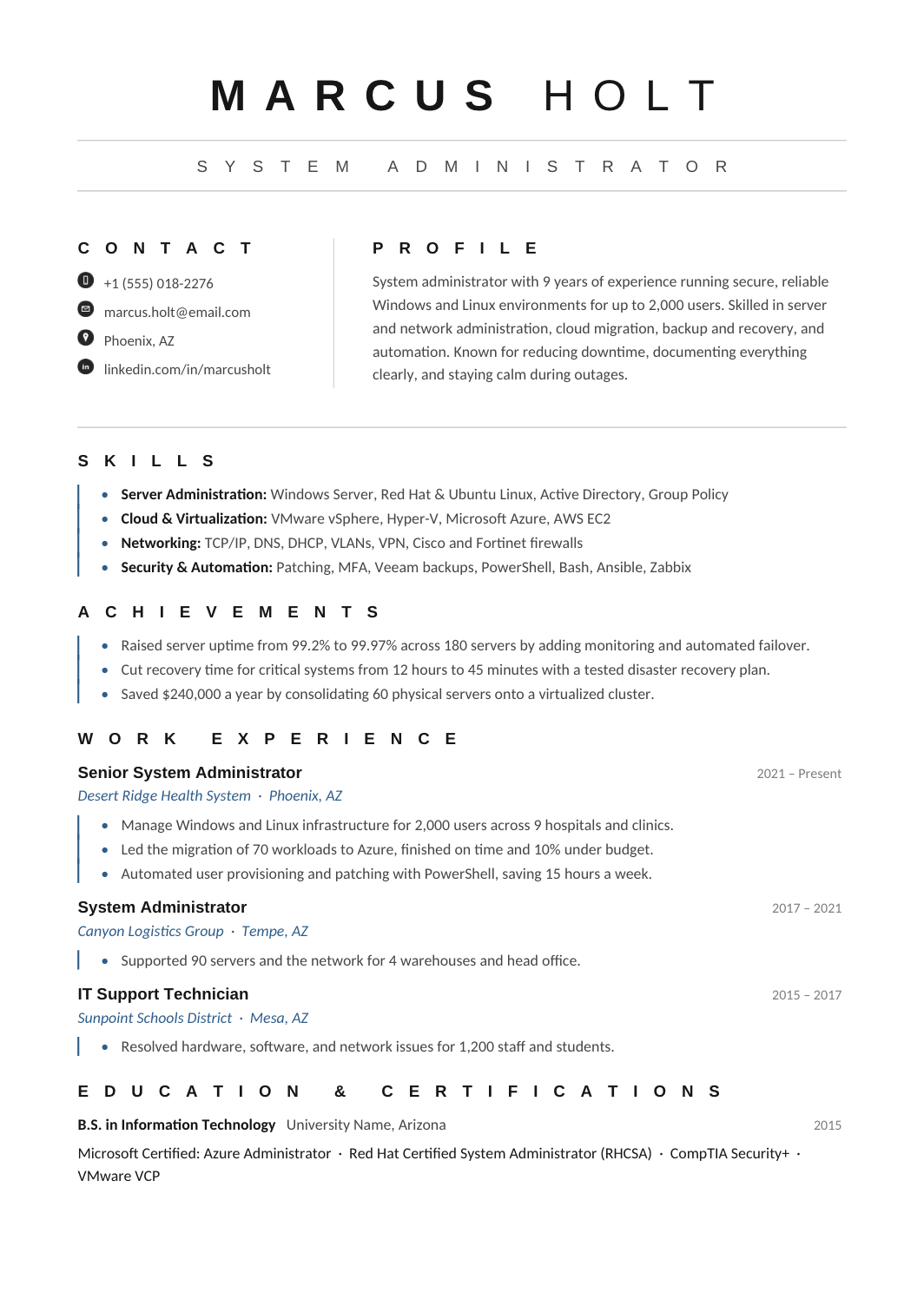
FREEA resume for administrators who keep servers, directories and core services running.
 FREE
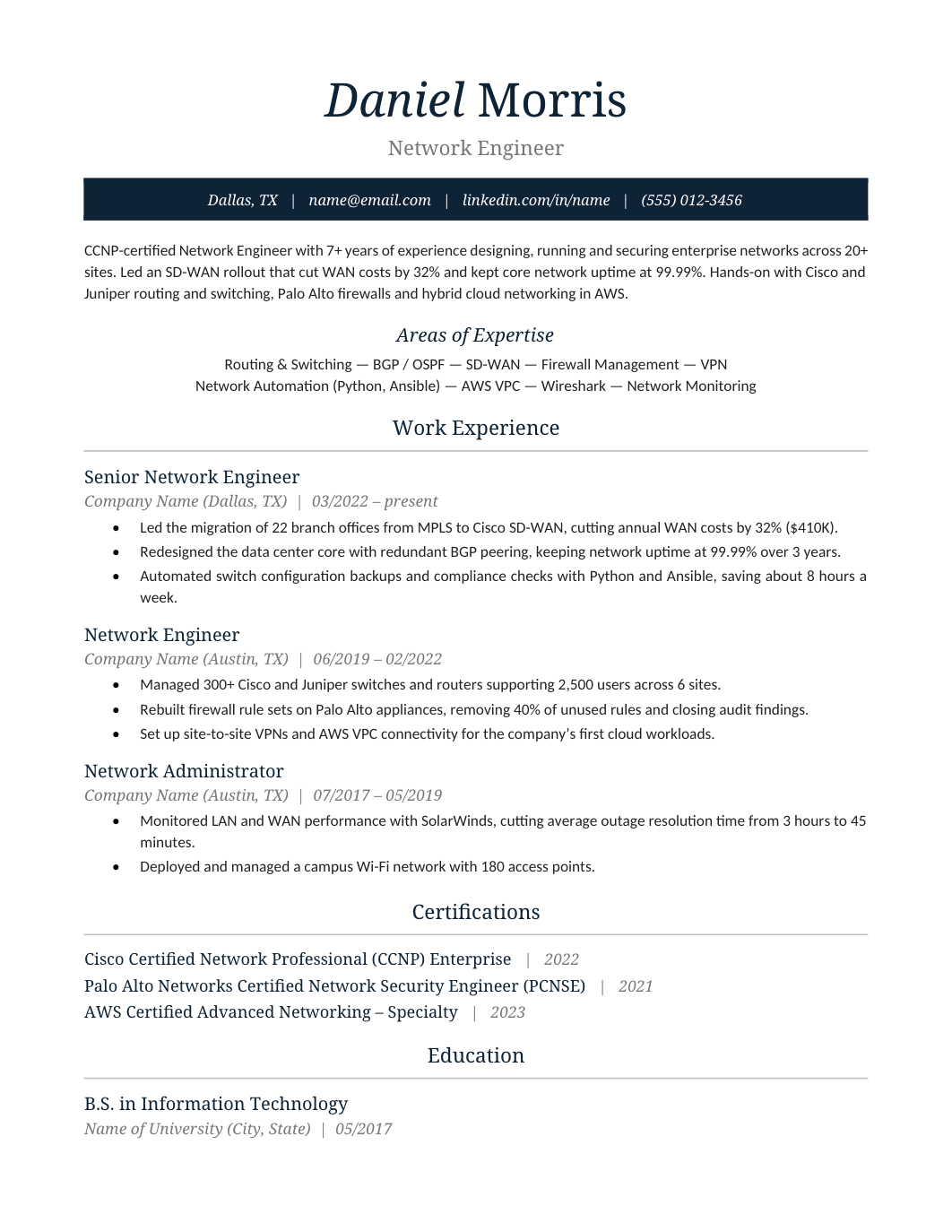
FREEA resume for engineers who design and run networks.
 FREE
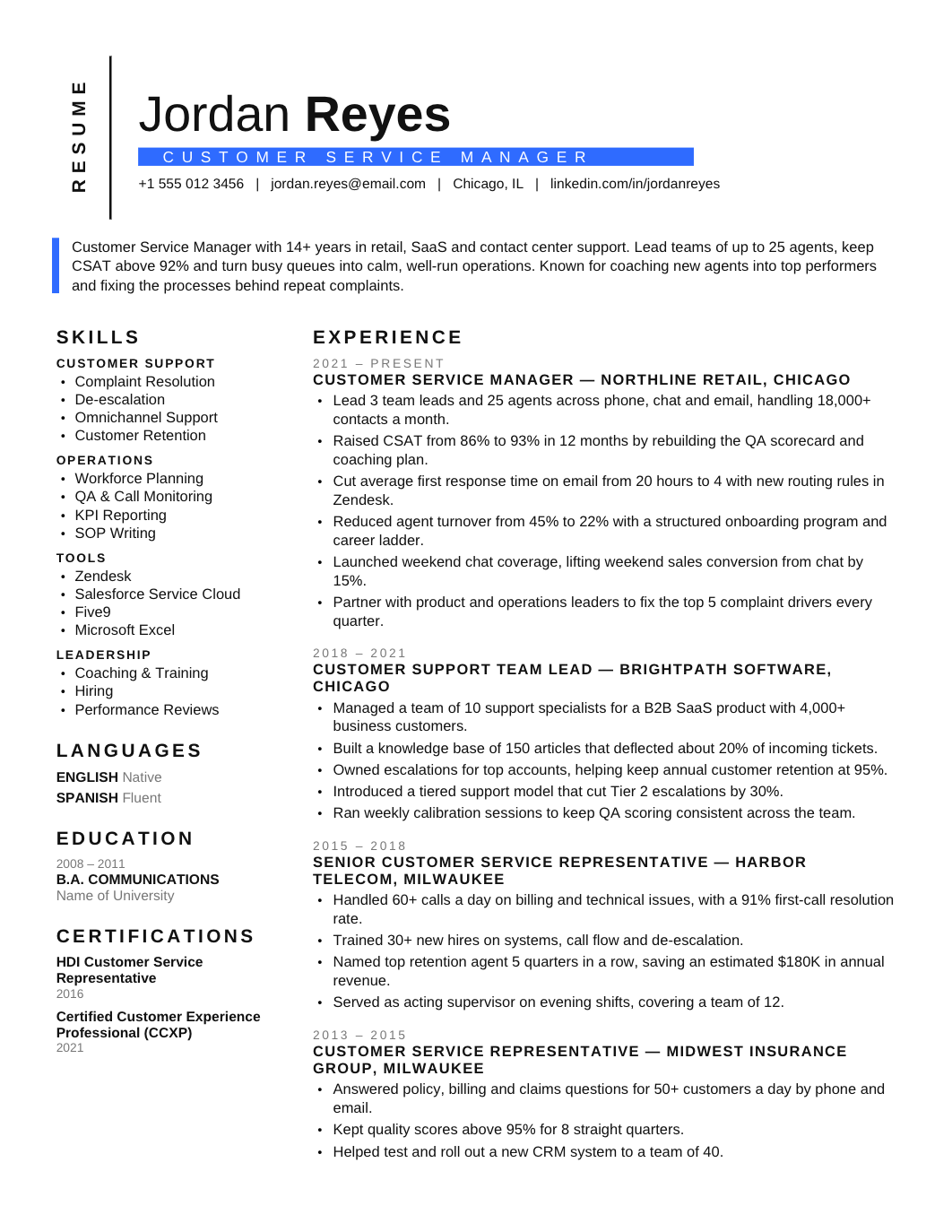
FREEA one-page resume for call centre, support and front-line service roles, with a skills block for systems and channels and bullets that measure service quality and volume.